I want to display the child pages of the current page you are on.
<?php wp_list_pages('child_of=67&sort_column=menu_order&title_li=') ?>
If I give the id number like above it works perfectly like this:

However I want to use this as a template for multiple pages, but when I use the ID or get Id or echoing the ID, it also take the sibling pages of the parent page. Which I don’t need.
<?php wp_list_pages('child_of=the_ID()&sort_column=menu_order&title_li=') ?>
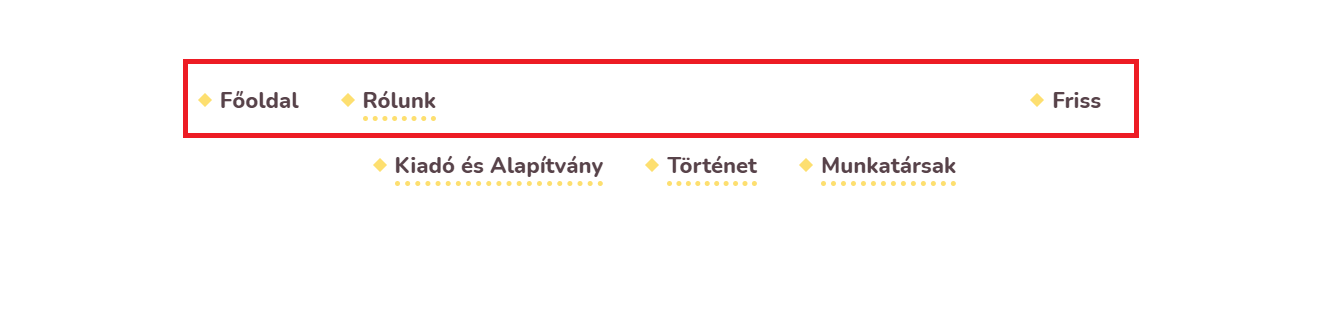
I can’t figure it out what I am doing wrong.
Answers:
Thank you for visiting the Q&A section on Magenaut. Please note that all the answers may not help you solve the issue immediately. So please treat them as advisements. If you found the post helpful (or not), leave a comment & I’ll get back to you as soon as possible.
Method 1
<?php
$current_page_id = get_the_ID();
wp_list_pages("child_of={$current_page_id}&sort_column=menu_order&title_li="); ?>
Please check the above code
All methods was sourced from stackoverflow.com or stackexchange.com, is licensed under cc by-sa 2.5, cc by-sa 3.0 and cc by-sa 4.0