I’m trying to visualize a numpy array using imshow() since it’s similar to imagesc() in Matlab.
imshow(random.rand(8, 90), interpolation='nearest')
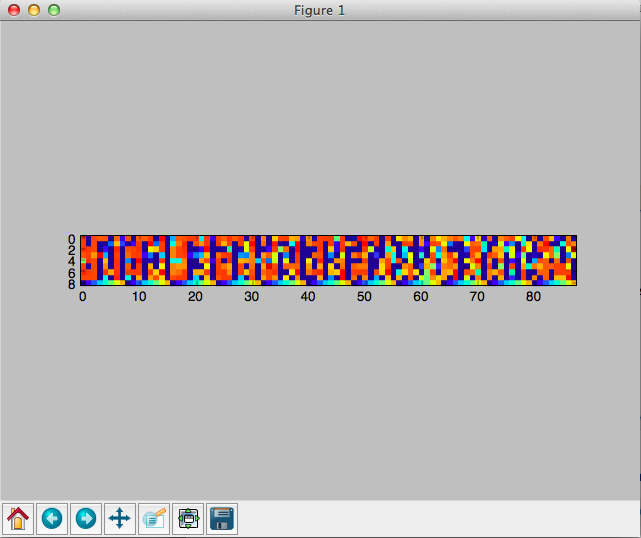
The resulting figure is very small at the center of the grey window, while most of the space is unoccupied. How can I set the parameters to make the figure larger? I tried figsize=(xx,xx) and it’s not what I want. Thanks!
Answers:
Thank you for visiting the Q&A section on Magenaut. Please note that all the answers may not help you solve the issue immediately. So please treat them as advisements. If you found the post helpful (or not), leave a comment & I’ll get back to you as soon as possible.
Method 1
If you don’t give an aspect argument to imshow, it will use the value for image.aspect in your matplotlibrc. The default for this value in a new matplotlibrc is equal.
So imshow will plot your array with equal aspect ratio.
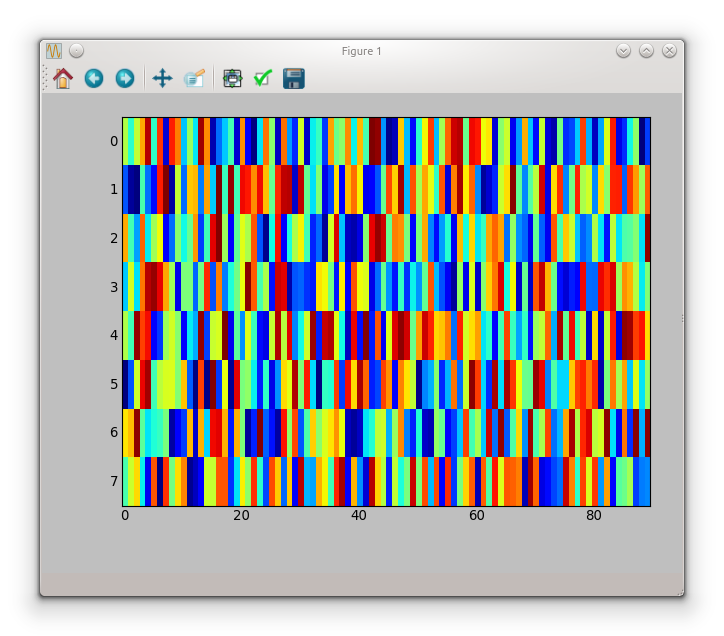
If you don’t need an equal aspect you can set aspect to auto
imshow(random.rand(8, 90), interpolation='nearest', aspect='auto')
which gives the following figure
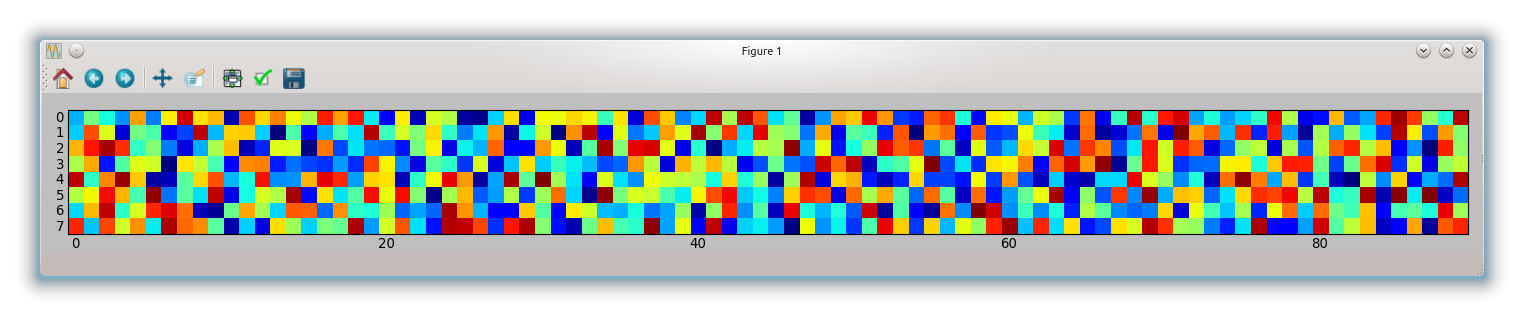
If you want an equal aspect ratio you have to adapt your figsize according to the aspect
fig, ax = subplots(figsize=(18, 2))
ax.imshow(random.rand(8, 90), interpolation='nearest')
tight_layout()
which gives you:
Method 2
That’s strange, it definitely works for me:
from matplotlib import pyplot as plt

plt.figure(figsize = (20,2))
plt.imshow(random.rand(8, 90), interpolation='nearest')
I am using the “MacOSX” backend, btw.
Method 3
Update 2020
as requested by @baxxx, here is an update because random.rand is deprecated meanwhile.
This works with matplotlip 3.2.1:
from matplotlib import pyplot as plt
import random
import numpy as np

random = np.random.random ([8,90])

plt.figure(figsize = (20,2))
plt.imshow(random, interpolation='nearest')
This plots:

To change the random number, you can experiment with np.random.normal(0,1,(8,90)) (here mean = 0, standard deviation = 1).
Method 4
I’m new to python too. Here is something that looks like will do what you want to
axes([0.08, 0.08, 0.94-0.08, 0.94-0.08]) #[left, bottom, width, height]
axis('scaled')`
I believe this decides the size of the canvas.
All methods was sourced from stackoverflow.com or stackexchange.com, is licensed under cc by-sa 2.5, cc by-sa 3.0 and cc by-sa 4.0