I’ve been trying to wrap text for long labels in my code. I tried the textwrap method suggested earlier here, but my code defines yticklabels through an array imported from a csv using the pyplot.setp() method. I’m using tight_layout() for the formatting otherwise.
So the question is – is there a way to wrap the really long y labels to newlines easily?
Here is some sample code that I’d like a fix for:
import numpy as np
import matplotlib.pyplot as plt

labels=('Really really really really really really long label 1', 'Really really really really really really long label 2', 'Really really really really really really long label 3')
values=(30,50,40)

fig = plt.figure()
ax=fig.add_subplot(111)

plt.ylim((0,40))
for i in np.arange(3):
    plt.barh(15*i, values[i])

plt.yticks(15*np.arange(3))
plt.setp(ax.set_yticklabels(labels))

plt.tight_layout()
plt.show()
This plots something like this
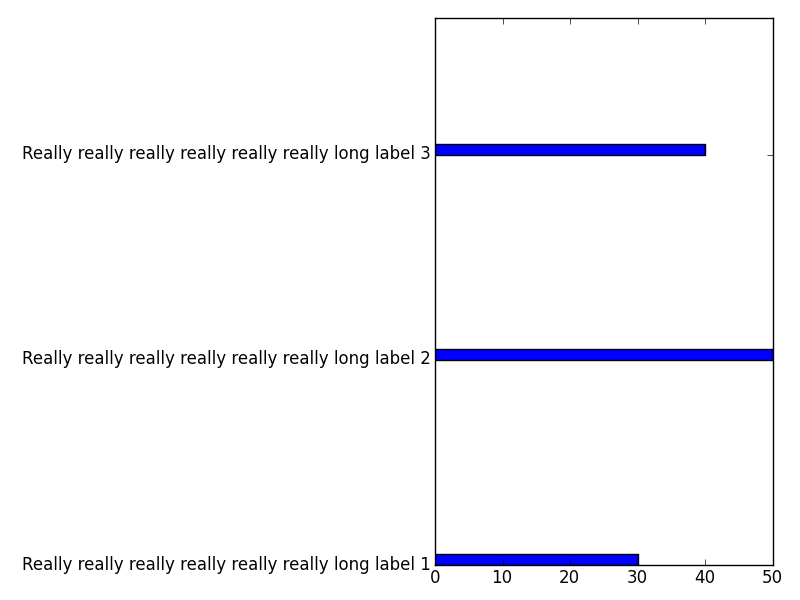
I’d like the labels to go to newlines after a fixed width. Any ideas?
Answers:
Thank you for visiting the Q&A section on Magenaut. Please note that all the answers may not help you solve the issue immediately. So please treat them as advisements. If you found the post helpful (or not), leave a comment & I’ll get back to you as soon as possible.
Method 1
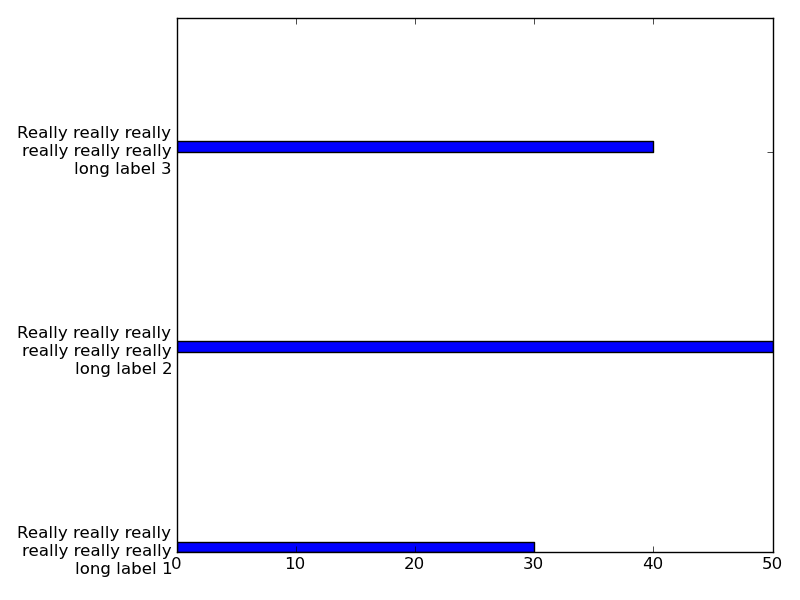
I have tried using textwrap on the labels and it works for me.
from textwrap import wrap
labels=['Really really really really really really long label 1',
        'Really really really really really really long label 2',
        'Really really really really really really long label 3']
labels = [ 'n'.join(wrap(l, 20)) for l in labels ]
Inserting this in your code gives us:
Method 2
If you are looking for a fast way to wrap your labels dynamically, you can simply replace ' ' by 'n' like this :
wrapped_labels = [ label.replace(' ', 'n') for label in labels ]
All methods was sourced from stackoverflow.com or stackexchange.com, is licensed under cc by-sa 2.5, cc by-sa 3.0 and cc by-sa 4.0