I’m trying to get some info from this page using Selenium:
I want to get the src of the image on the right side of page.
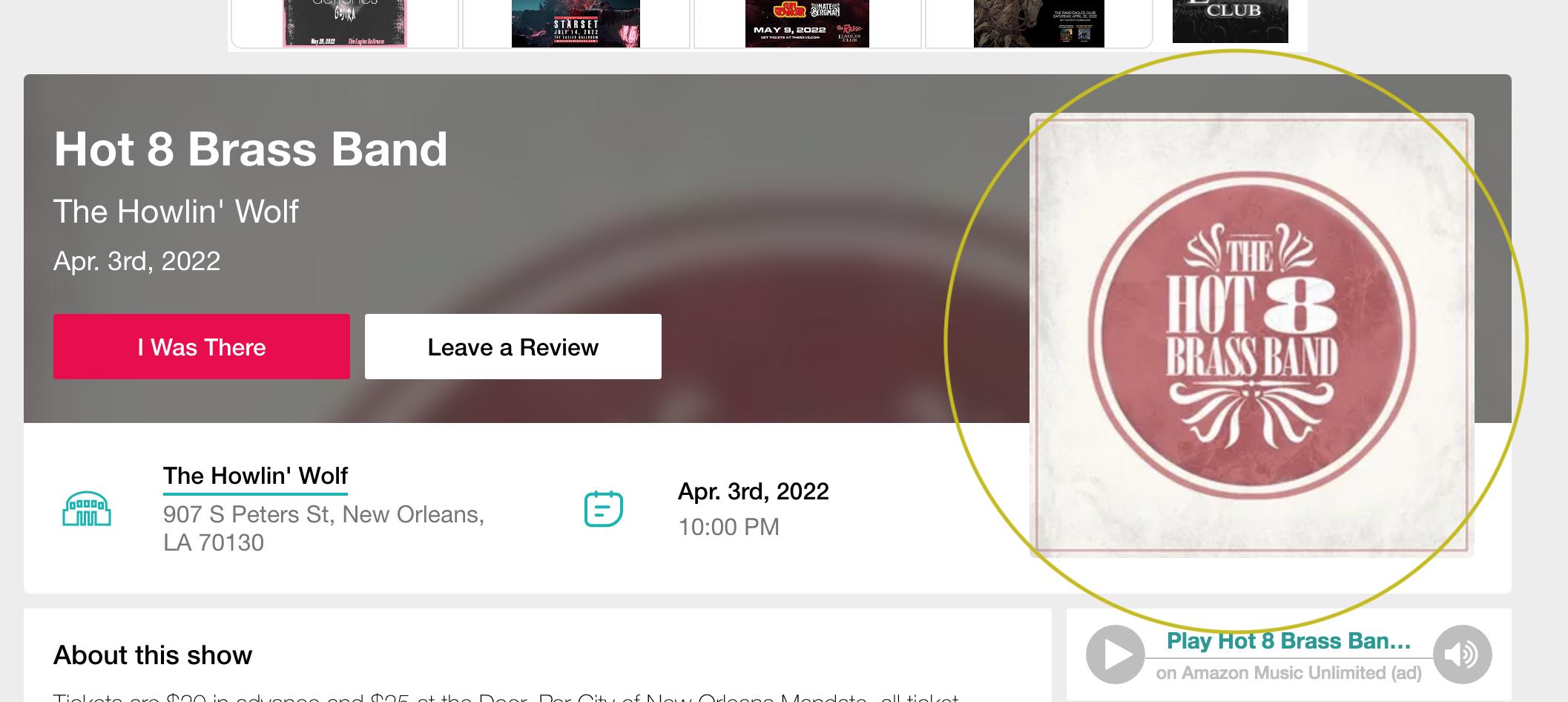
Here’s the page inspector – the src tag I’m trying to get is circled:
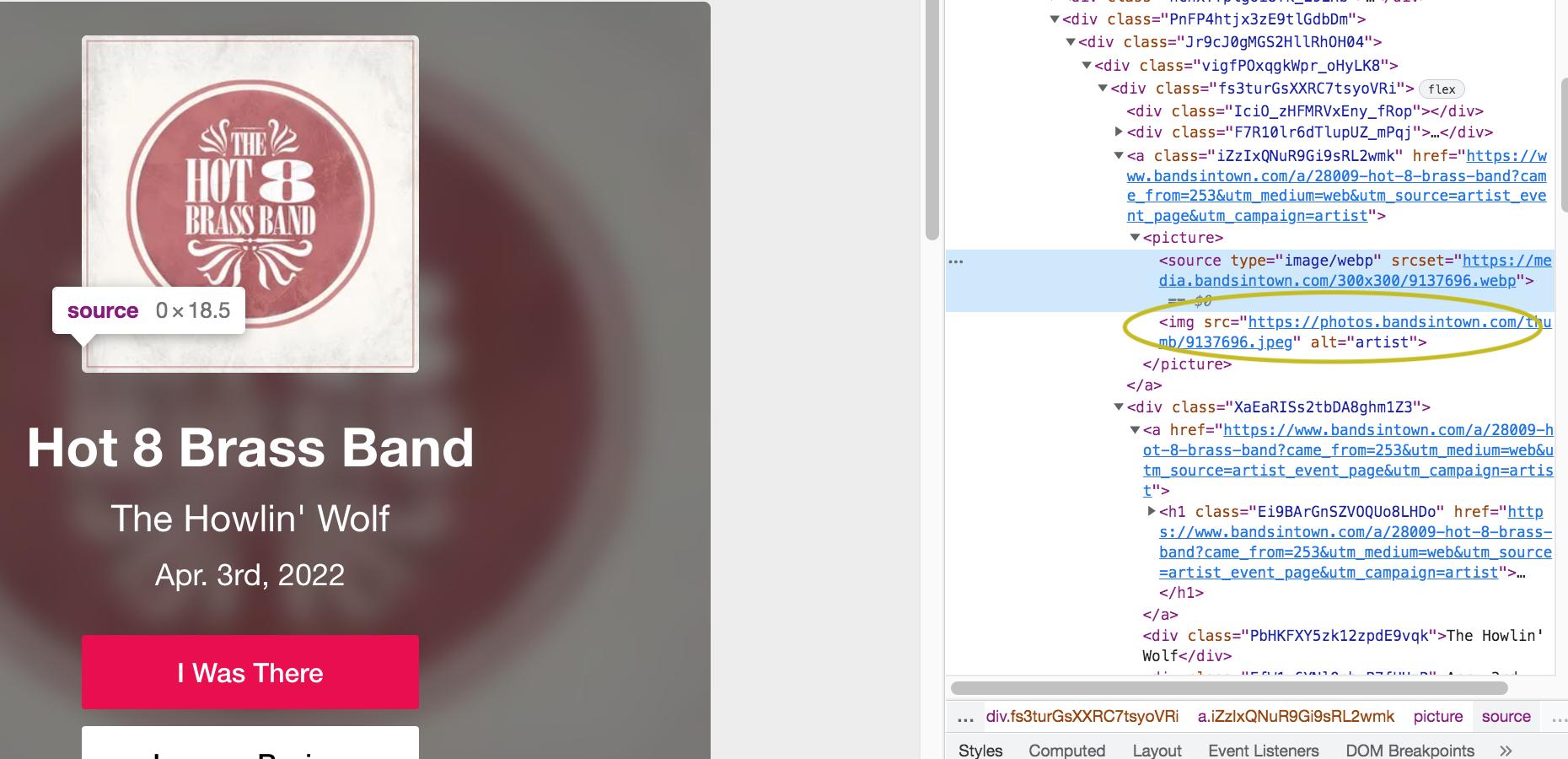
I need to access the src without referencing any explicit div names, so what I want to do is find the href instance which contains the image, and then search for the image inside of the a tag.
Here’s my code, which fails to retrieve anything (printing find_src prints nothing) :
find_src = driver.find_element_by_css_selector('a[href^="https://www.bandsintown.com/a/"]//img').get_attribute("src")
What am I doing wrong here?
Answers:
Thank you for visiting the Q&A section on Magenaut. Please note that all the answers may not help you solve the issue immediately. So please treat them as advisements. If you found the post helpful (or not), leave a comment & I’ll get back to you as soon as possible.
Method 1
Please retry by replacing your css selector expression with this one: “a[href^=’https://www.bandsintown.com/a/’] img”. So, your rectified code will be:
find_src = driver.find_element_by_css_selector("a[href^='https://www.bandsintown.com/a/'] img").get_attribute("src")
If we want to select a descendant element using CSS selectors, space ” ” is used but in your CSS selector expression, “//” is there. For more information, kindly refer this link: https://developer.mozilla.org/en-US/docs/Web/CSS/CSS_Selectors
All methods was sourced from stackoverflow.com or stackexchange.com, is licensed under cc by-sa 2.5, cc by-sa 3.0 and cc by-sa 4.0