I am new to Crystal Reports. I have designed a Crystal Report by following this link: Crystal Report with SQL Stored Procedure Parameter and Visual Studio
What I need to do is pass different ID’s (Input value of the SP) to the SP that I connected with the Crystal Report.
This is the code I have which passes the ID to the Crystal Report :
        protected void Button1_Click(object sender, EventArgs e)
        {
        string QuotationID = ViewState["QUOTATION_ID"].ToString();
        ReportDocument reportDocument = new ReportDocument();
        ParameterField paramField = new ParameterField();
        ParameterFields paramFields = new ParameterFields();
        ParameterDiscreteValue paramDiscreteValue = new ParameterDiscreteValue();


        paramField.Name = "@id";


        paramDiscreteValue.Value = QuotationID;

        paramField.CurrentValues.Add(paramDiscreteValue);
        paramFields.Add(paramField);


        paramFields.Add(paramField);

        CrystalReportViewer1.ParameterFieldInfo = paramFields;

        string reportPath = Server.MapPath("~/CrystalReport.rpt");

        reportDocument.Load(reportPath);


        CrystalReportViewer1.ReportSource = reportDocument;
        }
But whenever I click the button it asks for the ID…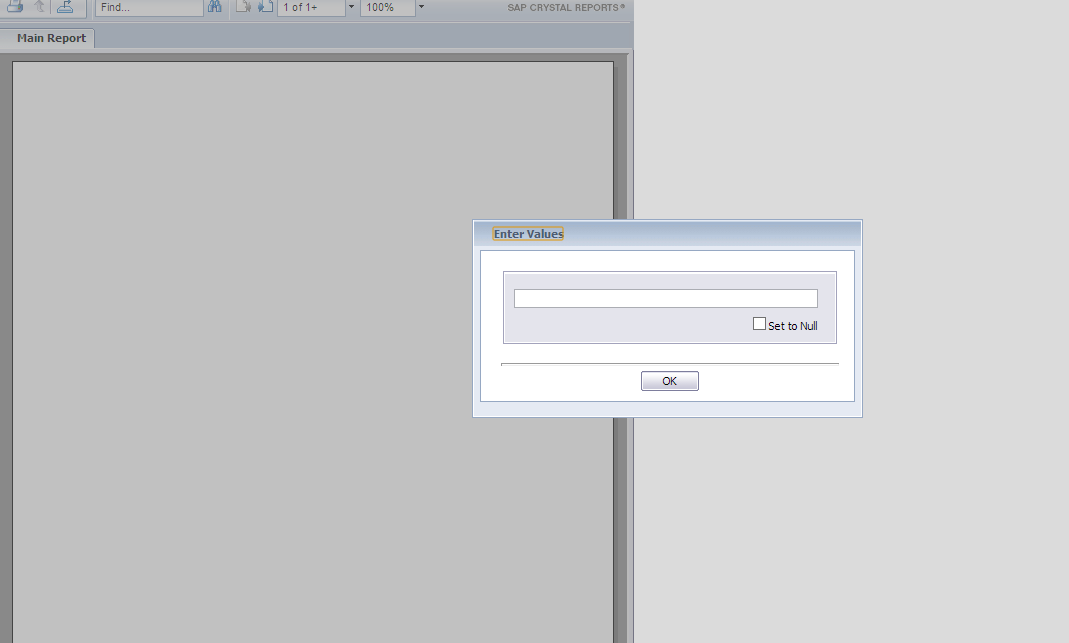
Answers:
Thank you for visiting the Q&A section on Magenaut. Please note that all the answers may not help you solve the issue immediately. So please treat them as advisements. If you found the post helpful (or not), leave a comment & I’ll get back to you as soon as possible.
Method 1
To set parameter on crystal I always do it this way:
ReportDocument reportDocument = new ReportDocument();
reportDocument.Load(reportPath);
reportDocument.SetParameterValue("@id", QuotationID);
if you want to convert your report to a pdf:
var exportOptions = reportDocument.ExportOptions;
exportOptions.ExportDestinationType = ExportDestinationType.NoDestination;
exportOptions.ExportFormatType = ExportFormatType.PortableDocFormat;
var req = new ExportRequestContext {ExportInfo = exportOptions};
var stream = reportDocument.FormatEngine.ExportToStream(req);
this returns you back a filestream that you can open from the aspx page.
All methods was sourced from stackoverflow.com or stackexchange.com, is licensed under cc by-sa 2.5, cc by-sa 3.0 and cc by-sa 4.0