I have been searching for hours, but I could not find the solution. I will explain briefly.
I am learning WCF Services. I have just created a service and browse it. Here is the config file:
<?xml version="1.0"?>
<configuration>
  <system.serviceModel>
    <behaviors>
      <serviceBehaviors>
        <behavior name="EmployeeServiceBehaviour">
          <serviceMetadata httpGetEnabled="true" />
          <serviceDebug includeExceptionDetailInFaults="true" />
        </behavior>
      </serviceBehaviors>
    </behaviors>
    <services>
      <service behaviorConfiguration="EmployeeServiceBehaviour" name="EmployeeConfiguration">
        <endpoint address="http://localhost:2005/EmployeeService.svc" binding="basicHttpBinding"
          bindingConfiguration="" contract="IEmployeeConfiguration" />
      </service>
    </services>
  </system.serviceModel>
  <system.web>
    <compilation debug="true"/>
  </system.web>
  <system.webServer>
    <directoryBrowse enabled="true"/>
  </system.webServer>
</configuration>
When browse it from Visual Studio there seems no problem. It works perfectly.
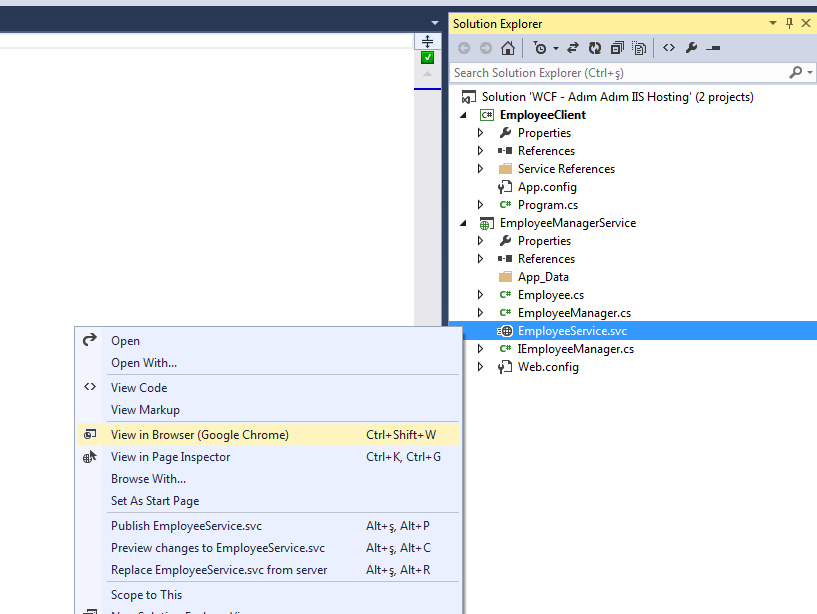
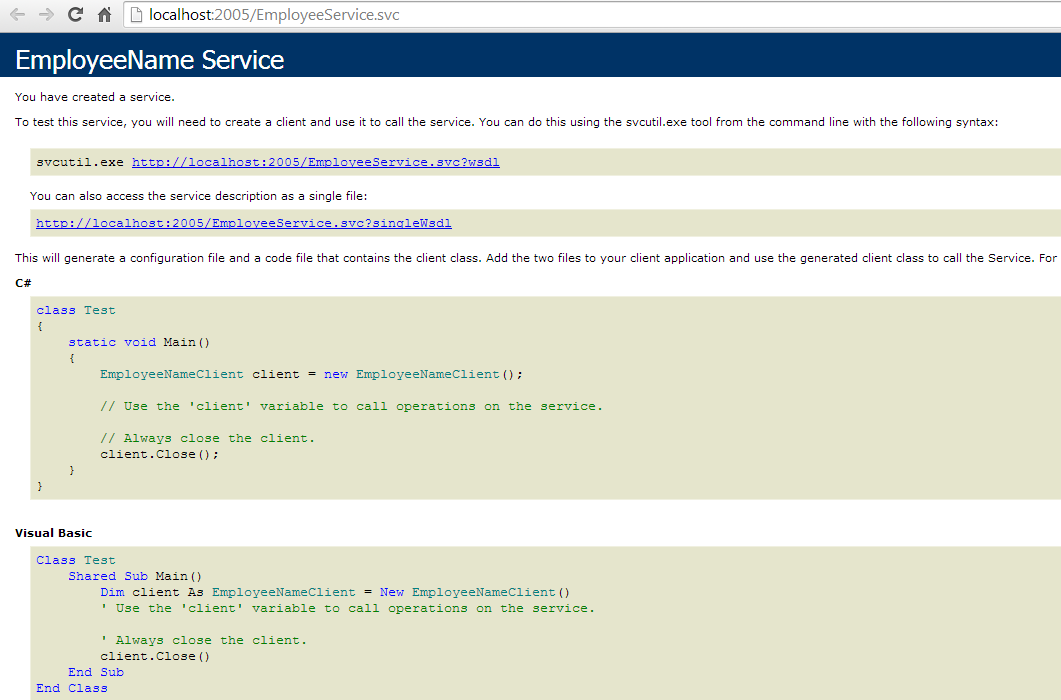
Second, I am trying to publish it on IIS. What I am doing is this:
I publish the service to a folder and add this service to IIS.
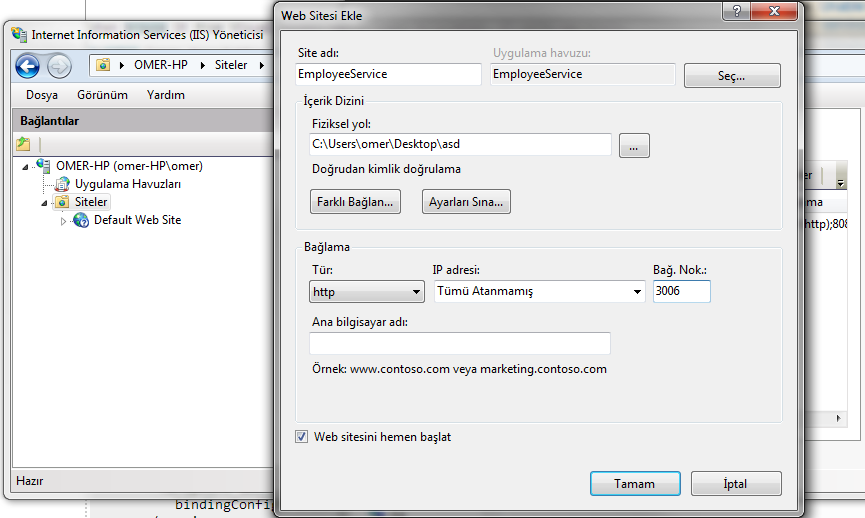
I select port 3006 as a port.
Below its config file. Note that I also changed port inside config to 3006
<?xml version="1.0"?>
<configuration>
  <system.serviceModel>
    <behaviors>
      <serviceBehaviors>
        <behavior name="EmployeeServiceBehaviour">
          <serviceMetadata httpGetEnabled="true" />
          <serviceDebug includeExceptionDetailInFaults="true" />
        </behavior>
      </serviceBehaviors>
    </behaviors>
    <services>
      <service behaviorConfiguration="EmployeeServiceBehaviour" name="EmployeeConfiguration">
        <endpoint address="http://localhost:3006/EmployeeService.svc" binding="basicHttpBinding"
          bindingConfiguration="" contract="IEmployeeConfiguration" />
      </service>
    </services>
  </system.serviceModel>
  <system.web>
    <compilation/>
  </system.web>
  <system.webServer>
    <directoryBrowse enabled="true"/>
  </system.webServer>
</configuration>
And I am waiting to run smoothly but:
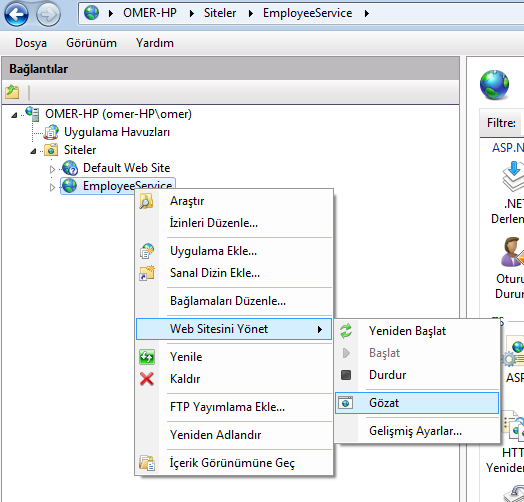
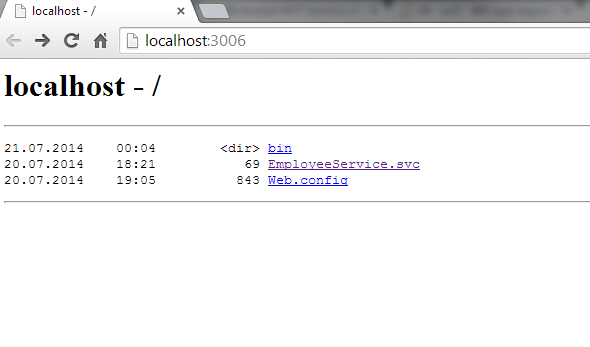
IIS gives me a blank page from Chrome
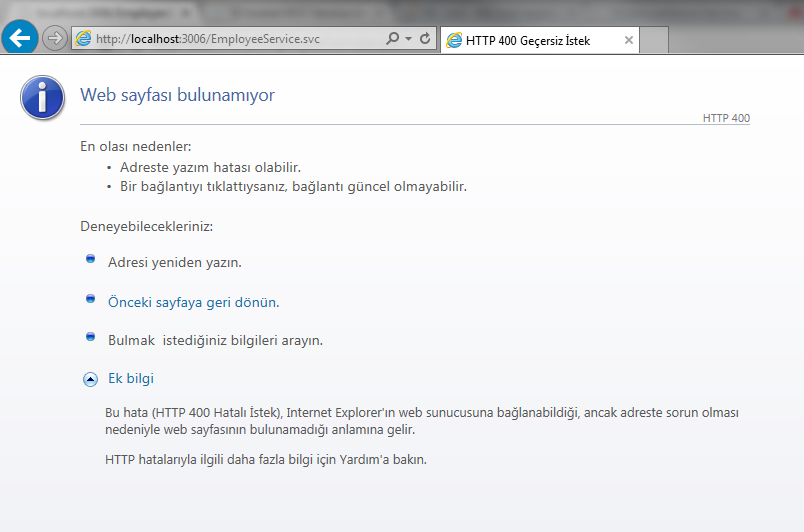
And HTTP 400 Bad Request from Explorer
Lastly, if I remove address part from config file everything works well. But other confused thing is that, on my other computer after above scenario(address provided) I can reach the service. So, I really tired of searching why this is working on one computer and not working on another one. Could someone explain it to me?
I know it is a bit longer, but I have to explain it clearly.
Thanks
Answers:
Thank you for visiting the Q&A section on Magenaut. Please note that all the answers may not help you solve the issue immediately. So please treat them as advisements. If you found the post helpful (or not), leave a comment & I’ll get back to you as soon as possible.
Method 1
According my searches I should not provide an address.
msdn.microsoft.com/en-us/library/aa751792(v=vs.110).aspx
You must always use relative endpoint addresses for IIS-hosted service
endpoints. Supplying a fully-qualified endpoint address (for example,
localhost/MyService.svc) can lead to errors in the deployment of the
service if the endpoint address does not point to the IIS-application
that hosts the service exposing the endpoint. Using relative endpoint
addresses for hosted services avoids these potential conflicts.
Method 2
I think this will solve your problem:
Add this endpoint to your service:
<endpoint address="mex" binding="mexHttpBinding"
    bindingConfiguration="" contract="IMetadataExchange" />
And change the name attribute of the service to your service class’s full name:
<service behaviorConfiguration="EmployeeServiceBehaviour"
    name="Namespace.EmployeeConfigurationClass">
Hope that is enough
Method 3
This may be of help. ive just spent over 2 hours trying to get this working. i use FF and its set as the default browser.
in FF it was adding a / on the end of my URL
http://services.tester.dev/VehicleFeedService.svc/
which returned a NetworkError: 400 Bad Request
however in IE or chrome, it doesnt put the / on the end and it works fine.
one thing to note.. even in FF which was giving me a 400 bad request, the ?wdsl did work
http://services.tester.dev/VehicleFeedService.svc?wsdl
it appears that the / was causing the issue
Method 4
You can try fiddler and also try the svcTracer which may give you lot of debugging information on the top of it you can also use includeExceptionDetailInFaults=true flag on the server but its important to flag that its not always right to send this information to the client specially if client is an external entity. With this warning following is the hint how to use it.
<serviceBehaviors>
    <behavior name="ServiceBehavior">
    ....
        <serviceDebug includeExceptionDetailInFaults="true" />
    ....
    </behavior>
</serviceBehaviors>
Happy debugging 🙂
All methods was sourced from stackoverflow.com or stackexchange.com, is licensed under cc by-sa 2.5, cc by-sa 3.0 and cc by-sa 4.0