I know the basics of Angular and ASP.NET Core 2, but not on the level that would allow me to understand how this template works.
I tried generating components using Angular CLI in Visual Studio Code, however, it says I don’t have the CLI. I think it’s the webpack thingy that keeps the CLI and allows all the cool stuff that comes with the template, but is there a way to use the CLI despite that? Or do I have, for example, generate components manually by creating the files and adding dependecies?
I can’t find any documentation on the template or a tutorial that would use it.
Answers:
Thank you for visiting the Q&A section on Magenaut. Please note that all the answers may not help you solve the issue immediately. So please treat them as advisements. If you found the post helpful (or not), leave a comment & I’ll get back to you as soon as possible.
Method 1
First of all after installing angular cli globally:
npm install @angular/[email protected] -g
You have to first create an angular project outside your main project with this command:
ng new hello-world
Now, go to project directory and copy .angular-cli.json file into the root of your main dot net core project.
Then you have to edit this part of the file:
"root" : "src"change to"root" : "ClientApp"
Next, you have to install angularCli dev in your root of your project:
cd DotNetCoreProject
npm install @angular/[email protected] --save-dev
Everythings was done!
Now, go to your component directory of your project:
cd ClientApp/app/components
and make your component in component directory in terminal:
ng g c MyComponent --module='app.module.browser.ts'
Method 2
The visual studio supports Angular CLI with Asp.Net Core project
in the newest version of Angular project template in asp.net core 2.1.
-
If using ASP.NET Core 2.0, install the latest version of Angular project
template:1.1. Open the visual studio
1.2. Go to tools -> NuGet Package Manager -> Package Manager Console and run this command:
dotnet new –install Microsoft.DotNet.Web.Spa.ProjectTemplates
If you have ASP.NET Core 2.1, there’s no need to install it.
-
Create an empty folder for your project and run cmd as administrator and navigate to
this folder(alternatively, press Alt + D in an empty folder and write cmd as administrator). -
Create a new angular project with below commands:
dotnet new angular -o my-new-app
cd my-new-app
The Angular app, residing in the ClientApp subdirectory,
is intended to be used for all UI concerns.
- Go to ClientApp folder with ‘cd ClientApp’ command.
If you haven’t installed the angular-cli package, run ‘npm install -g @angular/cli’ command.

- Run ‘npm install’ command for installing the node_modules.
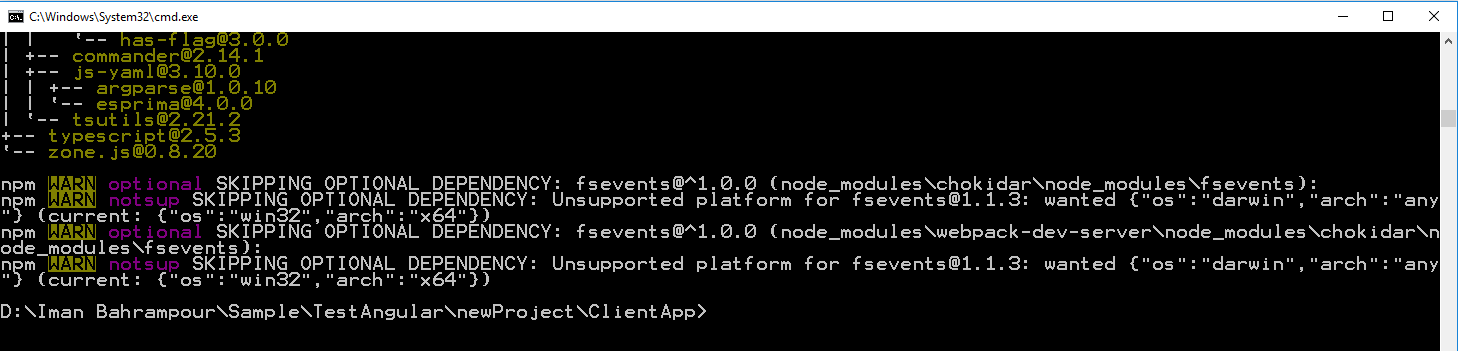
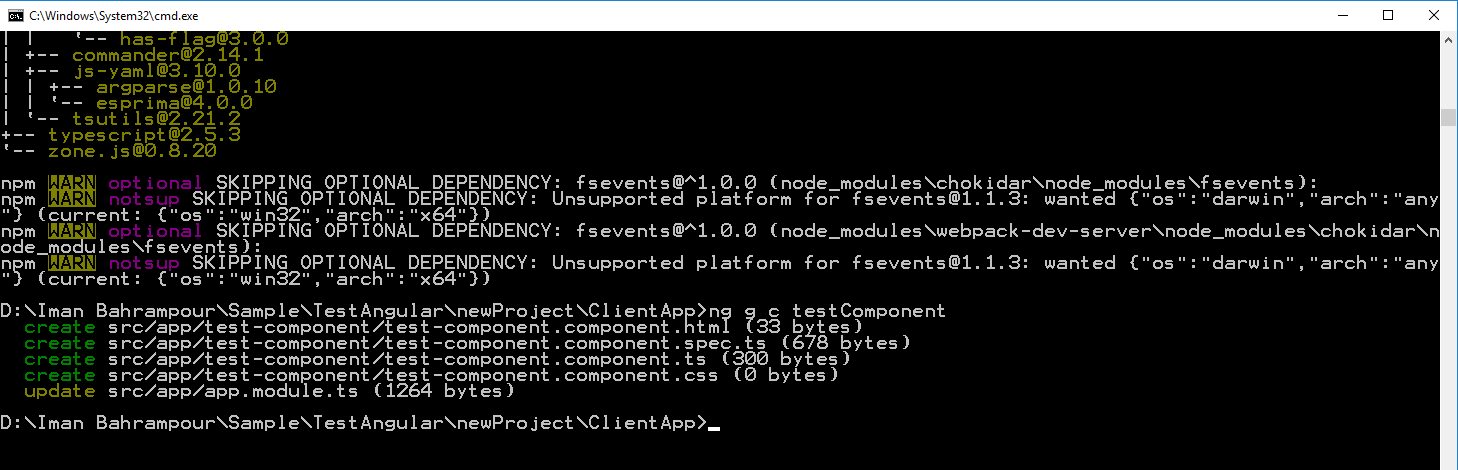
- Run ‘ng g c testComponent’ command(an Angular-CLI command) for creating a testComponent.
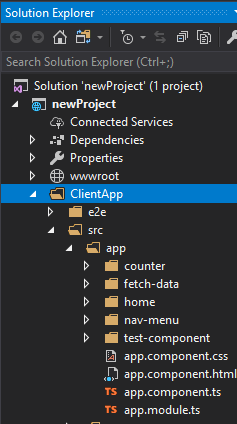
The test-component added to solution explorer
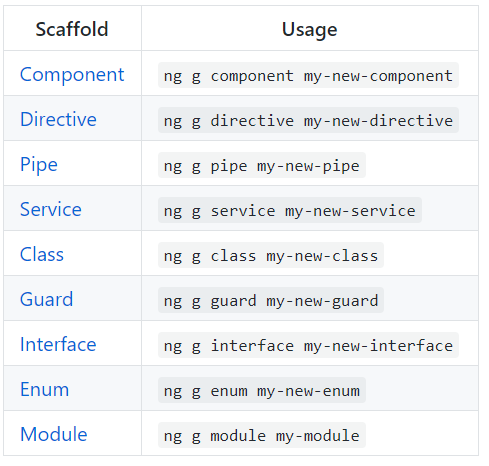
Run each of Angular CLI commands:
Good Luck
Method 3
in .angular-cli.json in part “apps” replace “./src” to “src”
“apps”: [ { “root”: “src”, “outDir”: “dist”,
All methods was sourced from stackoverflow.com or stackexchange.com, is licensed under cc by-sa 2.5, cc by-sa 3.0 and cc by-sa 4.0