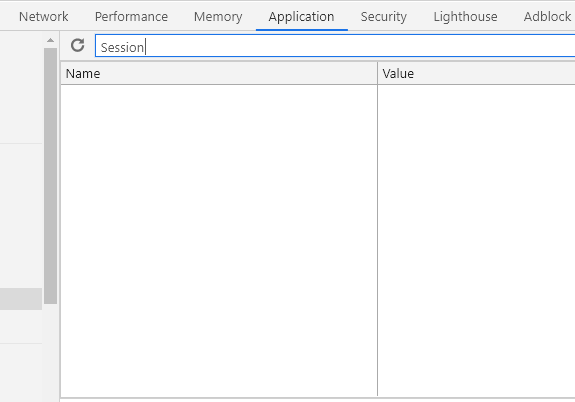
I have an ASP.NET MVC e-commerce application. Our help desk report me some chrome browsers have problems with our site. I found the problem but i cannot solve the problem. The problem is some chrome browsers not set session cookie. There is no cookie for session and the application use session of course so the application doesn’t properly on some chrome browser. You can see my session setting at below.
What can i do? I don’t solve the problem.
//global.asax
protected void Session_Start(Object sender, EventArgs e)
{
    Session["init"] = 0;
    Session.Timeout = 10080;
}

//web.config
<sessionState cookieName="MySessionId" cookieSameSite="None" timeout="1000" mode="Custom"
   customProvider="MySessionStateStore">
  <providers>
    <add name="MySessionStateStore" type="Microsoft.Web.Redis.RedisSessionStateProvider"
          host="x.x.x.x" accessKey="" ssl="false" port="6379" />
  </providers>
</sessionState>
Answers:
Thank you for visiting the Q&A section on Magenaut. Please note that all the answers may not help you solve the issue immediately. So please treat them as advisements. If you found the post helpful (or not), leave a comment & I’ll get back to you as soon as possible.
Method 1
I’ve found solution. Some chrome version was block same-site cookie without https.
I added to web.config “requireSsl” property.
Reason:https://www.chromestatus.com/feature/5633521622188032
Solution:
<httpCookies sameSite="None" requireSSL="true" />
All methods was sourced from stackoverflow.com or stackexchange.com, is licensed under cc by-sa 2.5, cc by-sa 3.0 and cc by-sa 4.0