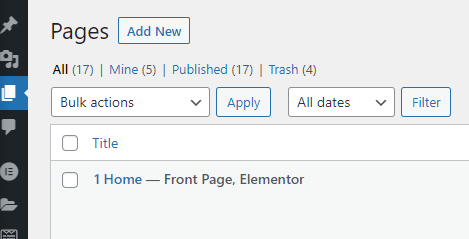
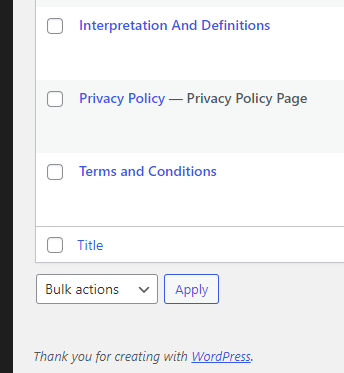
In the “Pages” section of the WordPress admin panel, after some of the page titles, I see these long dashes and a note(s) of some kind: “Privacy Policy Page”, “Front Page, Elementor”, etc.
- What are these “notes”?
- How do I edit them?
Answers:
Thank you for visiting the Q&A section on Magenaut. Please note that all the answers may not help you solve the issue immediately. So please treat them as advisements. If you found the post helpful (or not), leave a comment & I’ll get back to you as soon as possible.
Method 1
You can’t edit them, and they’re not notes stored on a post
- If you set a page in settings as the front page,
Front pagewill be shown so it’s easier to identify that page - The same is true if you choose a page to be your privacy policy
- Elementor may add the word Elementor but you need to ask Elementor support for the reason as 3rd party plugin support is off topic here
All methods was sourced from stackoverflow.com or stackexchange.com, is licensed under cc by-sa 2.5, cc by-sa 3.0 and cc by-sa 4.0