I’m trying to extend the media modal, but I cant’ find any documentation / tutorials about it. I’m not a master of backbone too 😉
I want to add a select box for each taxonomy that is attached to the attachment post type. At the moment only one select box is shown.
So this is what I came up with. It works great except that it replaces the default toolbar.
Code
/**
 * Extended Filters dropdown with taxonomy term selection values
 */
jQuery.each(mediaTaxonomies,function(key,label){

    media.view.AttachmentFilters[key] = media.view.AttachmentFilters.extend({
        className: key,

        createFilters: function() {
            var filters = {};

            _.each( mediaTerms[key] || {}, function( term ) {

                var query = {};

                query[key] = {
                    taxonomy: key,
                    term_id: parseInt( term.id, 10 ),
                    term_slug: term.slug
                };

                filters[ term.slug ] = {
                    text: term.label,
                    props: query
                };
            });

            this.filters = filters;
        }

    });

    /**
     * Replace the media-toolbar with our own
     */
    media.view.AttachmentsBrowser = media.view.AttachmentsBrowser.extend({
        createToolbar: function() {

            media.model.Query.defaultArgs.filterSource = 'filter-media-taxonomies';

            this.toolbar = new media.view.Toolbar({
                controller: this.controller
            });

            this.views.add( this.toolbar );

            this.toolbar.set( 'terms', new media.view.AttachmentFilters[key]({
                controller: this.controller,
                model:      this.collection.props,
                priority:   -80
            }).render() );
        }
    });

});
Original
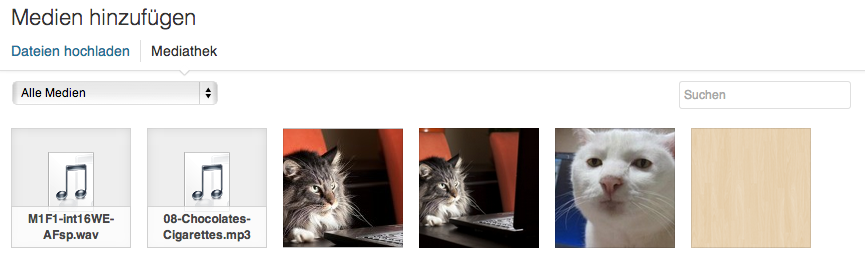
My result
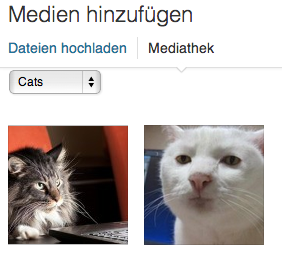
What I want
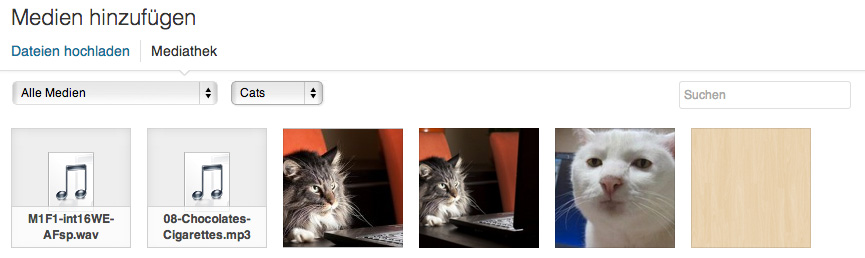
Full code
https://github.com/Horttcore/Media-Taxonomies
Answers:
Thank you for visiting the Q&A section on Magenaut. Please note that all the answers may not help you solve the issue immediately. So please treat them as advisements. If you found the post helpful (or not), leave a comment & I’ll get back to you as soon as possible.
Method 1
The wonderful world of Backbone.js and WP (of which I know barely anything).
I think the problem is you are just calling the same default media.view, instead I believe you need to initialize a new one.
For example:
/**
 * Replace the media-toolbar with our own
 */
    var myDrop = media.view.AttachmentsBrowser;

    media.view.AttachmentsBrowser = media.view.AttachmentsBrowser.extend({
    createToolbar: function() {

        media.model.Query.defaultArgs.filterSource = 'filter-media-taxonomies';

        myDrop.prototype.createToolbar.apply(this,arguments);

        this.toolbar.set( key, new media.view.AttachmentFilters[key]({
            controller: this.controller,
            model:      this.collection.props,
            priority:   -80
        }).render() );
    }
});
Would give you something like below (I did not do any thorough error checking but it does work).
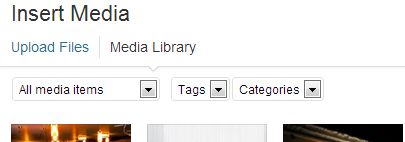
You should also consider doing this with media.view.AttachmentFilters and anything custom with regards to window.wp.media;.
All methods was sourced from stackoverflow.com or stackexchange.com, is licensed under cc by-sa 2.5, cc by-sa 3.0 and cc by-sa 4.0