I would like to add thickbox for the template which I develop to WordPress. At this time I’m trying with a clean template that have only header.php, footer.php,index.php, and functions.php.
I’ve included the <?php wp_head(); ?> into header.php and the <?php wp_footer(); ?> into footer.php.
I’ve included the wp_head like this:
<?php
wp_enqueue_script('jquery');
wp_enqueue_script('thickbox');
wp_enqueue_style('thickbox');
wp_head();
?>
I’ve changed the gallery link classes to thickbox with this code in functions.php
<?php add_filter( 'wp_get_attachment_link', 'sant_prettyadd');

function sant_prettyadd ($content) {
    $content = preg_replace("/<a/","<a class="thickbox[slides]"",$content,1);
    return $content;
}
?>
When I’m clicking on to a gallery image it should open with thickbox but it opens the imagefile only.
Answers:
Thank you for visiting the Q&A section on Magenaut. Please note that all the answers may not help you solve the issue immediately. So please treat them as advisements. If you found the post helpful (or not), leave a comment & I’ll get back to you as soon as possible.
Method 1
You need to use the wp_enqueue_script function (in your functions.php file) to call the relevant scripts you need. It allows for both built-in libraries and to add any custom that you’re including in your theme.
Method 2
All you need to do is a simple call in your functions.php:
add_action( 'wp_enqueue_scripts', 'add_thickbox' );
That’s it. WordPress will now enqueue jQuery and the thickbox script. By default, linked images aren’t thickboxy yet. You need to:
- Add a class
thickboxto the links manually/per PHP, or - Use a second script to add these classes automagically.
Sample code for footer.php:
<script>
jQuery('a img.size-medium').parent().addClass('thickbox').attr('rel', 'page');
</script>
<?php
wp_footer();
This code adds the class thickbox to all links around medium sized images, and it groups these links to enable the next/prev navigation links.
Now you get a basic thickbox with translated navigation links:
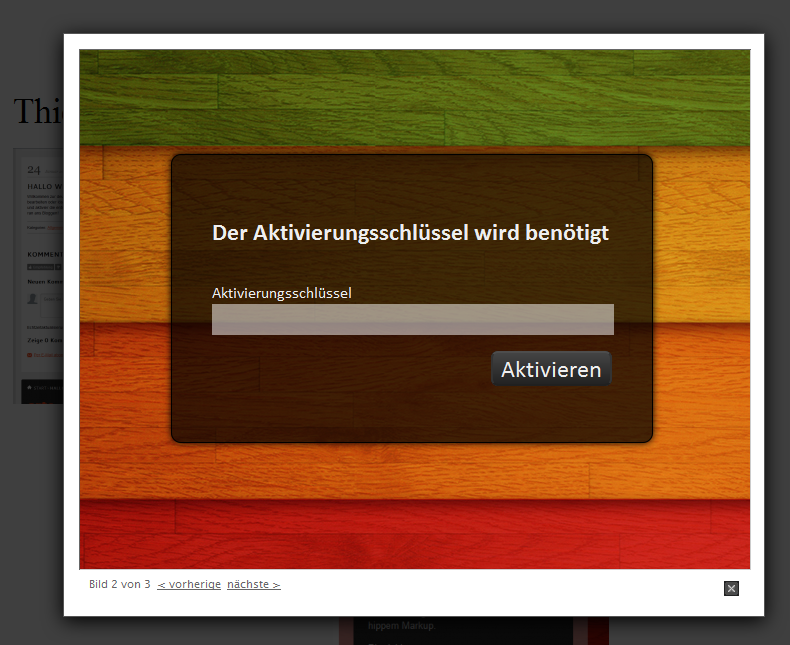
Since this is a script managed by the core it is not keyboard user friendly: The arrow keys don’t do anything. If you need a more usable solution – take a plugin.
Another note: Thickbox may be removed sooner or later from the core. See Ticket 10955.
Method 3
Hi can any one help me to resolve my problem::
Here it my code
<a href="'. site_url(" rel="nofollow noreferrer noopener"wp-admin/admin-ajax.php?action=user_avatar_add_photo&step=1&uid="). $myUID . '&TB_iframe=true&width=720&height=450" title="Upload and Crop an Image to be Displayed" >' . ( 'Update Picture','wp-members' ) . '</a>
this piece of code i’m trying to use in Wp-admin profile it is working fine but.. there is a problem… i.e while I try to chance the user avatar from front end TB_ifram is not popping up… it is spreading to whole webpage…
here it’s image: 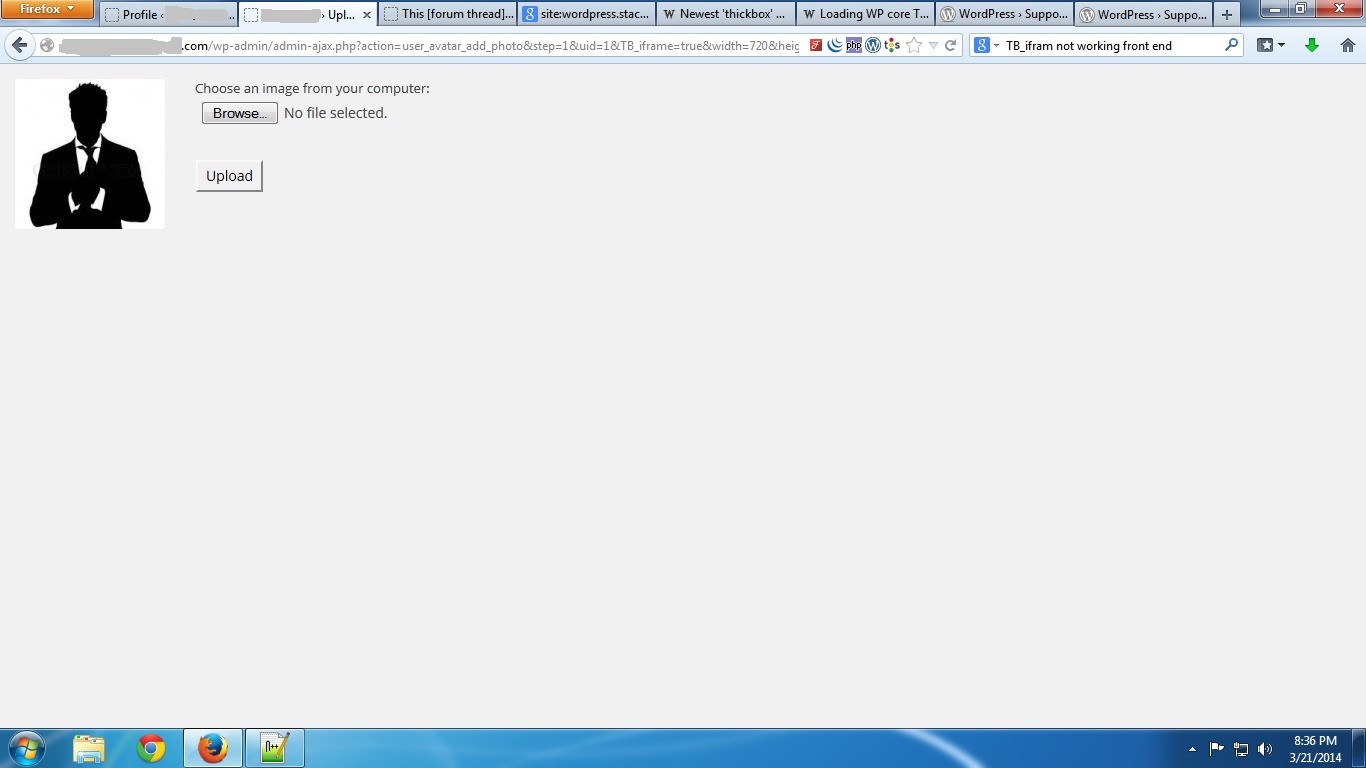
here i need to popup the TB_Ifram content frame from the front end… plz give me suggestion that would be great to you..
regards
All methods was sourced from stackoverflow.com or stackexchange.com, is licensed under cc by-sa 2.5, cc by-sa 3.0 and cc by-sa 4.0