I am running one of the latest versions of Monodevelop on Linux Mint which used to work before I formatted my drive and made a fresh install. When I build my project it builds fine, but when I try to run it I get the following message:
Could not launch ASP.NET web server.
The xsp4 web server cannot be found. Please ensure that it is installed.
I have xsp4 and xsp4-base packages installed. I found in a question and answer on askubuntu that I need to switch the Mono runtime to make it able to find xsp4.
When I go to Edit > Preferences > Projects > .NET Runtimes I see the options Mono 3.10.0 (Default) and Mono 3.10.0 (/usr). Unfortunately, when I switch to the /usr one (the one I need and should work) I get the same error as above that the web server cannot be found. And now the weird part: when I look again in the .NET runtimes options I see that is has switched the default back to the original one.
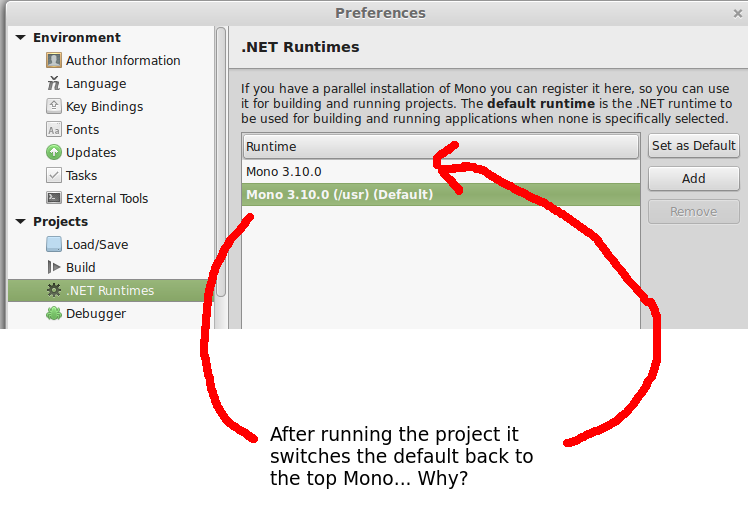
The switching back to another default only happens after I press F5 and try to build the solution (both with release and debug).
Does anyone know how I can fix this?
Answers:
Thank you for visiting the Q&A section on Magenaut. Please note that all the answers may not help you solve the issue immediately. So please treat them as advisements. If you found the post helpful (or not), leave a comment & I’ll get back to you as soon as possible.
Method 1
In case we’re running an ASP.NET application on Mono using Monodevelop for the first time, we may receive the below error:
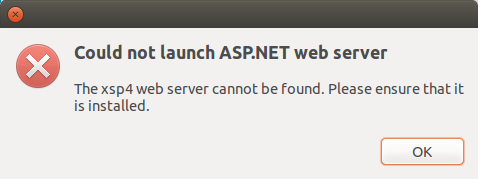
In some cases, the problem is incorrect installation of xsp4 server.
Install it using:
sudo apt-get install mono-xsp4
This solved the above error.
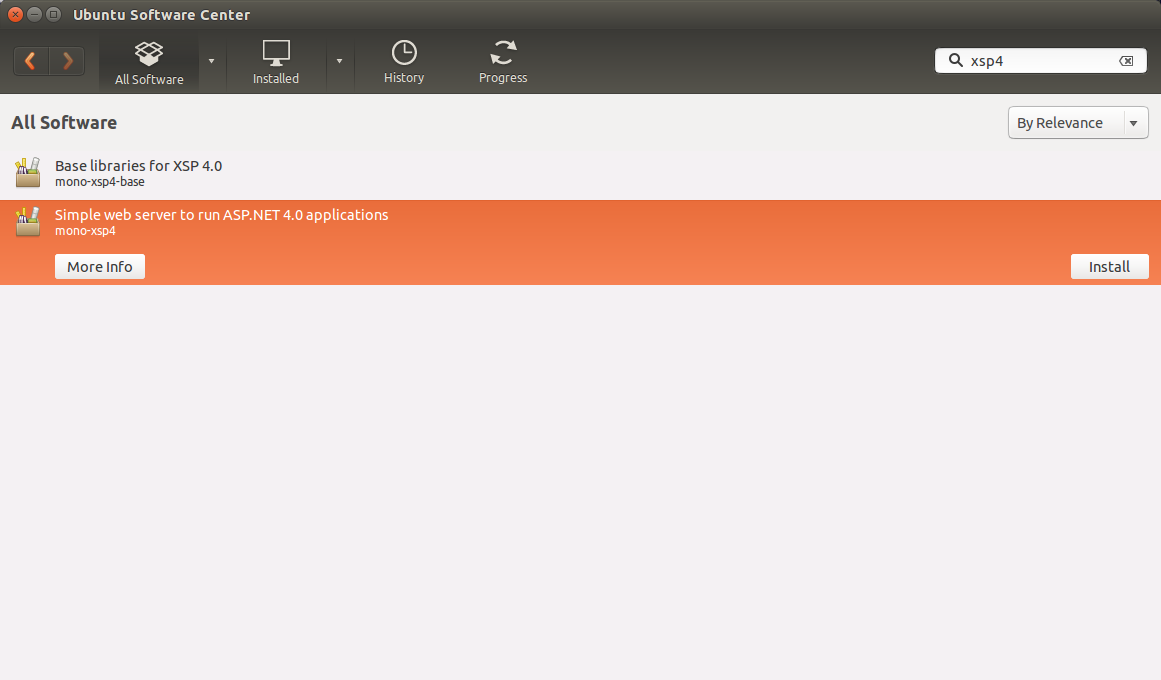
Optional: get it from Ubuntu software center by searching for xsp4
Extra: For Arch (or based like Manjaro…) use yaourt -S xsp.
All methods was sourced from stackoverflow.com or stackexchange.com, is licensed under cc by-sa 2.5, cc by-sa 3.0 and cc by-sa 4.0