I am trying to extract red color from an image. I have code that applies threshold to leave only values from specified range:
img=cv2.imread('img.bmp')
img_hsv=cv2.cvtColor(img, cv2.COLOR_BGR2HSV)
lower_red = np.array([0,50,50]) #example value
upper_red = np.array([10,255,255]) #example value
mask = cv2.inRange(img_hsv, lower_red, upper_red)
img_result = cv2.bitwise_and(img, img, mask=mask)
But, as i checked, red can have Hue value in range, let’s say from 0 to 10, as well as in range from 170 to 180. Therefore, i would like to leave values from any of those two ranges. I tried setting threshold from 10 to 170 and using cv2.bitwise_not() function, but then i get all the white color as well. I think the best option would be to create a mask for each range and use them both, so I somehow have to join them together before proceeding.
Is there a way I could join two masks using OpenCV? Or is there some other way I could achieve my goal?
Edit. I came with not much elegant, but working solution:
image_result = np.zeros((image_height,image_width,3),np.uint8)

for i in range(image_height):  #those are set elsewhere
    for j in range(image_width): #those are set elsewhere
        if img_hsv[i][j][1]>=50
            and img_hsv[i][j][2]>=50
            and (img_hsv[i][j][0] <= 10 or img_hsv[i][j][0]>=170):
            image_result[i][j]=img_hsv[i][j]
It pretty much satisfies my needs, and OpenCV’s functions probably do pretty much the same, but if there’s a better way to do that(using some dedicated function and writing less code) please share it with me. 🙂
Answers:
Thank you for visiting the Q&A section on Magenaut. Please note that all the answers may not help you solve the issue immediately. So please treat them as advisements. If you found the post helpful (or not), leave a comment & I’ll get back to you as soon as possible.
Method 1
I would just add the masks together, and use np.where to mask the original image.
img=cv2.imread("img.bmp")
img_hsv=cv2.cvtColor(img, cv2.COLOR_BGR2HSV)

# lower mask (0-10)
lower_red = np.array([0,50,50])
upper_red = np.array([10,255,255])
mask0 = cv2.inRange(img_hsv, lower_red, upper_red)

# upper mask (170-180)
lower_red = np.array([170,50,50])
upper_red = np.array([180,255,255])
mask1 = cv2.inRange(img_hsv, lower_red, upper_red)

# join my masks
mask = mask0+mask1

# set my output img to zero everywhere except my mask
output_img = img.copy()
output_img[np.where(mask==0)] = 0

# or your HSV image, which I *believe* is what you want
output_hsv = img_hsv.copy()
output_hsv[np.where(mask==0)] = 0
This should be much faster and much more readable than looping through each pixel of your image.
Method 2
To detect red, you can use a HSV color thresholder script to determine the lower/upper thresholds then cv2.bitwise_and() to obtain the mask. Using this input image,
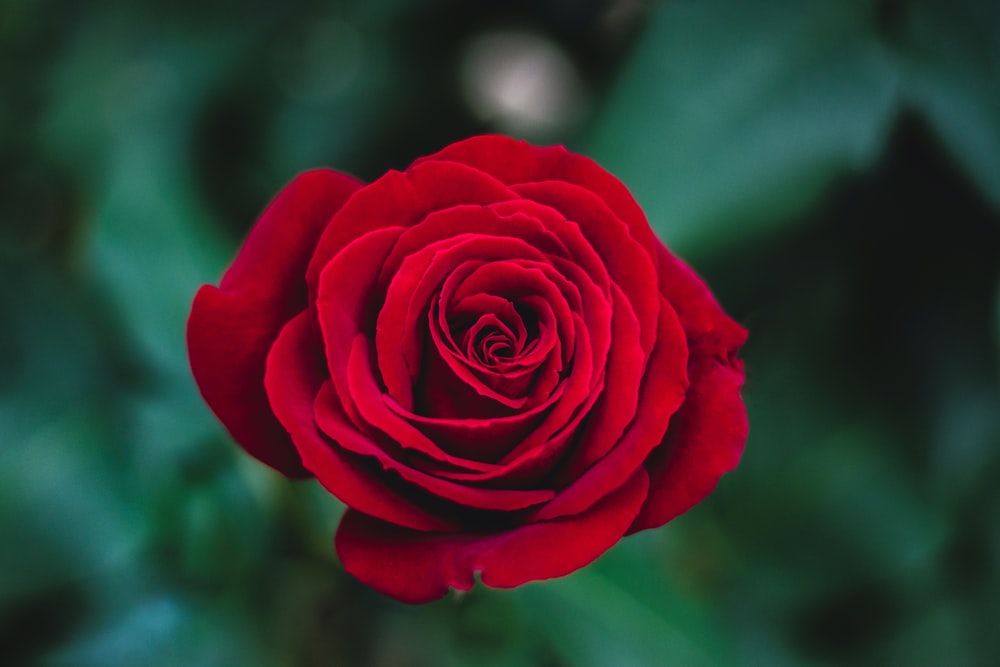
We get this result and mask
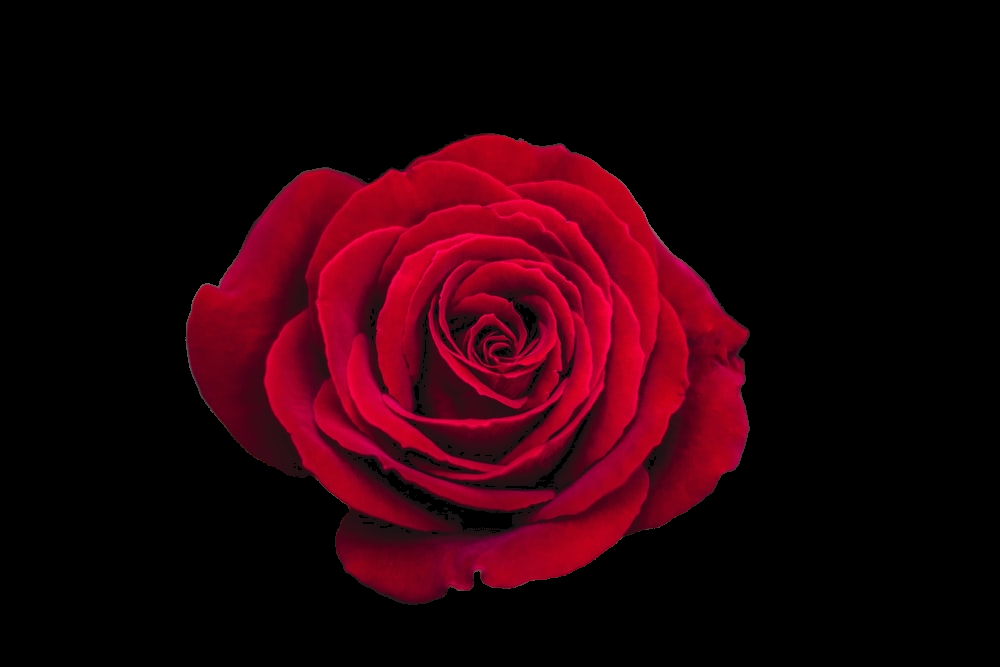
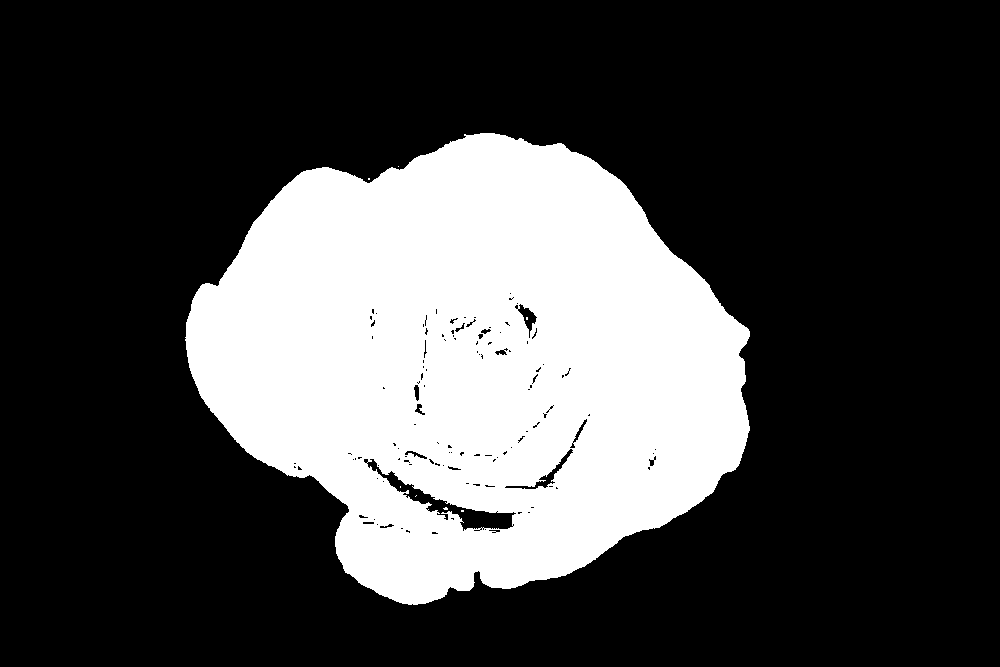
Code
import numpy as np
import cv2

image = cv2.imread('1.jpg')
result = image.copy()
image = cv2.cvtColor(image, cv2.COLOR_BGR2HSV)
lower = np.array([155,25,0])
upper = np.array([179,255,255])
mask = cv2.inRange(image, lower, upper)
result = cv2.bitwise_and(result, result, mask=mask)

cv2.imshow('mask', mask)
cv2.imshow('result', result)
cv2.waitKey()
HSV color thresholder script with sliders, remember to change the image file path
import cv2
import sys
import numpy as np

def nothing(x):
    pass

# Load in image
image = cv2.imread('1.jpg')

# Create a window
cv2.namedWindow('image')

# create trackbars for color change
cv2.createTrackbar('HMin','image',0,179,nothing) # Hue is from 0-179 for Opencv
cv2.createTrackbar('SMin','image',0,255,nothing)
cv2.createTrackbar('VMin','image',0,255,nothing)
cv2.createTrackbar('HMax','image',0,179,nothing)
cv2.createTrackbar('SMax','image',0,255,nothing)
cv2.createTrackbar('VMax','image',0,255,nothing)

# Set default value for MAX HSV trackbars.
cv2.setTrackbarPos('HMax', 'image', 179)
cv2.setTrackbarPos('SMax', 'image', 255)
cv2.setTrackbarPos('VMax', 'image', 255)

# Initialize to check if HSV min/max value changes
hMin = sMin = vMin = hMax = sMax = vMax = 0
phMin = psMin = pvMin = phMax = psMax = pvMax = 0

output = image
wait_time = 33

while(1):

    # get current positions of all trackbars
    hMin = cv2.getTrackbarPos('HMin','image')
    sMin = cv2.getTrackbarPos('SMin','image')
    vMin = cv2.getTrackbarPos('VMin','image')

    hMax = cv2.getTrackbarPos('HMax','image')
    sMax = cv2.getTrackbarPos('SMax','image')
    vMax = cv2.getTrackbarPos('VMax','image')

    # Set minimum and max HSV values to display
    lower = np.array([hMin, sMin, vMin])
    upper = np.array([hMax, sMax, vMax])

    # Create HSV Image and threshold into a range.
    hsv = cv2.cvtColor(image, cv2.COLOR_BGR2HSV)
    mask = cv2.inRange(hsv, lower, upper)
    output = cv2.bitwise_and(image,image, mask= mask)

    # Print if there is a change in HSV value
    if( (phMin != hMin) | (psMin != sMin) | (pvMin != vMin) | (phMax != hMax) | (psMax != sMax) | (pvMax != vMax) ):
        print("(hMin = %d , sMin = %d, vMin = %d), (hMax = %d , sMax = %d, vMax = %d)" % (hMin , sMin , vMin, hMax, sMax , vMax))
        phMin = hMin
        psMin = sMin
        pvMin = vMin
        phMax = hMax
        psMax = sMax
        pvMax = vMax

    # Display output image
    cv2.imshow('image',output)

    # Wait longer to prevent freeze for videos.
    if cv2.waitKey(wait_time) & 0xFF == ord('q'):
        break

cv2.destroyAllWindows()
Method 3
Play with this.
#blurring and smoothin
img1=cv2.imread('marathon.png',1)

hsv = cv2.cvtColor(img1,cv2.COLOR_BGR2HSV)

#lower red
lower_red = np.array([0,50,50])
upper_red = np.array([10,255,255])


#upper red
lower_red2 = np.array([170,50,50])
upper_red2 = np.array([180,255,255])

mask = cv2.inRange(hsv, lower_red, upper_red)
res = cv2.bitwise_and(img1,img1, mask= mask)


mask2 = cv2.inRange(hsv, lower_red2, upper_red2)
res2 = cv2.bitwise_and(img1,img1, mask= mask2)

img3 = res+res2
img4 = cv2.add(res,res2)
img5 = cv2.addWeighted(res,0.5,res2,0.5,0)


kernel = np.ones((15,15),np.float32)/225
smoothed = cv2.filter2D(res,-1,kernel)
smoothed2 = cv2.filter2D(img3,-1,kernel)


cv2.imshow('Original',img1)
cv2.imshow('Averaging',smoothed)
cv2.imshow('mask',mask)
cv2.imshow('res',res)
cv2.imshow('mask2',mask2)
cv2.imshow('res2',res2)
cv2.imshow('res3',img3)
cv2.imshow('res4',img4)
cv2.imshow('res5',img5)
cv2.imshow('smooth2',smoothed2)


cv2.waitKey(0)
cv2.destroyAllWindows()
All methods was sourced from stackoverflow.com or stackexchange.com, is licensed under cc by-sa 2.5, cc by-sa 3.0 and cc by-sa 4.0