Previously, I was able to selectively load child pages for a currently-selected parent page using logic such as:
if(  $post->post_parent ) {
  $children = wp_list_pages("title_li=&child_of=".$post->post_parent."&echo=0");
} else {
  $children = wp_list_pages("title_li=&child_of=".$post->ID."&echo=0");
}

if ($children) { ?>
   <ul id="subnav">
     <?php echo $children; ?>
   </ul>
<?php
} else {
}
There doesn’t seem to be a native way to do this using the new register_nav_menus()/wp_nav_menu() functionality. Anyone know how I could patch this together at this point?
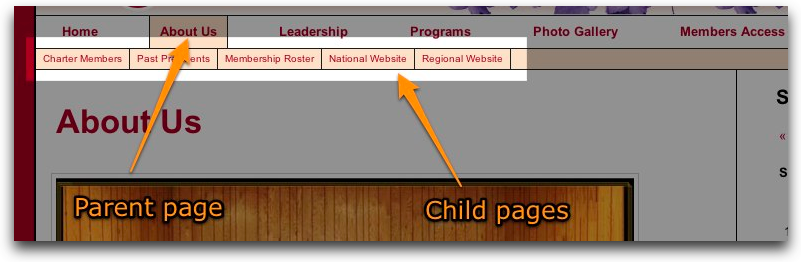
Here’s a screenshot of what I’m trying to achieve:
Answers:
Thank you for visiting the Q&A section on Magenaut. Please note that all the answers may not help you solve the issue immediately. So please treat them as advisements. If you found the post helpful (or not), leave a comment & I’ll get back to you as soon as possible.
Method 1
I created a Widget named Page Sub Navigation (clever I know) that is working for me.
If you install this, you can just drag the widget to one of your widget areas and BAM it works.
<?php
/*
Plugin Name: Page Sub Navigation
Plugin URI: http://codegavin.com/wordpress/sub-nav
Description: Displays a list of child pages for the current page
Author: Jesse Gavin
Version: 1
Author URI: http://codegavin.com
*/

function createPageSubMenu()
{
  if (is_page()) {
    global $wp_query;

    if( empty($wp_query->post->post_parent) ) {
      $parent = $wp_query->post->ID;
    } else {
      $parent = $wp_query->post->post_parent;
    }

    $title = get_the_title($parent);

    if(wp_list_pages("title_li=&child_of=$parent&echo=0" )) {
      echo "<div id='submenu'>";
      echo "<h3><span>$title</span></h3>";
      echo "<ul>";
      wp_list_pages("title_li=&child_of=$parent&echo=1" );
      echo "</ul>";
      echo "</div>";
    }
  }
}


function widget_pageSubNav($args) {
  extract($args);
  echo $before_widget;
  createPageSubMenu();
  echo $after_widget;
}

function pageSubMenu_init()
{
  wp_register_sidebar_widget("cg-sidebar-widget", __('Page Sub Navigation'), 'widget_pageSubNav');
}
add_action("plugins_loaded", "pageSubMenu_init");
?>
Or if you just want the juicy parts…
if (is_page()) {
  global $wp_query;

  if( empty($wp_query->post->post_parent) ) {
    $parent = $wp_query->post->ID;
  } else {
    $parent = $wp_query->post->post_parent;
  }

  if(wp_list_pages("title_li=&child_of=$parent&echo=0" )) {
    wp_list_pages("title_li=&child_of=$parent&echo=1" );
  }
}
UPDATE
I found another plugin that does essentially the same thing (and maybe does it better, I don’t know). http://wordpress.org/extend/plugins/subpages-widget/
Method 2
you could do a css hack to do this (2 ways that I would try)
1 this is the easiest way I can think of do make the css display the items in the subnavigation.
.current-menu-ancestor ul {display:inline;}
.current-menu-parent ul (display:inline;}
2 assuming that your theme supports body classes you could create a nav menu for each “sub nav”, and set them to display beneath the main navigation – then edit your stylesheet to only show the subnav div’s using something like this:
.child-menu-about, .child-menu-leadership {display:none;}
body.page-id-YOUR_ABOUT_PAGE_ID .child-menu-about {display:inline;}
body.category-YOUR-CATEGORY-SLUG  .child-menu-leadership {display:inline;}
Method 3
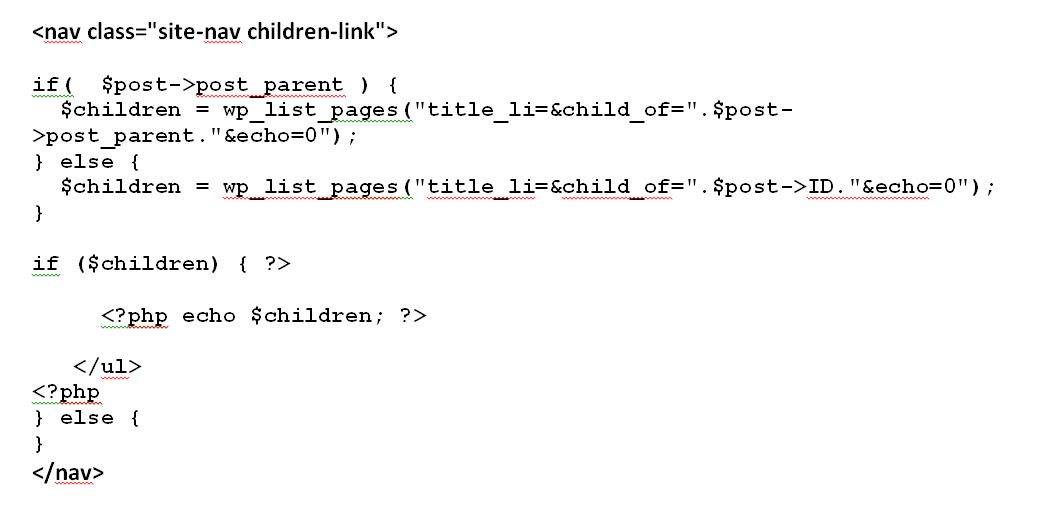
1 this is the php display .
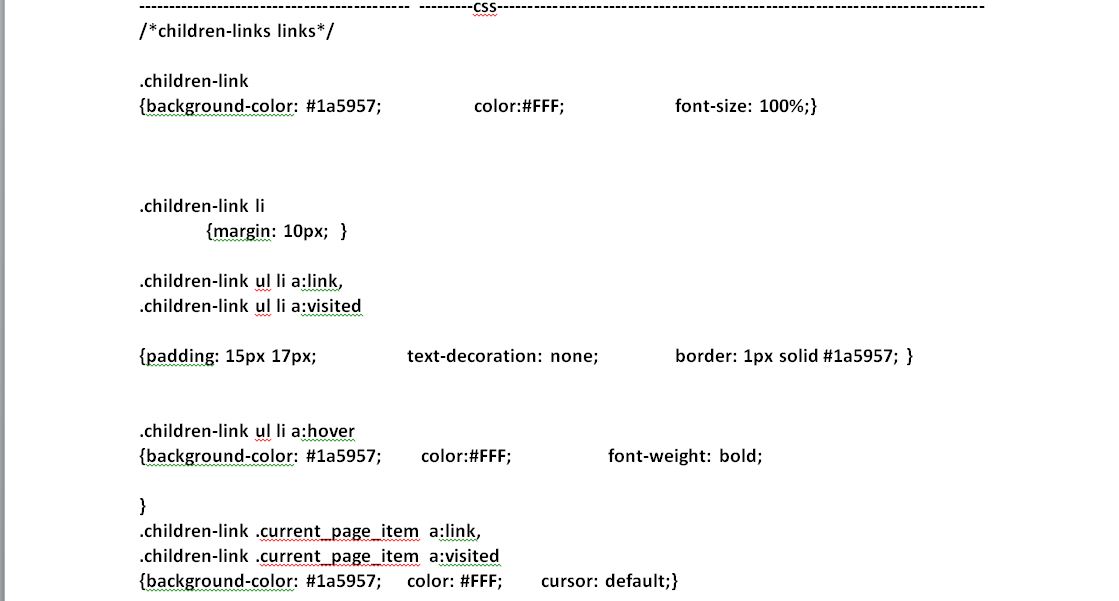
2 this is the css display .
Method 4
<nav class="site-nav children-link">
                <?php

                    if(  $post->post_parent )
                    {
                      $children = wp_list_pages("title_li=&child_of=".$post->post_parent."&echo=0");
                    }
                    else
                    {
                      $children = wp_list_pages("title_li=&child_of=".$post->ID."&echo=0");
                    }

                    if ($children) { ?>
                       <ul>

                            <?php echo $children; ?>

                       </ul>

                    <?php
                        } else {
                        }
                ?>
        </nav>
CSS
/*children-links links*/

.children-link
{

        background-color: #1a5957;
        color:#FFF;
        font-size: 100%;

}

.children-link li
{
    margin: 10px;


}

.children-link ul li a:link,
.children-link ul li a:visited
{
        padding: 15px 17px;
        text-decoration: none;
        border: 1px solid #1a5957;

}
.children-link ul li a:hover
{
        background-color: #1a5957;
        color:#FFF;
        font-weight: bold;

}
.children-link .current_page_item a:link,
.children-link .current_page_item a:visited
{

    background-color: #1a5957;
    color: #FFF;
    cursor: default;
}
All methods was sourced from stackoverflow.com or stackexchange.com, is licensed under cc by-sa 2.5, cc by-sa 3.0 and cc by-sa 4.0