I came across this example in the Matplotlib website. I was wondering if it was possible to increase the figure size.
I tried with
f.figsize(15,15)
but it does nothing.
Answers:
Thank you for visiting the Q&A section on Magenaut. Please note that all the answers may not help you solve the issue immediately. So please treat them as advisements. If you found the post helpful (or not), leave a comment & I’ll get back to you as soon as possible.
Method 1
If you already have the figure object use:
f.set_figheight(15)
f.set_figwidth(15)
But if you use the .subplots() command (as in the examples you’re showing) to create a new figure you can also use:
f, axs = plt.subplots(2,2,figsize=(15,15))
Method 2
Alternatively, create a figure() object using the figsize argument and then use add_subplot to add your subplots. E.g.
import matplotlib.pyplot as plt
import numpy as np

f = plt.figure(figsize=(10,3))
ax = f.add_subplot(121)
ax2 = f.add_subplot(122)
x = np.linspace(0,4,1000)
ax.plot(x, np.sin(x))
ax2.plot(x, np.cos(x), 'r:')
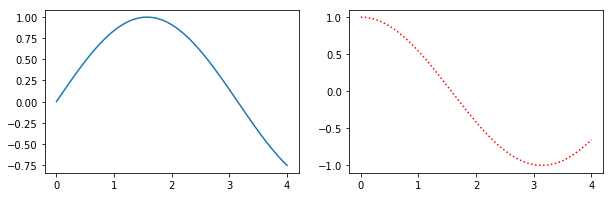
Benefits of this method are that the syntax is closer to calls of subplot() instead of subplots(). E.g. subplots doesn’t seem to support using a GridSpec for controlling the spacing of the subplots, but both subplot() and add_subplot() do.
Method 3
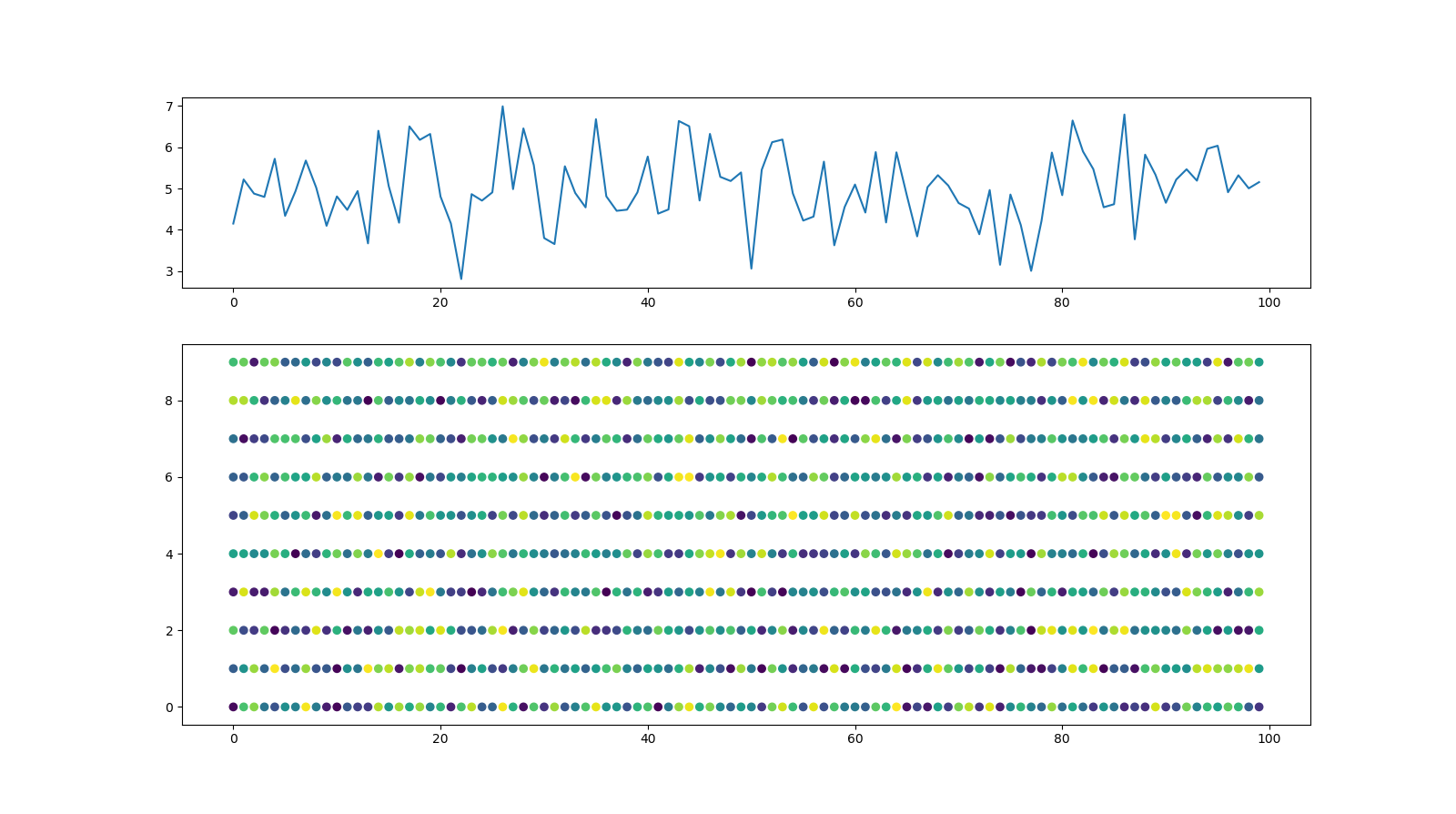
In addition to the previous answers, here is an option to set the size of the figure and the size of the subplots within the figure individually by means of gridspec_kw:
import matplotlib.pyplot as plt
import numpy as np
import pandas as pd

#generate random data
x,y=range(100), range(10)
z=np.random.random((len(x),len(y)))
Y=[z[i].sum() for i in range(len(x))]
z=pd.DataFrame(z).unstack().reset_index()

#Plot data
fig, axs = plt.subplots(2,1,figsize=(16,9), gridspec_kw={'height_ratios': [1, 2]})
axs[0].plot(Y)
axs[1].scatter(z['level_1'], z['level_0'],c=z[0])
with this figure as result:
Method 4
You can use plt.figure(figsize = (16,8)) to change figure size of a single plot and with up to two subplots. (arguments inside figsize lets to modify the figure size)
To change figure size of more subplots you can use plt.subplots(2,2,figsize=(10,10)) when creating subplots.
Method 5
For plotting subplots in a for loop which is useful sometimes:
Sample code to for a matplotlib plot of multiple subplots of histograms from a multivariate numpy array (2 dimensional).
plt.figure(figsize=(16, 8))
for i in range(1, 7):
    plt.subplot(2, 3, i)
    plt.title('Histogram of {}'.format(str(i)))
    plt.hist(x[:,i-1], bins=60)
Method 6
   from matplotlib import pyplot as plt
   lis=[img,gaussian_img,gaussian_img_8bit]
   f,axs=plt.subplots(3,1,figsize=(25,25)) #ROW,COLUMN
   axs[0].imshow(lis[0])
   axs[1].imshow(lis[1])
   axs[2].imshow(lis[2])
All methods was sourced from stackoverflow.com or stackexchange.com, is licensed under cc by-sa 2.5, cc by-sa 3.0 and cc by-sa 4.0