I’m not familiar with PIL, but I know it’s very easy to put a bunch of images into a grid in ImageMagick.
How do I, for example, put 16 images into a 4×4 grid where I can specify the gap between rows and columns?
Answers:
Thank you for visiting the Q&A section on Magenaut. Please note that all the answers may not help you solve the issue immediately. So please treat them as advisements. If you found the post helpful (or not), leave a comment & I’ll get back to you as soon as possible.
Method 1
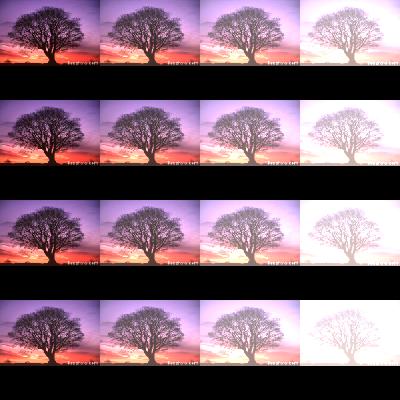
This is easy to do in PIL too. Create an empty image and just paste in the images you want at whatever positions you need using paste. Here’s a quick example:
import Image

#opens an image:
im = Image.open("1_tree.jpg")
#creates a new empty image, RGB mode, and size 400 by 400.
new_im = Image.new('RGB', (400,400))

#Here I resize my opened image, so it is no bigger than 100,100
im.thumbnail((100,100))
#Iterate through a 4 by 4 grid with 100 spacing, to place my image
for i in xrange(0,500,100):
    for j in xrange(0,500,100):
        #I change brightness of the images, just to emphasise they are unique copies.
        im=Image.eval(im,lambda x: x+(i+j)/30)
        #paste the image at location i,j:
        new_im.paste(im, (i,j))

new_im.show()
Method 2
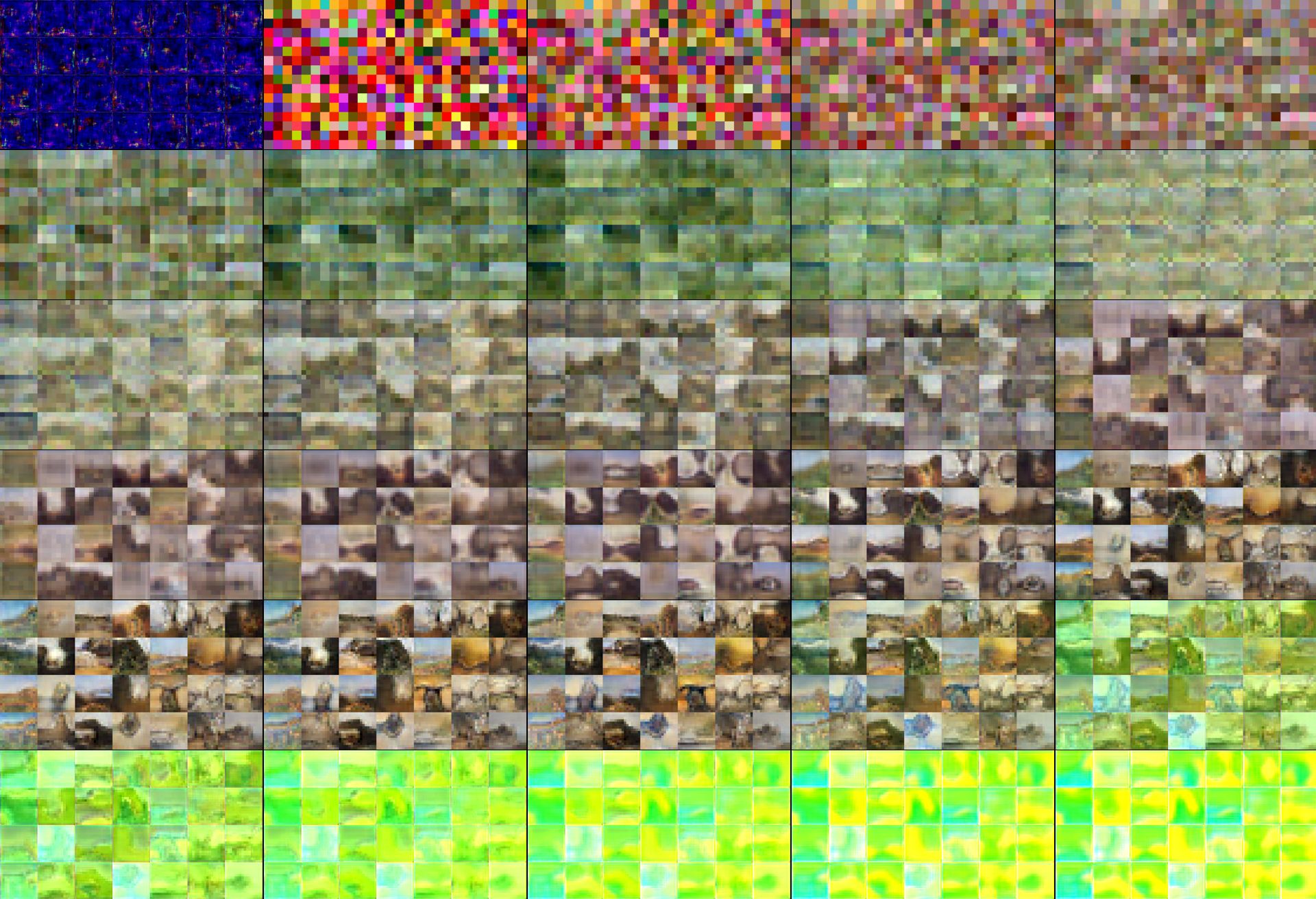
Expanding on the great answer by fraxel, I wrote a program which takes in a folder of (.png) images, a number of pixels for the width of the collage, and the number of pictures per row, and does all the calculations for you.
#Evan Russenberger-Rosica
#Create a Grid/Matrix of Images
import PIL, os, glob
from PIL import Image
from math import ceil, floor

PATH = r"C:Userspathtoimages"

frame_width = 1920
images_per_row = 5
padding = 2

os.chdir(PATH)

images = glob.glob("*.png")
images = images[:30]                #get the first 30 images

img_width, img_height = Image.open(images[0]).size
sf = (frame_width-(images_per_row-1)*padding)/(images_per_row*img_width)       #scaling factor
scaled_img_width = ceil(img_width*sf)                   #s
scaled_img_height = ceil(img_height*sf)

number_of_rows = ceil(len(images)/images_per_row)
frame_height = ceil(sf*img_height*number_of_rows)

new_im = Image.new('RGB', (frame_width, frame_height))

i,j=0,0
for num, im in enumerate(images):
    if num%images_per_row==0:
        i=0
    im = Image.open(im)
    #Here I resize my opened image, so it is no bigger than 100,100
    im.thumbnail((scaled_img_width,scaled_img_height))
    #Iterate through a 4 by 4 grid with 100 spacing, to place my image
    y_cord = (j//images_per_row)*scaled_img_height
    new_im.paste(im, (i,y_cord))
    print(i, y_cord)
    i=(i+scaled_img_width)+padding
    j+=1

new_im.show()
new_im.save("out.jpg", "JPEG", quality=80, optimize=True, progressive=True)
All methods was sourced from stackoverflow.com or stackexchange.com, is licensed under cc by-sa 2.5, cc by-sa 3.0 and cc by-sa 4.0