I am building a block which has different layouts for mobile and desktop.
As far as I understand CSS media queries, they work when the viewport is resized.
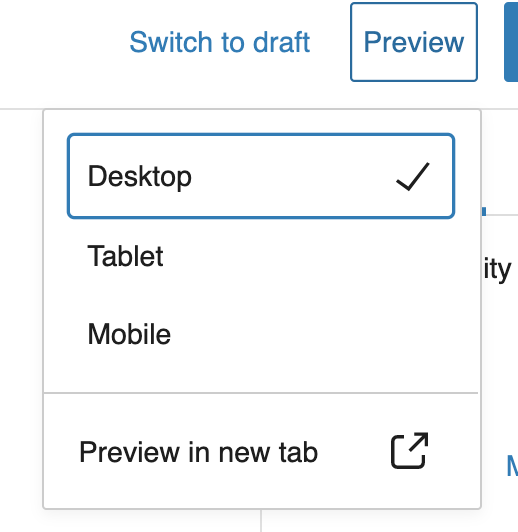
The preview feature in Gutenberg doesn’t actually resize the viewport, it just reduces the width of the container containing the blocks.
I saw that the core Gutenberg block “Gallery” changes its layout when switched between desktop and mobile preview modes. I was wondering how that works? I checked the source code and even checked the Dev tools to detect any addition/removal of CSS classes but couldn’t find any.
Can someone shed some light please?
Answers:
Thank you for visiting the Q&A section on Magenaut. Please note that all the answers may not help you solve the issue immediately. So please treat them as advisements. If you found the post helpful (or not), leave a comment & I’ll get back to you as soon as possible.
Method 1
I investigated the states set using React Dev Tools and found the preview modes are set under the deviceType key. Went through the Gutenberg source and came across the __experimentalGetPreviewDeviceType function.
/**
 * Returns the current deviceType.
 */
const { deviceType } = useSelect( select => {
    const { __experimentalGetPreviewDeviceType } = select( 'core/edit-post' );

    return {
        deviceType: __experimentalGetPreviewDeviceType(),
    }
}, [] );
I’m using this to conditionally set the CSS classes. Worked for me and I hope the Gallery block is doing the same way.
All methods was sourced from stackoverflow.com or stackexchange.com, is licensed under cc by-sa 2.5, cc by-sa 3.0 and cc by-sa 4.0