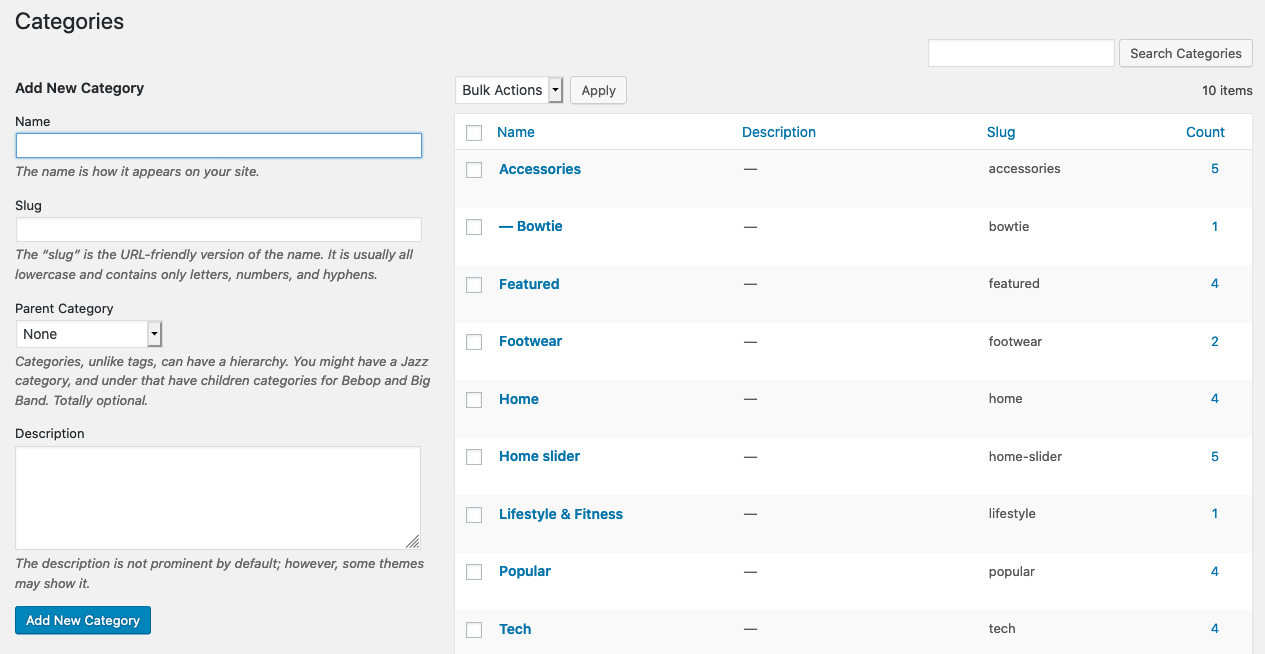
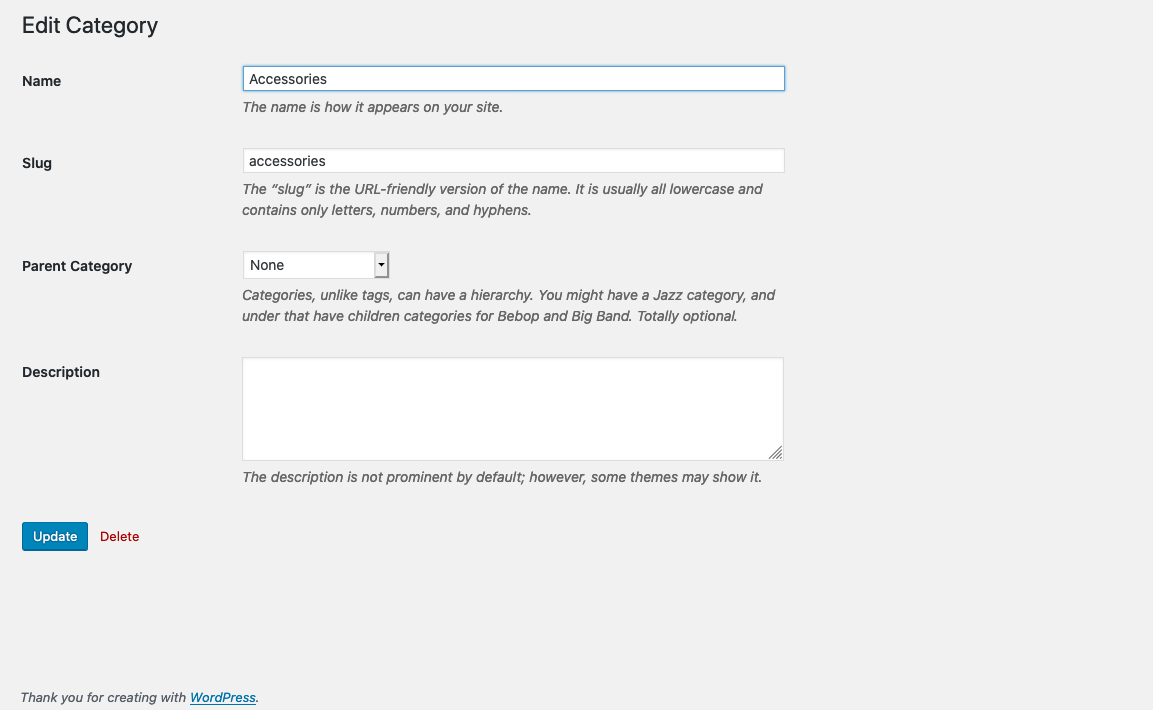
I have categories on my website. I have to add a background image to each category while creating the category without using any plugin.
I tried some code in function.php and I refer this link.
but it’s not working.
function my_category_module() {
 add_action ( 'edit_category_form_fields', 'add_image_cat');
 add_action ( 'edited_category', 'save_image');
 }
add_action('init', 'my_category_module');
function add_image_cat($tag){
 $category_images = get_option( 'category_images' );
 $category_image = '';
 if ( is_array( $category_images ) && array_key_exists( $tag->term_id, $category_images ) ) {
 $category_image = $category_images[$tag->term_id] ;
 }
 ?>
 <tr>
 <th scope="row" valign="top"><label for="auteur_revue_image">Image</label></th>
 <td>
 <?php
 if ($category_image !=""){
 ?>
 <img src="<?php echo $category_image;?>" alt="" title=""/>
 <?php
 }
 ?>
 <br/>
 <input type="text" name="category_image" id="category_image" value="<?php echo $category_image; ?>"/><br />
 <span>This field allows you to add a picture to illustrate the category. Upload the image from the media tab WordPress and paste its URL here.</span>
 </td>
 </tr>
 <?php
 }

function save_image($term_id){
 if ( isset( $_POST['category_image'] ) ) {
 //load existing category featured option
 $category_images = get_option( 'category_images' );
 //set featured post ID to proper category ID in options array
 $category_images[$term_id] =  $_POST['category_image'];
 //save the option array
 update_option( 'category_images', $category_images );
 }
 }
Displaying on category.php page
if(is_category()){
 $category_images = get_option( 'category_images' );
 $category_image = '';
 if ( is_array( $category_images ) && array_key_exists( get_query_var('cat'), $category_images ) ){

$category_image = $category_images[get_query_var('cat')] ;
 ?>
 <img src="<?php echo $category_image;?>"/>
 <?php
 }
 }
Answers:
Thank you for visiting the Q&A section on Magenaut. Please note that all the answers may not help you solve the issue immediately. So please treat them as advisements. If you found the post helpful (or not), leave a comment & I’ll get back to you as soon as possible.
Method 1
You can try this code. It will add a media button which will get the image url. I have commented the parts that I have deleted or added.
function my_category_module()
{
    // this action is deprecated
    //add_action('edit_category_form_fields', 'add_image_cat');

    // Add these actions for edit and add
    add_action('edited_category', 'save_image');
    add_action('create_category', 'save_image');
    add_action('category_edit_form_fields', 'edit_image_cat');
}
add_action('init', 'my_category_module');


function edit_image_cat($tag)
{
    $category_images = get_option('category_images');
    $category_image = '';
    if (is_array($category_images) && array_key_exists($tag->term_id, $category_images)) {
        $category_image = $category_images[$tag->term_id];
    }
    ?>
    <tr>
        <th scope="row" valign="top"><label for="auteur_revue_image">Image</label></th>
        <td>
            <?php
                if ($category_image != "") {
                    ?>
                <img src="<?php echo $category_image; ?>" alt="" title="" />
            <?php
                }
                ?>
            <br />
            <!-- Add this html here -->
            <input type="text" class="regular-text" id="custom_category_image" name="category_image" value="<?php echo $category_image; ?>">
            <button class="set_category_image button">Set Image url</button>

            <!--
                <input type="text" name="category_image" id="category_image" value="<?php echo $category_image; ?>"/><br />
                <span>This field allows you to add a picture to illustrate the category. Upload the image from the media tab WordPress and paste its URL here.</span>
            -->
        </td>
    </tr>

<?php
}

function save_image($term_id)
{
    if (isset($_POST['category_image'])) {
        //load existing category featured option
        $category_images = get_option('category_images');
        //set featured post ID to proper category ID in options array
        $category_images[$term_id] =  $_POST['category_image'];
        //save the option array
        update_option('category_images', $category_images);
    }
}


// Enquey media elements
add_action('admin_enqueue_scripts', function () {
    if (is_admin())
        wp_enqueue_media();
});

// Add JS using admin_footer or enque thorugh hooks
add_action('admin_footer', 'my_footer_scripts');
function my_footer_scripts()
{
    ?>
    <script>
        jQuery(document).ready(function() {
            if (jQuery('.set_category_image').length > 0) {
                if (typeof wp !== 'undefined' && wp.media && wp.media.editor) {
                    jQuery('.set_category_image').on('click', function(e) {
                        e.preventDefault();
                        var button = jQuery(this);
                        var url_input = jQuery("#custom_category_image");
                        wp.media.editor.send.attachment = function(props, attachment) {
                            url_input.val(attachment.url);
                        };
                        wp.media.editor.open(button);
                        return false;
                    });
                }
            }
        });
    </script>
<?php
}
All methods was sourced from stackoverflow.com or stackexchange.com, is licensed under cc by-sa 2.5, cc by-sa 3.0 and cc by-sa 4.0