I’m trying to add button to Users Maintenance and on button’s click download excel file, containing some data. I have created PXAction and it’s method as above:
public PXAction<Users> getUsers;

[PXUIField(DisplayName = "Get Users", MapEnableRights = PXCacheRights.Select, MapViewRights = PXCacheRights.Select,Visible = true), PXButton(CommitChanges = true)]
public IEnumerable GetUsers(PXAdapter adapter)
{
    var accessByRoles = PXSelect<RolesInGraph>.Select(this.Base);
    var usersByRole = PXSelect<UsersInRoles>.Select(this.Base);
    var dt = GetTable();//GetTable returns some DataTable just for test now
    XLWorkbook workbook = new XLWorkbook();
    workbook.Worksheets.Add(dt, "UserAccessRigths");
    using (MemoryStream MyMemoryStream = new MemoryStream())
    {
        workbook.SaveAs(MyMemoryStream);
        HttpContext.Current.Response.Clear();
        HttpContext.Current.Response.ClearContent();
        HttpContext.Current.Response.ClearHeaders();
        HttpContext.Current.Response.AppendHeader("Content-Disposition", "attachment; filename="UserAccessRigths.xlsx"");
        HttpContext.Current.Response.AppendHeader("Content-Length", MyMemoryStream.ToArray().Length.ToString());
        HttpContext.Current.Response.ContentType = "application/vnd.openxmlformats-officedocument.spreadsheetml.sheet";
        HttpContext.Current.Response.BinaryWrite(MyMemoryStream.ToArray());
        HttpContext.Current.Response.Flush();
        HttpContext.Current.Response.End();
    }
    return null;
}
Everything work but the part where the download in the browser must start.
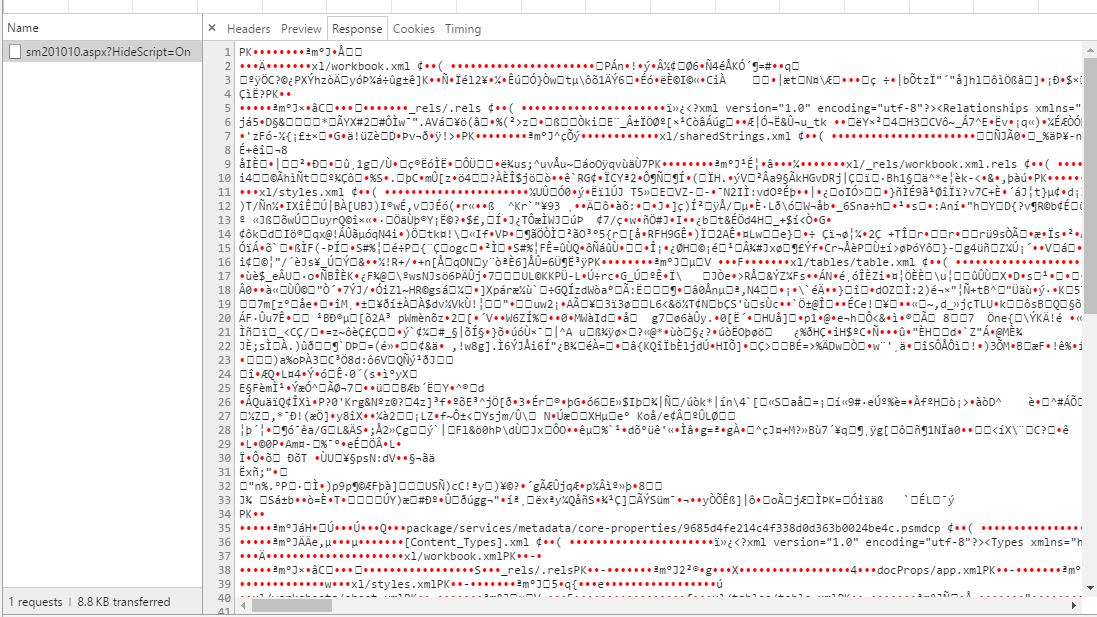
I’m getting as response the excel, but it’s not being downloaded.
Here is the response I’m getting in the browser:
I will be very grateful if someone can help me.
Thanks in advance
Answers:
Thank you for visiting the Q&A section on Magenaut. Please note that all the answers may not help you solve the issue immediately. So please treat them as advisements. If you found the post helpful (or not), leave a comment & I’ll get back to you as soon as possible.
Method 1
Try PXRedirectToFileException to redirect the user browser to the Excel file. Default behavior from mainstream browser is to detect Excel mime type by extension and initiate a download. Second parameter of PXRedirectToFileException is used to force download.
throw new PXRedirectToFileException(new PX.SM.FileInfo(Guid.NewGuid(),
                                                       "UserAccessRigths.xlsx",
                                                       null,
                                                       MyMemoryStream.ToArray()),
                                    true);
All methods was sourced from stackoverflow.com or stackexchange.com, is licensed under cc by-sa 2.5, cc by-sa 3.0 and cc by-sa 4.0