The website is https://samanthayardley.com/
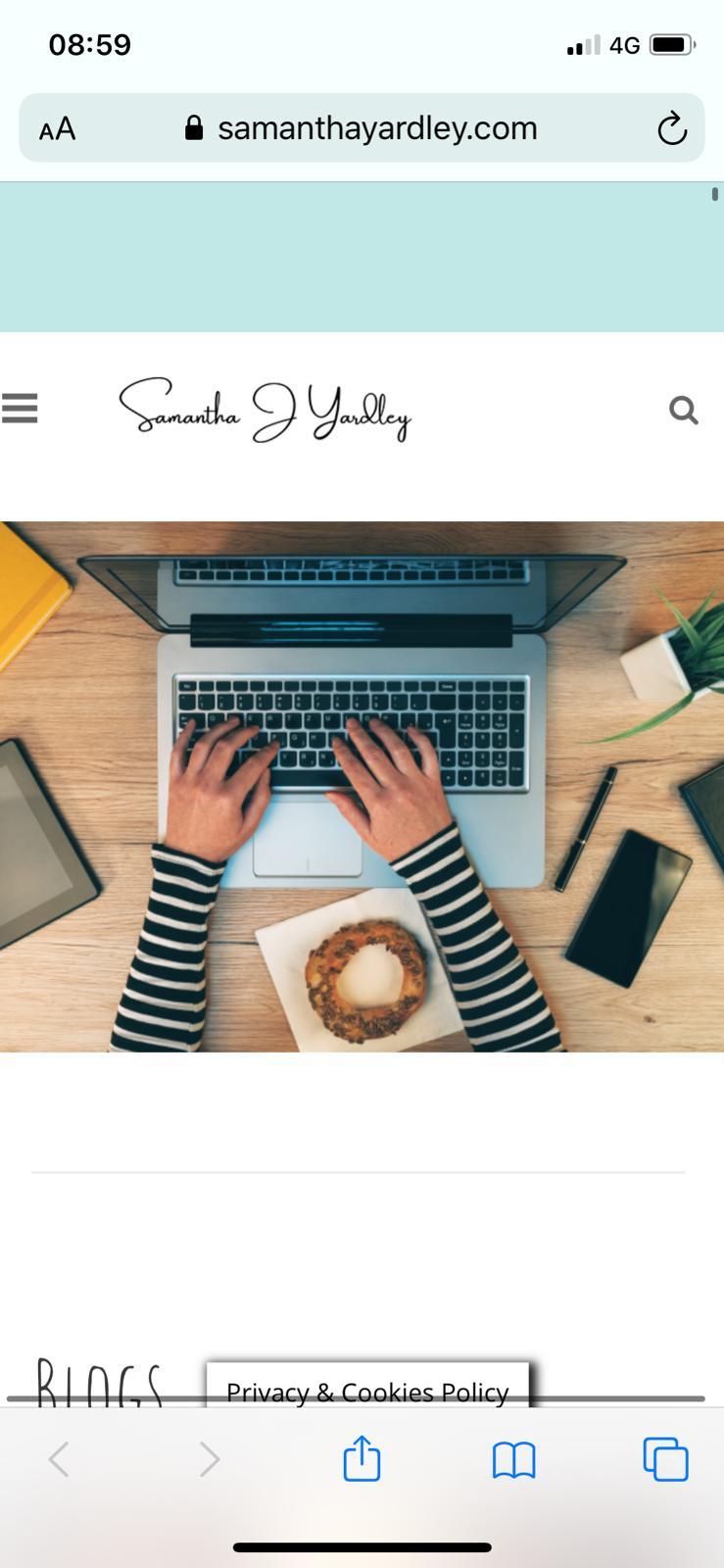
In the top there is a bluish rectangle, that comes when we pull the site down to refresh. How can that color be changed?
Answers:
Thank you for visiting the Q&A section on Magenaut. Please note that all the answers may not help you solve the issue immediately. So please treat them as advisements. If you found the post helpful (or not), leave a comment & I’ll get back to you as soon as possible.
Method 1
This is simply the background colour of the body element. On your site it’s currently set as this:
body {
    background-color: #c1e7e7;
}
This appears to be being added by your theme, probably based on a customisation option somewhere. You’d be able to overwrite it by adding matching CSS in Appearance > Customize > Addition CSS, if you can’t find it.
All methods was sourced from stackoverflow.com or stackexchange.com, is licensed under cc by-sa 2.5, cc by-sa 3.0 and cc by-sa 4.0