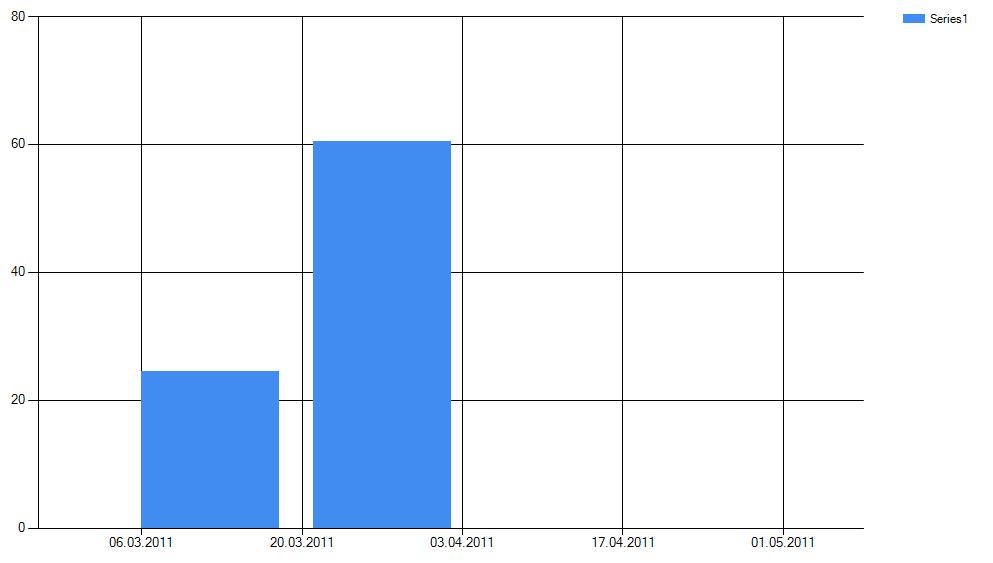
Hi I am using Ms chart control in winforms application for displaying values according to dates
I need to change the x-axis label values(Dates) direction horizantal to vertical
I have searched so many properties but i did not find any solution for this.
Any one help me on this problem
Many Thanks ….
Answers:
Thank you for visiting the Q&A section on Magenaut. Please note that all the answers may not help you solve the issue immediately. So please treat them as advisements. If you found the post helpful (or not), leave a comment & I’ll get back to you as soon as possible.
Method 1
As I understand your question – you are asking how to rotate the chart label to display vertically.
You can rotate the x-axis label as follows:
chart1.ChartAreas[0].AxisX.LabelStyle.Angle = -90;
This assumes you have associated your series with the first chart area, which is the default without modification when using the Winforms designer.
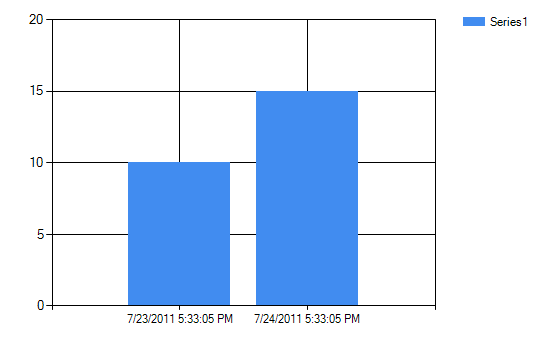
The following images shows how the chart would look before the code above is applied, the second image shows how it appears after the code is applied.
Let me know if this is not what you are trying to do and I will post an updated answer.
Before rotation
After Rotation
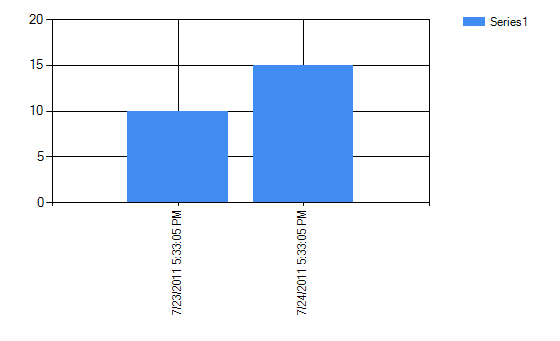
Edit: Another answer added after my initial post mentions in certain situations it may be important to set chartArea1.AxisX.IsLabelAutoFit = false;
Method 2
If you have not already done so, get the chart samples from microsoft:
http://archive.msdn.microsoft.com/mschart
Then check the section on Labels
Chart Features > Labels
To answer your question directly, set the angle in LabelStyle, and don’t forget to disable autofit
chartArea1.AxisX.IsLabelAutoFit = false;
chartArea1.AxisX.LabelStyle.Angle = 90;
All methods was sourced from stackoverflow.com or stackexchange.com, is licensed under cc by-sa 2.5, cc by-sa 3.0 and cc by-sa 4.0