I am new to WordPress coding and learning this from stackexchange,
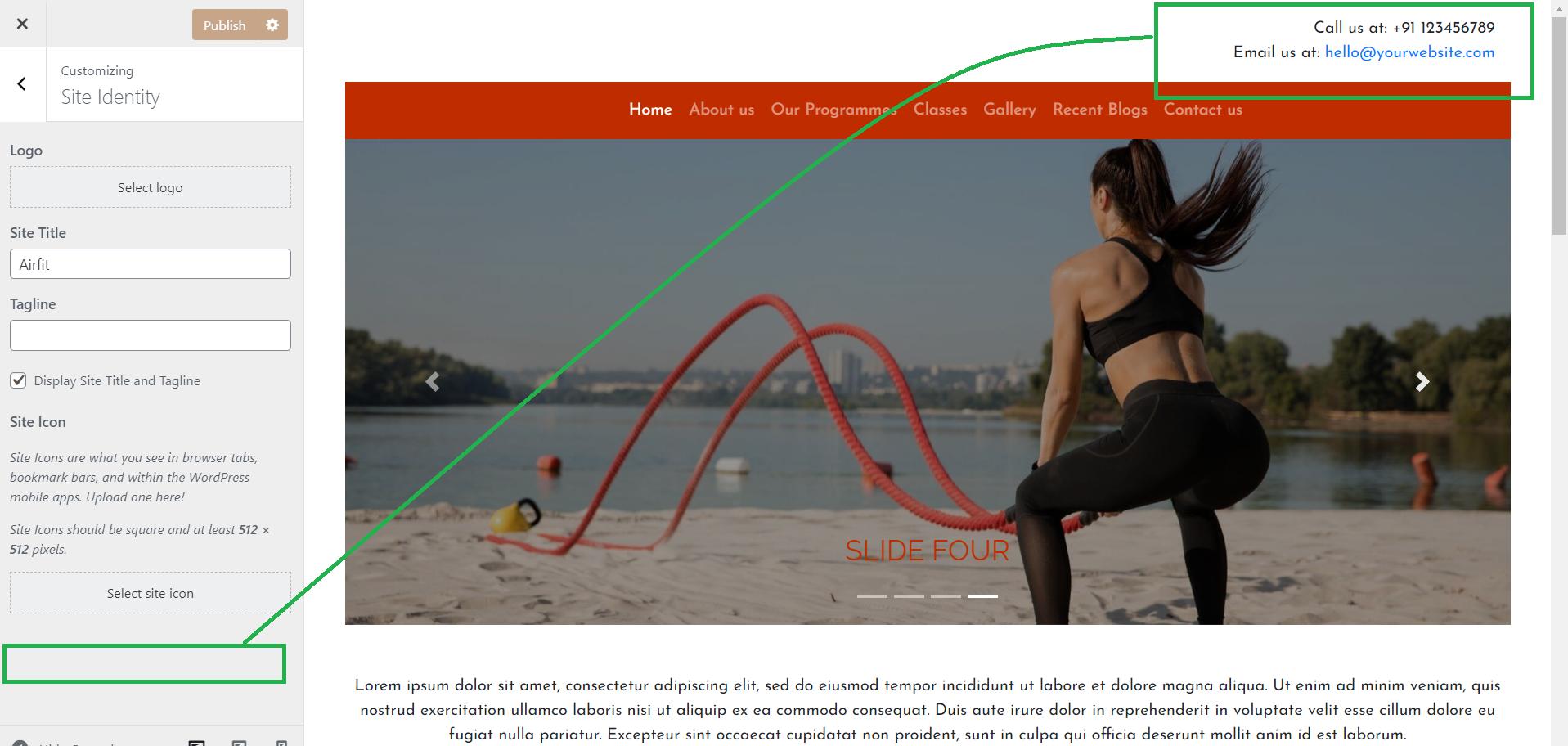
I am trying to create one WordPress website from scratch, in header I want to show contact information for example phone number,
I want to create a field in customize and want to display the value in header.php.
Is there any guide or tutorial for that? Any help will be appreciated. Thanks a lot!!
*don’t want to use plugin
Answers:
Thank you for visiting the Q&A section on Magenaut. Please note that all the answers may not help you solve the issue immediately. So please treat them as advisements. If you found the post helpful (or not), leave a comment & I’ll get back to you as soon as possible.
Method 1
add_action( 'customize_register', 'theme_customize_register' );


/**
 * Register individual settings through customizer's API.
 *
 * @param WP_Customize_Manager $wp_customize Customizer reference.
 */
function theme_customize_register( $wp_customize ) {

    // You can first start by adding a section

    $wp_customize->add_section(
        'theme_options',
        array(
            'title'       => __( 'Title of your section', 'domain' ),
            'capability'  => 'edit_theme_options',
            'description' => __( 'Some description', 'domain' ),
            'priority'    => 160,
        )
    );
    $wp_customize->add_setting(
        'field_name',
        array(
            'type'              => 'textarea',
            'sanitize_callback' => 'theme_sanitize_text', // You can sanitize the text afterwards through this function
            'capability'        => 'edit_theme_options',
        )
    );

}
In the API docs you can find also what other fields you can use and how you can modify them.
In order to access your settings you can use
get_theme_mod('field_name');
Make sure to add this to a plugin or child theme.
All methods was sourced from stackoverflow.com or stackexchange.com, is licensed under cc by-sa 2.5, cc by-sa 3.0 and cc by-sa 4.0