Hello I want to know how to edit wordpress html and add custom html
for example I want to add html element like icon beside a link. here is the code:
wordpress original source code:
<a rel="nofollow" class="comment-reply-link"> Reply </a>
I want to edit this wordpress html code to add this icon to be:
<a rel="nofollow" class="comment-reply-link">
<i class="material-icons"> Reply </i>
</a>
UPDATE:
another example to be clear:
I want to add custom id to the link
which is wordpress blog comment element source code not a theme source code.
please, how to do that?
and many thanks in advance
Answers:
Thank you for visiting the Q&A section on Magenaut. Please note that all the answers may not help you solve the issue immediately. So please treat them as advisements. If you found the post helpful (or not), leave a comment & I’ll get back to you as soon as possible.
Method 1
That HTML is generated in the get_comment_reply_link function:
Which gives us what’s needed. Here are 3 options:
- The function takes an arguments array, and
reply_textis one of the options, so just set this value to what you wanted e.g.'reply_text' => '<i class="material-icons"> Reply </i>' - There’s a filter at the end of the function that gives you the opportunity to modify the entire links HTML named
comment_reply_link, look up the docs for that filter for details - You don’t need to modify the HTML markup at all, this can be done with CSS
Changing the call to get_comment_reply_link will require changes to your theme, possibly the creation of a comments template. You will need to adjust wp_list_comments to take a callback argument with a function to display the comment, allowing you to change its HTML
Using the filter can be done in a themes functions.php or in a plugin.
Using CSS will require you to enquire with the material design library you’ve chosen.
Method 2
TL:DR;
Quick answer would be that you can’t add text to a custom icon library html tag. Here is how it should be formatted.
Based on the documentation from Material Icons, you would need to have something like this :
<a rel="nofollow" class="comment-reply-link">
<span class="material-icons">reply</span> Reply
</a>
Documentation : http://google.github.io/material-design-icons/#using-the-icons-in-html
Long answer
You can use custom icon library like Material Icons or Font Awesome.
Let’s assume you want to use Font Awesome.
Go to https://fontawesome.com/start to start creating a self-hosted icon kit. You might need to create a free account before creating the kit.
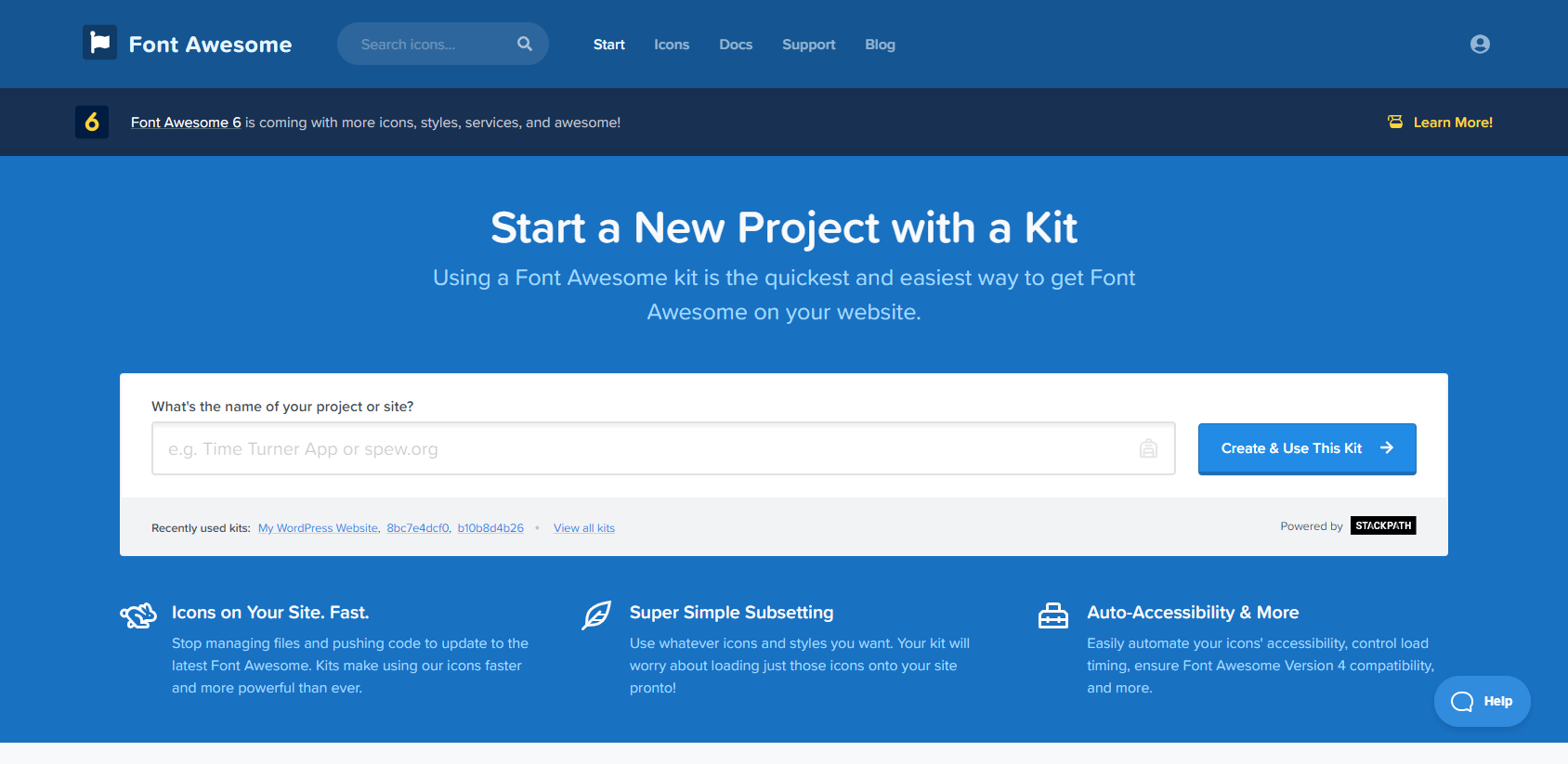
Just give the name of your project and click on Create & Use This Kit.
Once you have create your kit, you will have a kit link that looks like this :
<script src="https://kit.fontawesome.com/XXXXXXXXX.js" crossorigin="anonymous"></script>
Copy this code and head over your header.php file in your WordPress project.
Once you are in, go in the <head> section and paste your code into it.
<!doctype html>
<html <?php language_attributes(); ?>>

<head>
    <meta charset="<?php bloginfo( 'charset' ); ?>" />
    <meta name="viewport" content="width=device-width, initial-scale=1" />
    <link rel="profile" href="https://gmpg.org/xfn/11" />
    <?php wp_head(); ?>

    <script src="https://kit.fontawesome.com/XXXXXXXXX.js" crossorigin="anonymous"></script>

</head>

<body>
  ...
Note : It is recommended to use wp_enqueue_script() function. You can find the documentation on the WordPress Codex : https://developer.wordpress.org/reference/functions/wp_enqueue_script/
You can save your file and now go into your template file where you want to edit your HTML.
You can browse the Font Awesome Free icons and find an icon that fits your need : https://fontawesome.com/icons?d=gallery&m=free
Once you have your icon, simply copy-paste the html tag into your WordPress template file.

<a rel="nofollow" class="comment-reply-link">
<i class="fas fa-reply fa-flip-horizontal"></i> Reply
</a>
When reloading your page, you will be able to see the icon.
All methods was sourced from stackoverflow.com or stackexchange.com, is licensed under cc by-sa 2.5, cc by-sa 3.0 and cc by-sa 4.0