Typically in HTML / CSS, if you want to add placeholder text to a textbox you would simply do this:
<input type="text" class="input-class" placeholder="Please enter your email"/>
But since I’m using the existing code that’s provided for a login panel in Visual Studio MVC 4:
/Views/Account/Login.cshtml
This is the C# code that’s currently rendering the inputs:
@Html.TextBoxFor(m => m.Email, new { @class = "form-input" })
@Html.ValidationMessageFor(m => m.Email, "", new { @class = "text-danger" })

@Html.PasswordFor(m => m.Password, new { @class = "form-input" })
@Html.ValidationMessageFor(m => m.Password, "", new { @class = "text-danger" })
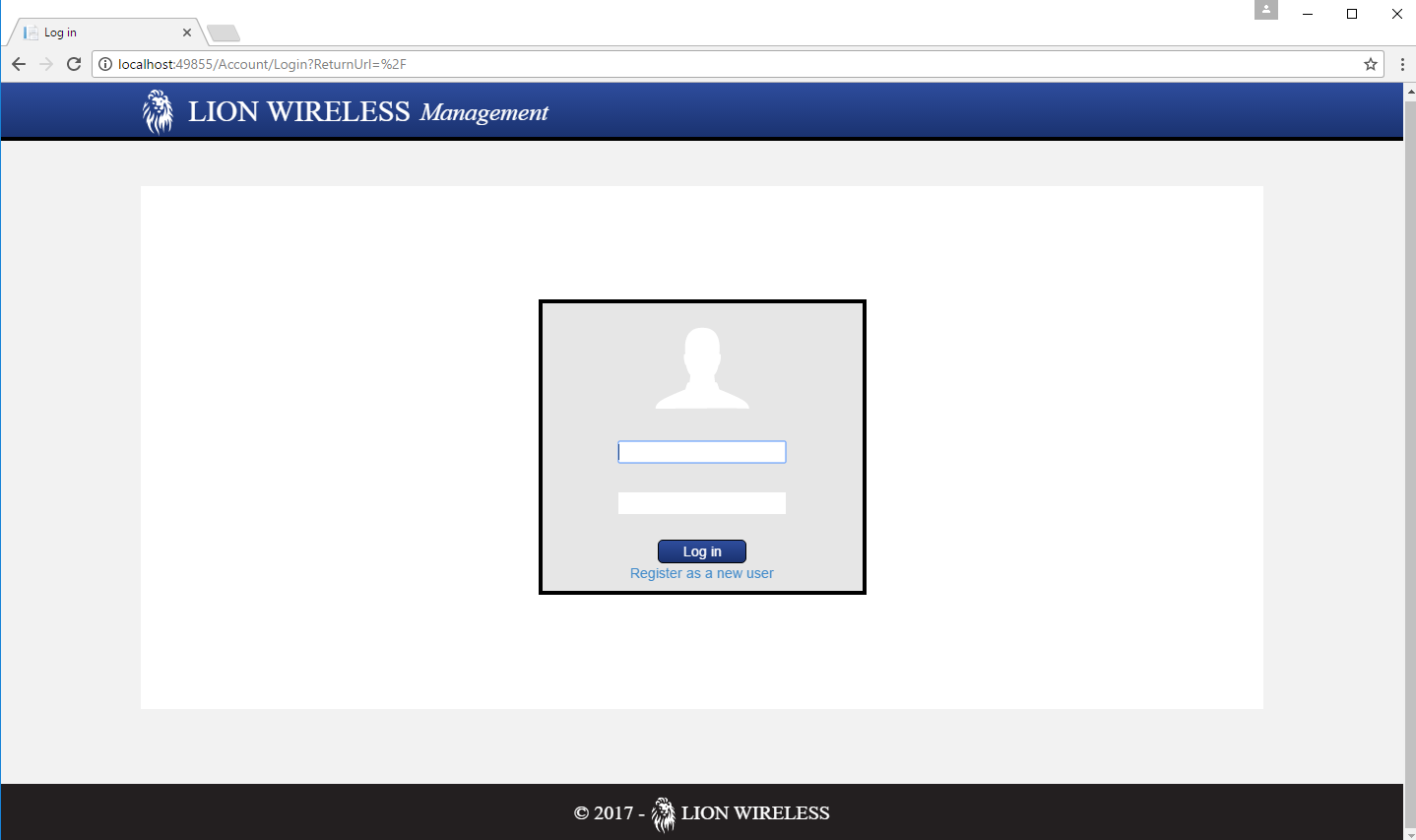
How do you add placeholder text to this code in C#? I tried this:
@Html.TextBoxFor(m => m.Email, placeholder ="Email" new { @class = "form-input" })
And it underlined ‘placeholder’ in red saying “The name ‘placeholder’ does not exist in the current context”.
Answers:
Thank you for visiting the Q&A section on Magenaut. Please note that all the answers may not help you solve the issue immediately. So please treat them as advisements. If you found the post helpful (or not), leave a comment & I’ll get back to you as soon as possible.
Method 1
Use an overload of TextBoxFor() with an htmlAttributes argument. This argument should be an anonymous object with all attributes you wish to assign to the input.
For example, if you want to set the placeholder and class attributes:
@Html.TextBoxFor( m => m.Email, new { placeholder = "Email", @class = "form-input" } )
Method 2
Try to the following
This code is tested and it’s working
@Html.TextBox("CustomarName" ,null, new { @class = "form-control" , @placeholder = "Search With Customar Name" })
Hope it helps to you
Method 3
This works for me…
@Html.TextBoxFor(m => m.Username, new { @placeholder = "Username", @class = "input100" })
Method 4
Try this:
@Html.TextBoxFor(m => m.Email, new { placeholder = "Email" })
Method 5
For input field
@Html.TextBoxFor( m => m.Email, new { placeholder = "Your email id" })
For textarea
@Html.TextAreaFor(m => m.Description, new { placeholder = "Please add description here" })
Method 6
There is a parameter which is objecthtmlattributes , You can set every html input attribute there
Example:
@Html.TextBox("Model binding here" , new { @class="form-controll" , @placeholder="Enter email"})
All methods was sourced from stackoverflow.com or stackexchange.com, is licensed under cc by-sa 2.5, cc by-sa 3.0 and cc by-sa 4.0