I am using matplotlib to make some graphs and unfortunately I cannot export them without the white background.
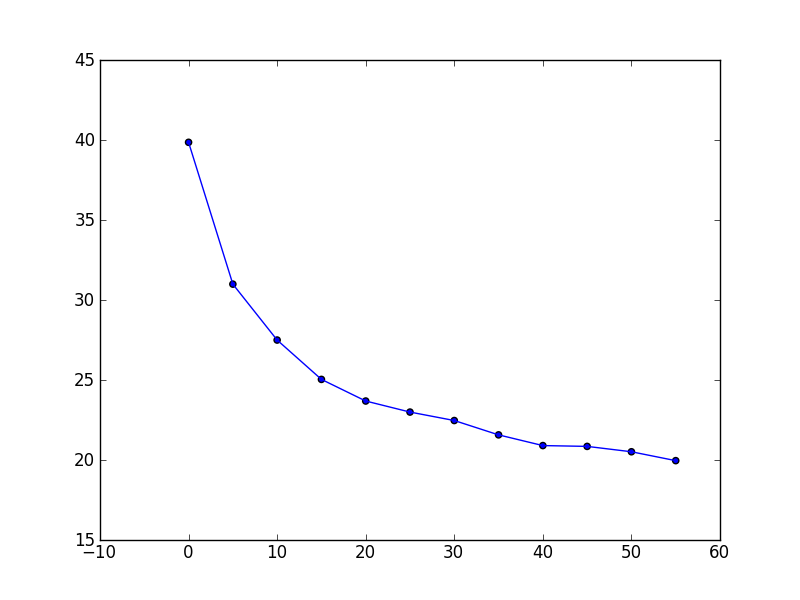
In other words, when I export a plot like this and position it on top of another image, the white background hides what is behind it rather than allowing it to show through. How can I export plots with a transparent background instead?
Answers:
Thank you for visiting the Q&A section on Magenaut. Please note that all the answers may not help you solve the issue immediately. So please treat them as advisements. If you found the post helpful (or not), leave a comment & I’ll get back to you as soon as possible.
Method 1
Use the matplotlib savefig function with the keyword argument transparent=True to save the image as a png file.
In [30]: x = np.linspace(0,6,31)

In [31]: y = np.exp(-0.5*x) * np.sin(x)

In [32]: plot(x, y, 'bo-')
Out[32]: [<matplotlib.lines.Line2D at 0x3f29750>]

In [33]: savefig('demo.png', transparent=True)
Result:
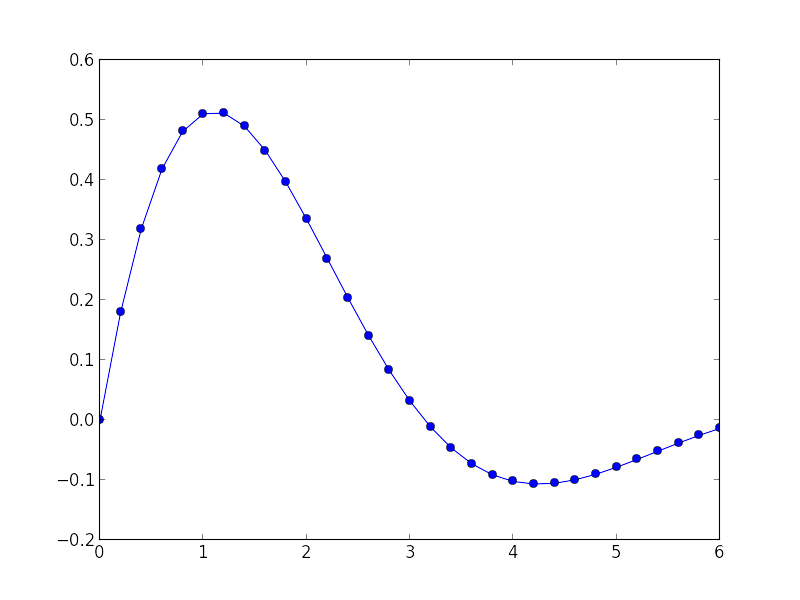
Of course, that plot doesn’t demonstrate the transparency. Here’s a screenshot of the PNG file displayed using the ImageMagick display command. The checkerboard pattern is the background that is visible through the transparent parts of the PNG file.

Method 2
Png files can handle transparency.
So you could use this question Save plot to image file instead of displaying it using Matplotlib so as to save you graph as a png file.
And if you want to turn all white pixel transparent, there’s this other question : Using PIL to make all white pixels transparent?
If you want to turn an entire area to transparent, then there’s this question: And then use the PIL library like in this question Python PIL: how to make area transparent in PNG? so as to make your graph transparent.
All methods was sourced from stackoverflow.com or stackexchange.com, is licensed under cc by-sa 2.5, cc by-sa 3.0 and cc by-sa 4.0