Been searching for a while and tried all the solutions present but none appear to be working. I created a “slide show” that will first log in, then alternate between tabs. All of that is working but i cannot get rid of the
“Chrome is being controlled by automated test software” bar. Any advise?
Code
from selenium import webdriver
from selenium.webdriver.common.by import By
from selenium.webdriver.support.ui import WebDriverWait
from selenium.webdriver.support import expected_conditions as EC
usernameStr = 'test'
passwordStr = 'test'
browser = webdriver.Chrome()

#first tab
browser.get(('www.testwebsite.com?'))
# fill in username and hit the next button
username = browser.find_element_by_id('username')
username.send_keys(usernameStr)
password = WebDriverWait(browser, 10).until(
    EC.presence_of_element_located((By.ID, 'password')))
password.send_keys(passwordStr)
nextButton = browser.find_element_by_class_name('emp-submit')
nextButton.click()

#second tab
browser.execute_script("window.open('about:blank', 'tab2');")
browser.switch_to.window("tab2")
browser.get('www.testwebsite.com')
Answers:
Thank you for visiting the Q&A section on Magenaut. Please note that all the answers may not help you solve the issue immediately. So please treat them as advisements. If you found the post helpful (or not), leave a comment & I’ll get back to you as soon as possible.
Method 1
Try this:
from selenium import webdriver

options = webdriver.ChromeOptions()
options.add_experimental_option("useAutomationExtension", False)
options.add_experimental_option("excludeSwitches",["enable-automation"])

driver_path = '/Users/myuser/Downloads/chromedriver'
driver = webdriver.Chrome(executable_path=driver_path, chrome_options=options)
driver.get('https://google.com')

driver.close()
Method 2
When you open Chrome Browser in through ChromeDriver this infobar containing the notification is embedded as follows:
Chrome is being controlled by automated test software
- Browser snapshot without the argument
disable-infobars:

But if you add the argument disable-infobars through an instance of ChromeOptions you can get rid of this infobar as follows:
-
Code Block:
from selenium import webdriver from selenium.webdriver.chrome.options import Options options = Options() options.add_argument('start-maximized') options.add_argument('disable-infobars') driver = webdriver.Chrome(chrome_options=options, executable_path=r'C:WebDriverschromedriver.exe') driver.get('https://www.google.com/') -
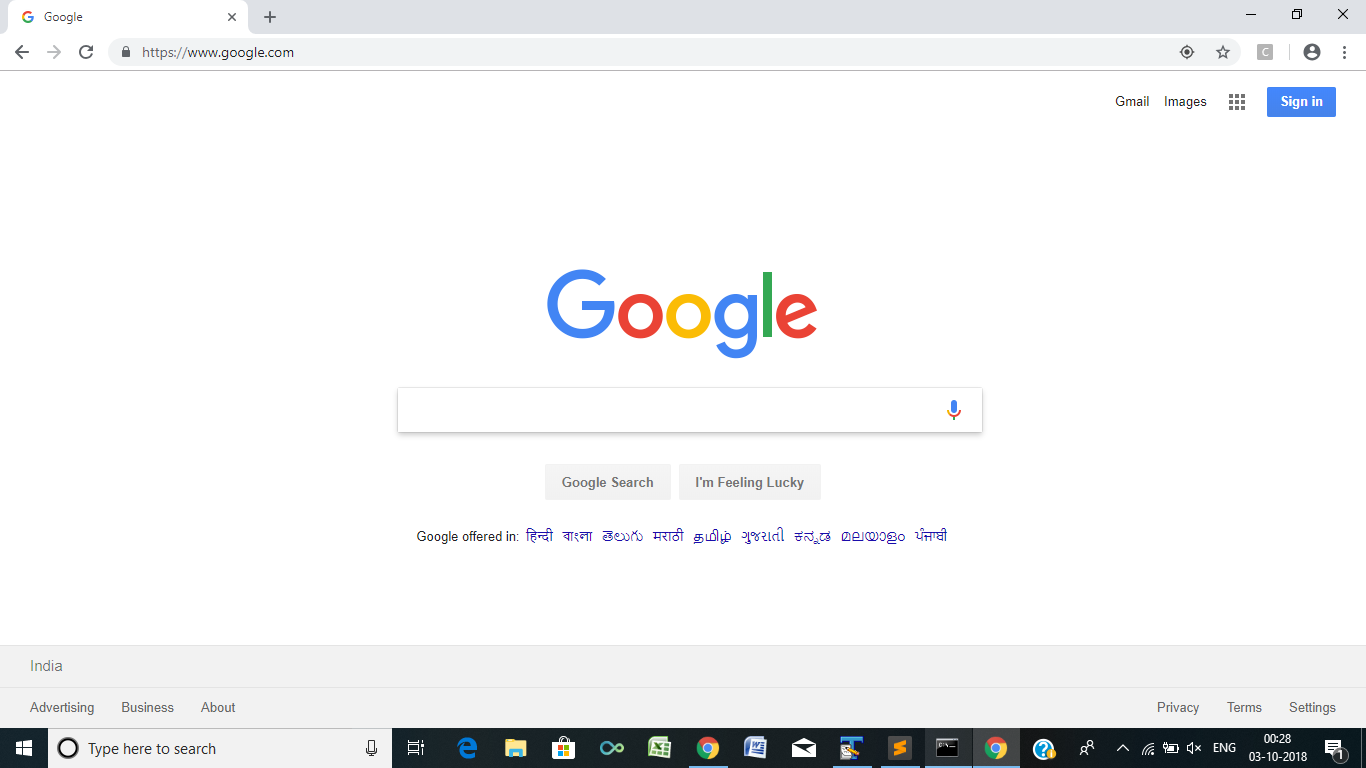
Browser snapshot applying the argument
disable-infobars:
Method 3
Click on the “x” to close the bar. It doesn’t work initially, but then maximize and restore the window and it should disappear. This is for anyone who doesn’t trigger their tests through Java.
Method 4
THIS IS WORKING WITH LATEST RELEASE.
Try it by changing driver path under “service_obj”
from selenium import webdriver

from selenium.webdriver.chrome.service import Service

chrome_options = webdriver.ChromeOptions()

chrome_options.add_experimental_option("useAutomationExtension", False)

chrome_options.add_experimental_option("excludeSwitches",["enable-automation"])

service_obj = Service(r"C:UsersDocumentsSublime_srkdriverschromedriver_win32chromedriver.exe")

driver = webdriver.Chrome(options=chrome_options,service=service_obj)

driver.get("https://www.google.co.in/")
All methods was sourced from stackoverflow.com or stackexchange.com, is licensed under cc by-sa 2.5, cc by-sa 3.0 and cc by-sa 4.0