I want to open mulitple local htmls within same browser window using Selenium Webdriver using Python. I have tried following in Jupyter notebook:
from selenium import webdriver

1page = "file://<path for 1.html>"
2page = "file://<path for 2.html>"
firefox_path = 'C:geckodriver.exe'

driver = webdriver.Firefox(executable_path= firefox_path)
driver.get(1page)
# For opening 2nd HTML in another Tab
driver.execute_script('''window.open('''+ 2page + ''',"_blank");''')
Running above code lead me to the following error:
JavascriptException: Message: Error: Access to 'file://<path of 2.html>' from script denied
How to mitigate this error?
Answers:
Thank you for visiting the Q&A section on Magenaut. Please note that all the answers may not help you solve the issue immediately. So please treat them as advisements. If you found the post helpful (or not), leave a comment & I’ll get back to you as soon as possible.
Method 1
To open multiple URLs / webpages in seperate TABs within a browser you can use the following solution :
-
Code Block :
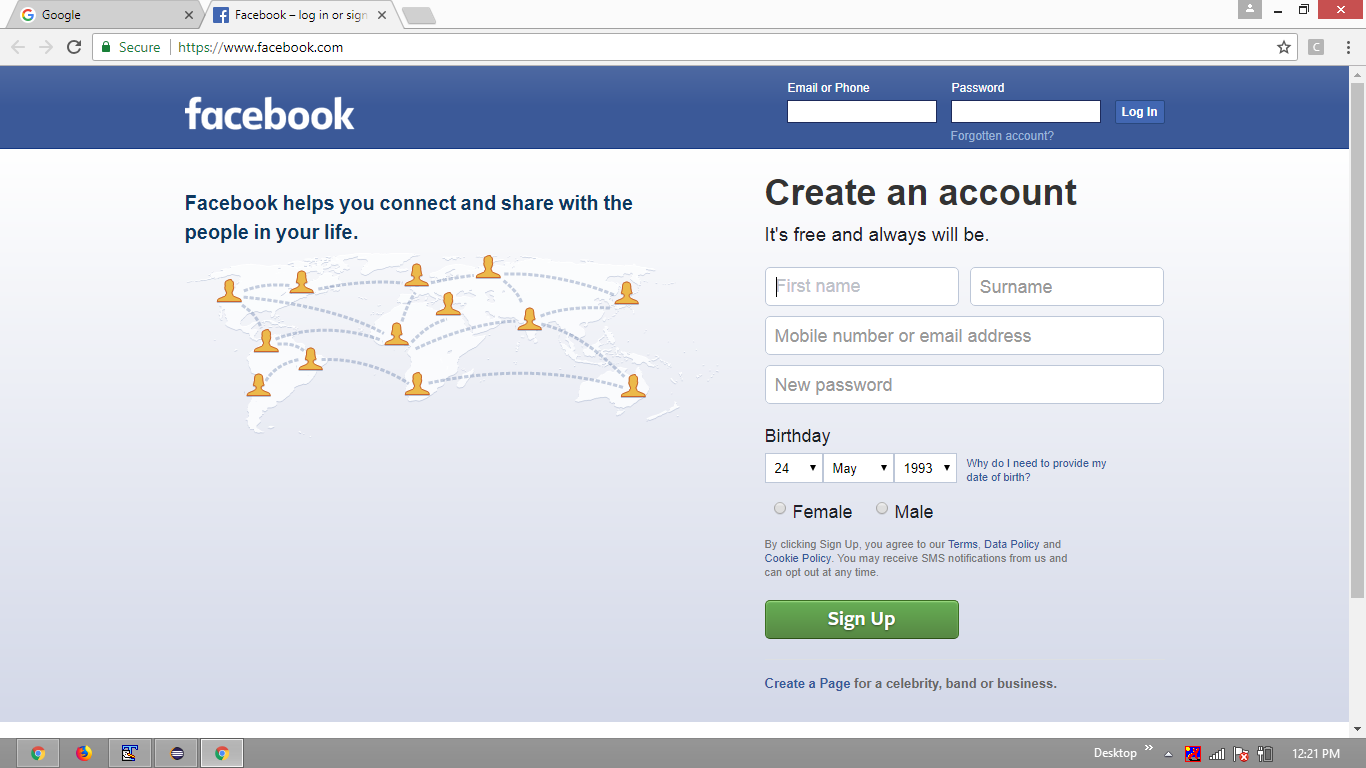
from selenium import webdriver first_page = "http://www.google.com" second_page = "https://www.facebook.com/" options = webdriver.ChromeOptions() options.add_argument("start-maximized") options.add_argument('disable-infobars') driver=webdriver.Chrome(chrome_options=options, executable_path=r'C:UtilityBrowserDriverschromedriver.exe') driver.get(first_page) driver.execute_script("window.open('" + second_page +"');") - Browser Snapshot :
All methods was sourced from stackoverflow.com or stackexchange.com, is licensed under cc by-sa 2.5, cc by-sa 3.0 and cc by-sa 4.0