Is it possible to move paypal checkout button to another place on the screen?
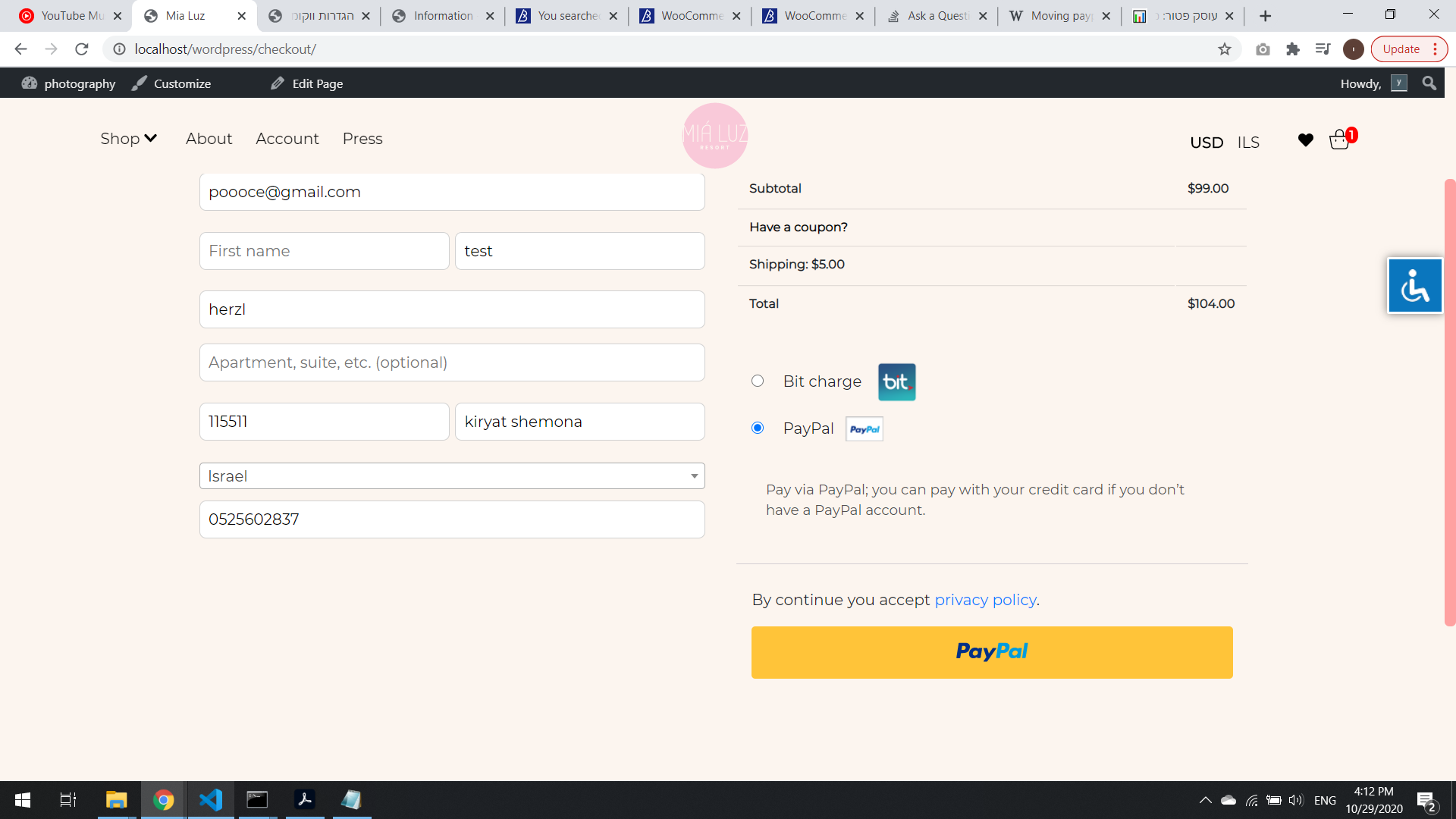
Right now the paypal button is on regular gateway form, I would like to move it to woocommerce_checkout_before_customer_details action.
I was at first using the filter below, but it refers only to placing order button and not paypal button.
<?php
    echo apply_filters( 'woocommerce_order_button_html', '<button type="submit" class="button alt" name="woocommerce_checkout_place_order" id="place_order" >test</button>' ); // @codingStandardsIgnoreLine
?>
How to relocate paypal button gateway on checkout page in woocommerce?
Answers:
Thank you for visiting the Q&A section on Magenaut. Please note that all the answers may not help you solve the issue immediately. So please treat them as advisements. If you found the post helpful (or not), leave a comment & I’ll get back to you as soon as possible.
Method 1
Have you tried this?
E.g. the paypal button function name is woo_custom_paypal_button.
Then add action like this into your function.php or specific plugin:
add_action( 'woocommerce_checkout_before_customer_details', 'woo_custom_paypal_button' );
Or if there’s something that’s already displayed there, and you might want to remove it, first find the function name and then try like this:
remove_action( 'woocommerce_checkout_before_customer_details', 'woo_function_to_remove' );
add_action( 'woocommerce_checkout_before_customer_details', 'woo_custom_paypal_button');
Update
I tried this code and worked in my case:
add_action( 'wp_loaded', 'x_relocate_paypal_button' );
function x_relocate_paypal_button() {
    $cls = new WC_Gateway_PPEC_With_SPB;
    add_action( 'woocommerce_checkout_before_customer_details', array( $cls, 'display_paypal_button' ), 20 );
}
Just replace the woocommerce_checkout_before_customer_details hook to relocate to another position.
You can find more visual hook guide on checkout page on this article.
All methods was sourced from stackoverflow.com or stackexchange.com, is licensed under cc by-sa 2.5, cc by-sa 3.0 and cc by-sa 4.0