In a previous question I asked how to add a column to the Posts page in the Administration section, and got a working answer. But now I need to know how to delete an existing column (e.g. the Date column) so that my customized Date column replaces it.
Answers:
Thank you for visiting the Q&A section on Magenaut. Please note that all the answers may not help you solve the issue immediately. So please treat them as advisements. If you found the post helpful (or not), leave a comment & I’ll get back to you as soon as possible.
Method 1
function my_manage_columns( $columns ) {
  unset($columns['date']);
  return $columns;
}

function my_column_init() {
  add_filter( 'manage_posts_columns' , 'my_manage_columns' );
}
add_action( 'admin_init' , 'my_column_init' );
Method 2
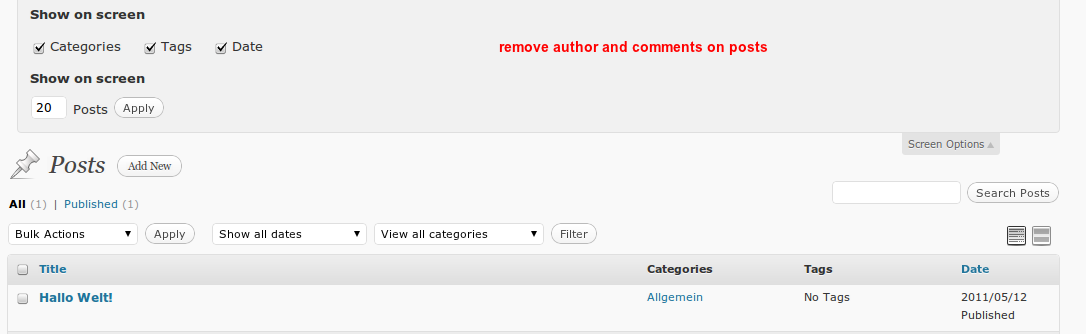
On a different fields it is also possible you deactivate the function of WP; as example comments and author:
add_action( 'admin_init', 'fb_deactivate_support' );
function fb_deactivate_support() {
    remove_post_type_support( 'post', 'comments' );
    remove_post_type_support( 'post', 'author' );
}
the post-string is for the post_type, you can also use this for all post types via:
foreach ( get_post_types() as $post_type ) {
    remove_post_type_support( $post_type, 'comments' );
}
All methods was sourced from stackoverflow.com or stackexchange.com, is licensed under cc by-sa 2.5, cc by-sa 3.0 and cc by-sa 4.0