I am trying to set up scrolling in my pyGame-based random map generator. However, I’m having trouble figuring out how to keep the display from “smearing” the background instead of just scrolling across it. I have made a MCV Example just for Stack Overflow that only displays colored squares. It has the same problem.
How can I make the display scroll without smearing the screen?
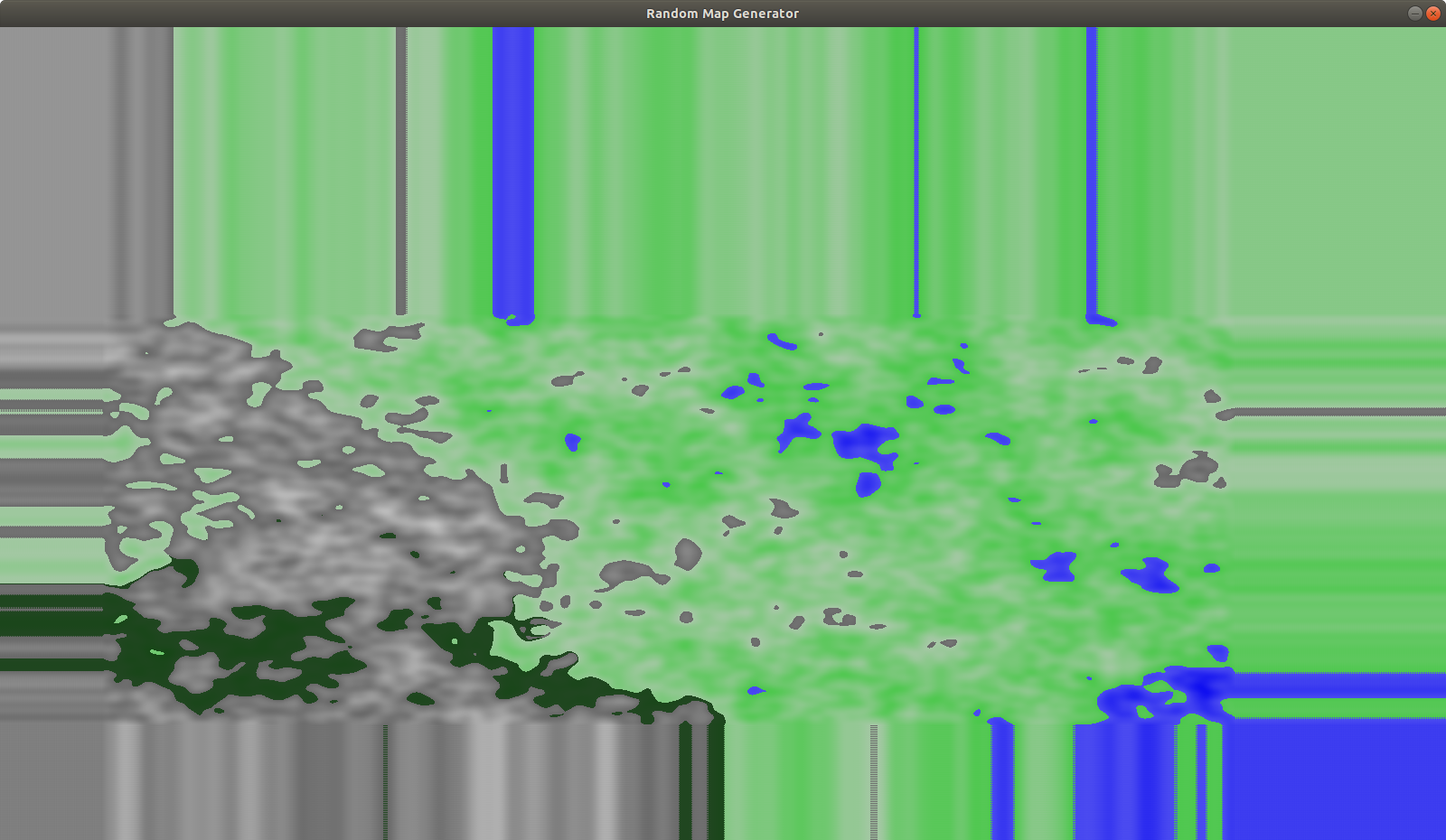
This is what the map generator displays after I scroll around a bit:
MCV Example:
""" This example just displays colored squares. """

import pygame
import sys


def main():

    pygame.init()

    screen = pygame.display.set_mode((800, 800))

    x_pos = 0
    y_pos = 0
    yellow = (255, 255, 0)
    blue = (0, 0, 255)

    # draw pattern of yellow and blue squares
    for y in range(100):
        for x in range(100):

            if (y + x) % 2 == 0:
                pygame.draw.rect(screen, yellow, (x_pos, y_pos, 50, 50))
            else:
                pygame.draw.rect(screen, blue, (x_pos, y_pos, 50, 50))

            x_pos += 50

        y_pos += 50
        x_pos = 0

    while True:  # <-- the pyGame loop

        event = pygame.event.poll()
        pressed = pygame.key.get_pressed()

        # handle window closing
        if event.type == pygame.QUIT:
            break

        # handle scrolling
        if pressed[pygame.K_UP]:
            screen.scroll(0, 2)
        elif pressed[pygame.K_DOWN]:
            screen.scroll(0, -2)
        elif pressed[pygame.K_LEFT]:
            screen.scroll(2, 0)
        elif pressed[pygame.K_RIGHT]:
            screen.scroll(-2, 0)

        # updates what the window displays
        pygame.display.update()

    pygame.quit()
    sys.exit(0)


if __name__ == "__main__":
    # runs the pyGame loop
    main()
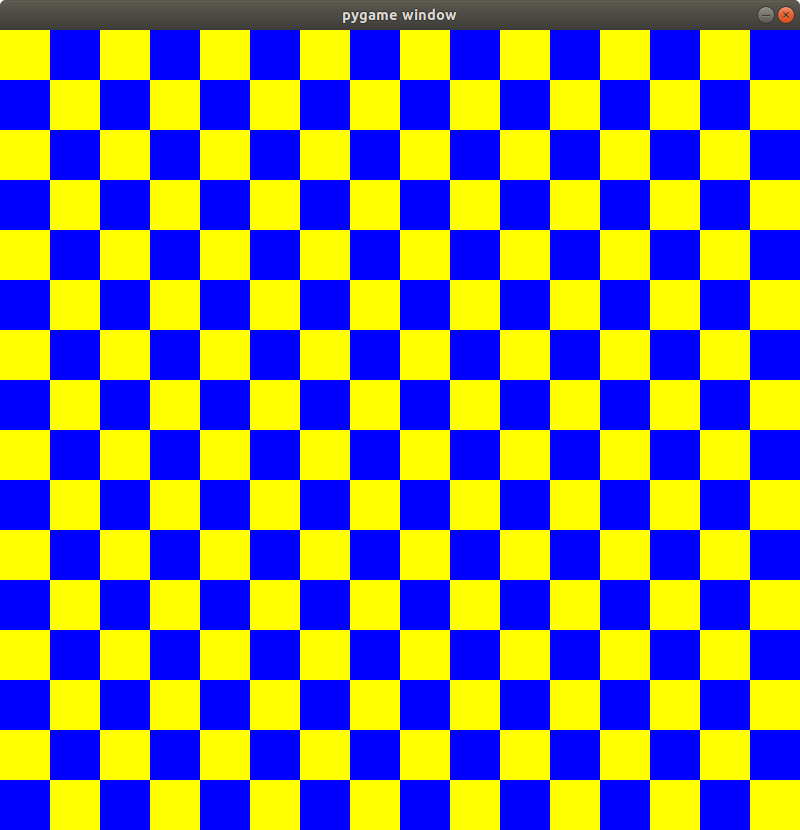
Initial MCVE image
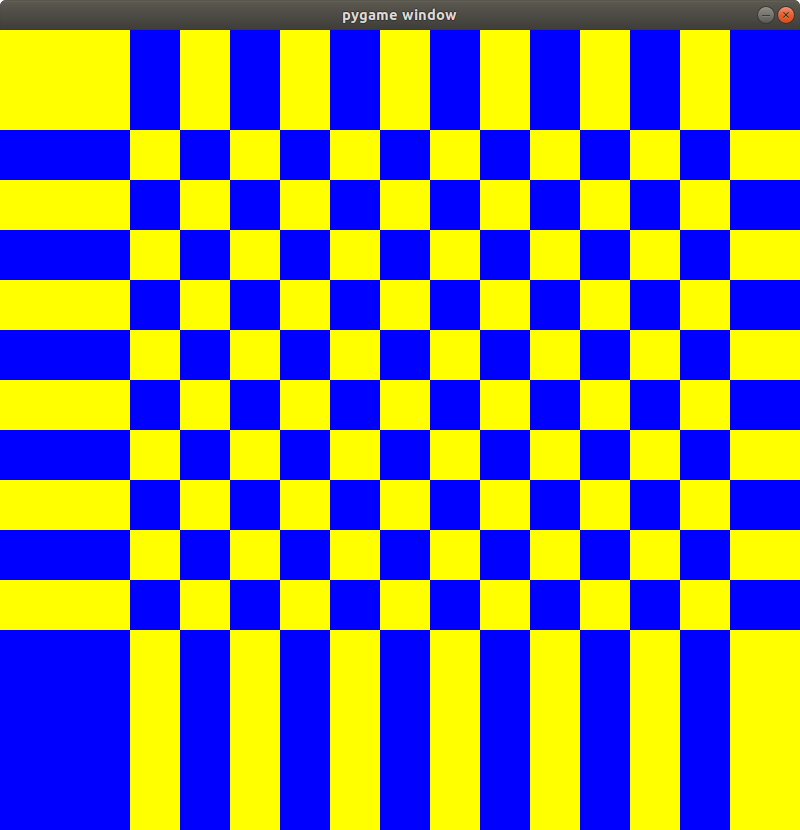
MCVE Display After Scrolling:
Answers:
Thank you for visiting the Q&A section on Magenaut. Please note that all the answers may not help you solve the issue immediately. So please treat them as advisements. If you found the post helpful (or not), leave a comment & I’ll get back to you as soon as possible.
Method 1
pygame.Surface.scroll() doesn’t do what you expect. It doesn’t seamless roll the surface. See the documentation:
scroll()Shift the surface image in place
[…] Areas of the surface that are not overwritten retain their original pixel values. […]
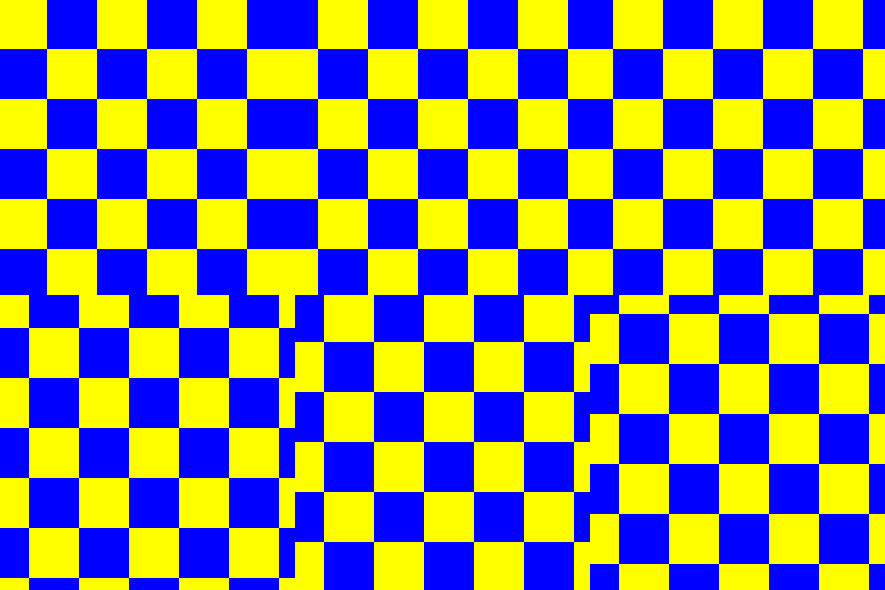
You’ve to write your own scroll functions, which place the part of the surface, which was shifted out, at the other side of thee surface.
e.g. write 2 functions (scrollX and scrollY), which can roll along an axis:
def scrollX(screenSurf, offsetX):
    width, height = screenSurf.get_size()
    copySurf = screenSurf.copy()
    screenSurf.blit(copySurf, (offsetX, 0))
    if offsetX < 0:
        screenSurf.blit(copySurf, (width + offsetX, 0), (0, 0, -offsetX, height))
    else:
        screenSurf.blit(copySurf, (0, 0), (width - offsetX, 0, offsetX, height))
def scrollY(screenSurf, offsetY):
    width, height = screenSurf.get_size()
    copySurf = screenSurf.copy()
    screenSurf.blit(copySurf, (0, offsetY))
    if offsetY < 0:
        screenSurf.blit(copySurf, (0, height + offsetY), (0, 0, width, -offsetY))
    else:
        screenSurf.blit(copySurf, (0, 0), (0, height - offsetY, width, offsetY))
if pressed[pygame.K_UP]:
    scrollY(screen, 2)
elif pressed[pygame.K_DOWN]:
    scrollY(screen, -2)
elif pressed[pygame.K_LEFT]:
    scrollX(screen, 2)
elif pressed[pygame.K_RIGHT]:
    scrollX(screen, -2)
All methods was sourced from stackoverflow.com or stackexchange.com, is licensed under cc by-sa 2.5, cc by-sa 3.0 and cc by-sa 4.0