I’m building an asp.net application using VScode, scaffolding areas using “aspnet-codegenerator” command always fail because of missing files.
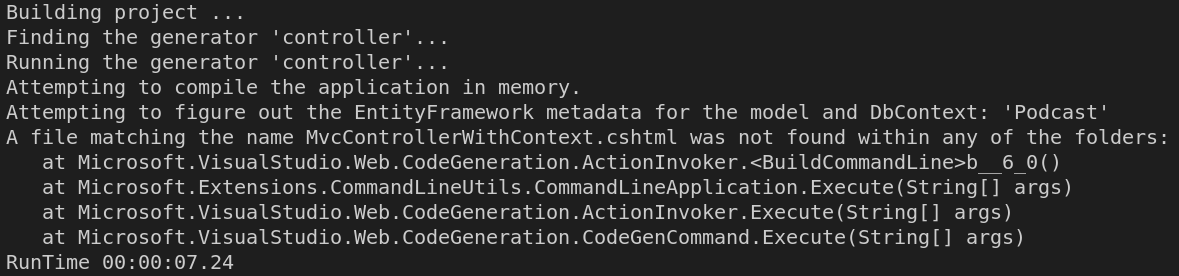
I tried to uninstall the tool and reinstall it again, but still the same error
Answers:
Thank you for visiting the Q&A section on Magenaut. Please note that all the answers may not help you solve the issue immediately. So please treat them as advisements. If you found the post helpful (or not), leave a comment & I’ll get back to you as soon as possible.
Method 1
Firstly, please try to check if MvcControllerWithContext.cshtml file does exist under that folder mentioned in error.
Templates file path on my computer
C:Usersuser_name_here.nugetpackagesmicrosoft.visualstudio.web.codegenerators.mvcverison_here(such as 3.1.4)TemplatesControllerGenerator
Besides, if you indeed installed the dotnet-aspnet-codegenerator tool, but error still occurs, you can try this workaround:
-
copy
Templates/ControllerGeneratorandTempletes/ViewGeneratorto the project folder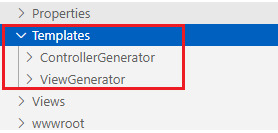
-
then rebuild the project and run your
dotnet aspnet-codegeneratorcommand to generate controller and view etc.
All methods was sourced from stackoverflow.com or stackexchange.com, is licensed under cc by-sa 2.5, cc by-sa 3.0 and cc by-sa 4.0