Hello I am here because I have a problem, I am learning pygame but my game cannot changes rotation while moving.
Using a vector didn’t help.
 class Car(pygame.sprite.Sprite):
    def __init__(self, surf, x, y, speed, angle):
        super().__init__()
        self.image = pygame.transform.rotate(surf, angle).convert()
        self.rect = self.image.get_rect(center=(x, y))
        self.x = x
        self.y = y
        self.angel=angle
        self.speed = speed
        self.image.set_colorkey(black)
    def update(self):
        if self.rect.x  > 800:
            self.rect.x=0
        elif self.rect.x <0:
            self.rect.x=800
        elif self.rect.y > 600:
            self.rect.y=0
        elif self.rect.y <0:
            self.rect.y=600
        keys = pygame.key.get_pressed()
        if keys[pygame.K_w]:
            self.rect = self.rect.move(0, -self.speed)
        elif keys[pygame.K_s]:
            self.rect = self.rect.move(0, self.speed)
        elif keys[pygame.K_a]:
            self.rect = self.rect.move(-self.speed, 0)
            self.angel +=10
        elif keys[pygame.K_d]:
            self.rect = self.rect.move(self.speed, 0)
            self.angel -=10
I want to change image’s angle in my class, but I can not.
Answers:
Thank you for visiting the Q&A section on Magenaut. Please note that all the answers may not help you solve the issue immediately. So please treat them as advisements. If you found the post helpful (or not), leave a comment & I’ll get back to you as soon as possible.
Method 1
Store the original (not rotated) image in the class and store the position of the car in a pygame.math.Vector2 object:
def __init__(self, surf, x, y, speed, angle):
    # [...]
    self.surf = surf.convert()
    self.surf.set_colorkey(black)
    self.pos = pygame.math.Vector2(x, y)
    # [...]
Chang the position of the car dependent on the direction. The direction vector is set by self.speed (in y direction) and has to be rotated by self.angle. Note that (.rotate()) rotates in counter clockwise direction. The y-axis points downwards, so when w is pressed, then the vector has to be subtracted and when s is pressed, then the vector has to be add to self.pos:
def update(self):

    # [...]

    dirvec = pygame.math.Vector2(0, self.speed).rotate(self.angle)

    if keys[pygame.K_w]:
        self.pos = self.pos - dirvec
    elif keys[pygame.K_s]:
        self.pos = self.pos + dirvec
Rotate the image and update the rectangle. See also How do I rotate an image around its center using Pygame?:
def update(self):

    # [...]

    self.image = pygame.transform.rotate(self.surf, -self.angle)
    self.rect  = self.image.get_rect(center = (round(self.pos.x), round(self.pos.y)))
Full code of the class Car:
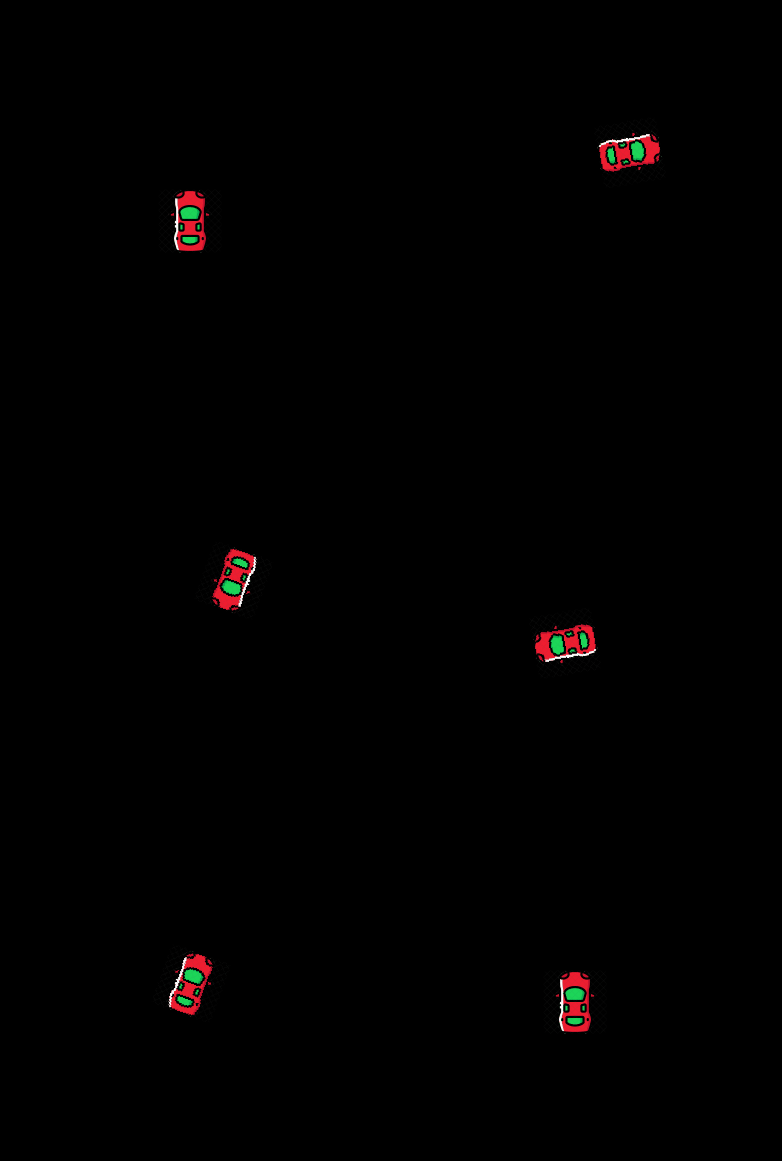
class Car(pygame.sprite.Sprite):
    def __init__(self, surf, x, y, speed, angle):
        super().__init__()
        self.surf = surf
        self.surf.set_colorkey(black)
        self.pos = pygame.math.Vector2(x, y)
        self.angle = angle
        self.speed = speed
        self.image = pygame.transform.rotate(self.surf, self.angle)
        self.rect  = self.image.get_rect(center=(x, y))

    def update(self):

        keys = pygame.key.get_pressed()
        if keys[pygame.K_a]:
            self.angle -= 10
        elif keys[pygame.K_d]:
            self.angle += 10

        dirvec = pygame.math.Vector2(0, self.speed).rotate(self.angle)
        if keys[pygame.K_w]:
            self.pos = self.pos - dirvec
        elif keys[pygame.K_s]:
            self.pos = self.pos + dirvec

        if self.pos.x > 800:
            self.pos.x = 0
        elif self.pos.x < 0:
            self.pos.x = 800
        elif self.pos.y > 600:
            self.pos.y = 0
        elif self.pos.y < 0:
            self.pos.y = 600

        self.image = pygame.transform.rotate(self.surf, -self.angle)
        self.rect  = self.image.get_rect(center = (round(self.pos.x), round(self.pos.y)))
See also How to turn the sprite in pygame while moving with the keys
 repl.it/@Rabbid76/PyGame-CarMovement
Method 2
Make these bits:
elif keys[pygame.K_a]
elif keys[pygame.K_d]
Into:
if keys[pygame.K_a]
elif keys[pygame.K_d]
That should do it.
All methods was sourced from stackoverflow.com or stackexchange.com, is licensed under cc by-sa 2.5, cc by-sa 3.0 and cc by-sa 4.0