I am starting to make a app using bitbucket CI and i am using the following steps to deploy the application and the steps to install pip is failing.
 script:
    - apt-get update
    - apt-get install -y python-dev
    - curl -O https://bootstrap.pypa.io/get-pip.py
    - python get-pip.py
    ... and a few more steps
Dont know why but python get-pip.py step fails with the following error.
Traceback (most recent call last):
  File "get-pip.py", line 24226, in <module>
    main()
  File "get-pip.py", line 199, in main
    bootstrap(tmpdir=tmpdir)
  File "get-pip.py", line 82, in bootstrap
    from pip._internal.cli.main import main as pip_entry_point
  File "/tmp/tmpUgc5ng/pip.zip/pip/_internal/cli/main.py", line 60
    sys.stderr.write(f"ERROR: {exc}")
                                   ^

SyntaxError: invalid syntax
This worked fine upto yesterday. Not sure why this is not working now.
I thought it may be because of windows but i checked in my local machine running linux but these steps but they worked fine.
Answers:
Thank you for visiting the Q&A section on Magenaut. Please note that all the answers may not help you solve the issue immediately. So please treat them as advisements. If you found the post helpful (or not), leave a comment & I’ll get back to you as soon as possible.
Method 1
pip 21.0 dropped support for Python 2 and 3.5. The later versions require Python 3.6+. The syntax f"" is supported by Python 3.6+.
To install pip for Python 2.7 install it from https://bootstrap.pypa.io/pip/2.7/ :
- curl -O https://bootstrap.pypa.io/pip/2.7/get-pip.py
- python get-pip.py
- python -m pip install --upgrade "pip < 21.0"
The last command is to upgrade to the latest supported version.
- For Python 2.7 the latest supported is currently
pip20.3.4. - For Python 3.6 install from https://bootstrap.pypa.io/pip/3.6/
- For Python 3.5 install from https://bootstrap.pypa.io/pip/3.5/
- For Python 3.4 install from https://bootstrap.pypa.io/pip/3.4/
- For Python 3.4 the upgrade command is
python -m pip install --upgrade "pip < 19.2"
Method 2
I solved it by firstly run
python -m pip install --upgrade "pip < 19.2"
and then
python -m pip install --upgrade "pip < 21.0".
It seems reinstall my pip 20.3.4 and the error disappreared!
Method 3
This worked for me:On Mac:
Install pyenv as well as upgrade your python following the instructions on this here
Then in your terminal, if you run python -V and you still get the old version(system predefined version) showing:
To resolve this:
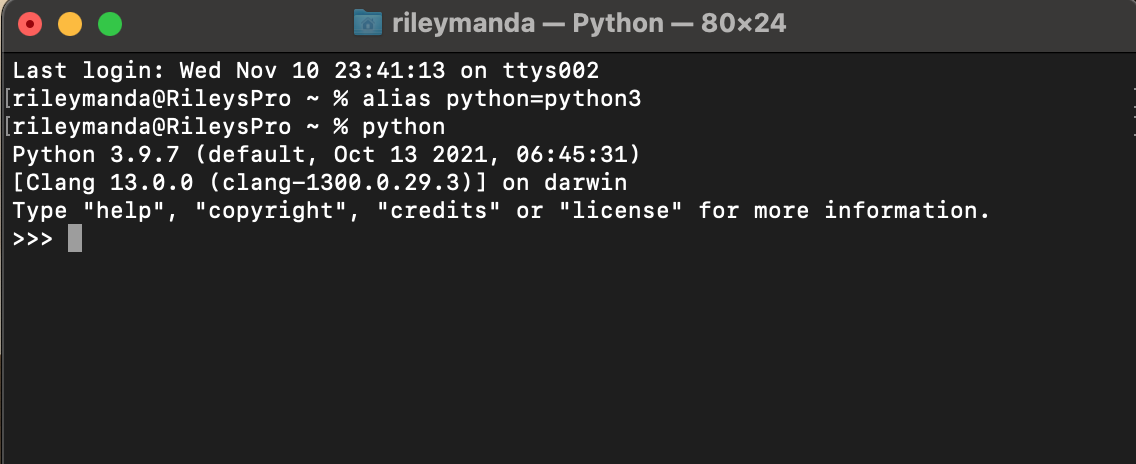
In your terminal run: alias python=python3
Then in your terminal execute python and you should now see that your system is using the python version you installed-:That is if you followed and completed the steps Here Correctly.
Restart your terminal(close/reopen):
Now you can finally install pip:
Read more about pip instalation steps [here][3]
1:In your terminal execute :$ python -m ensurepip --upgrade
2: Download the script, from https://bootstrap.pypa.io/get-pip.py.
But..**NB**: instead of navigating to the exact link provided,check out the available versions of pip here:pipversions
Select the latest version:
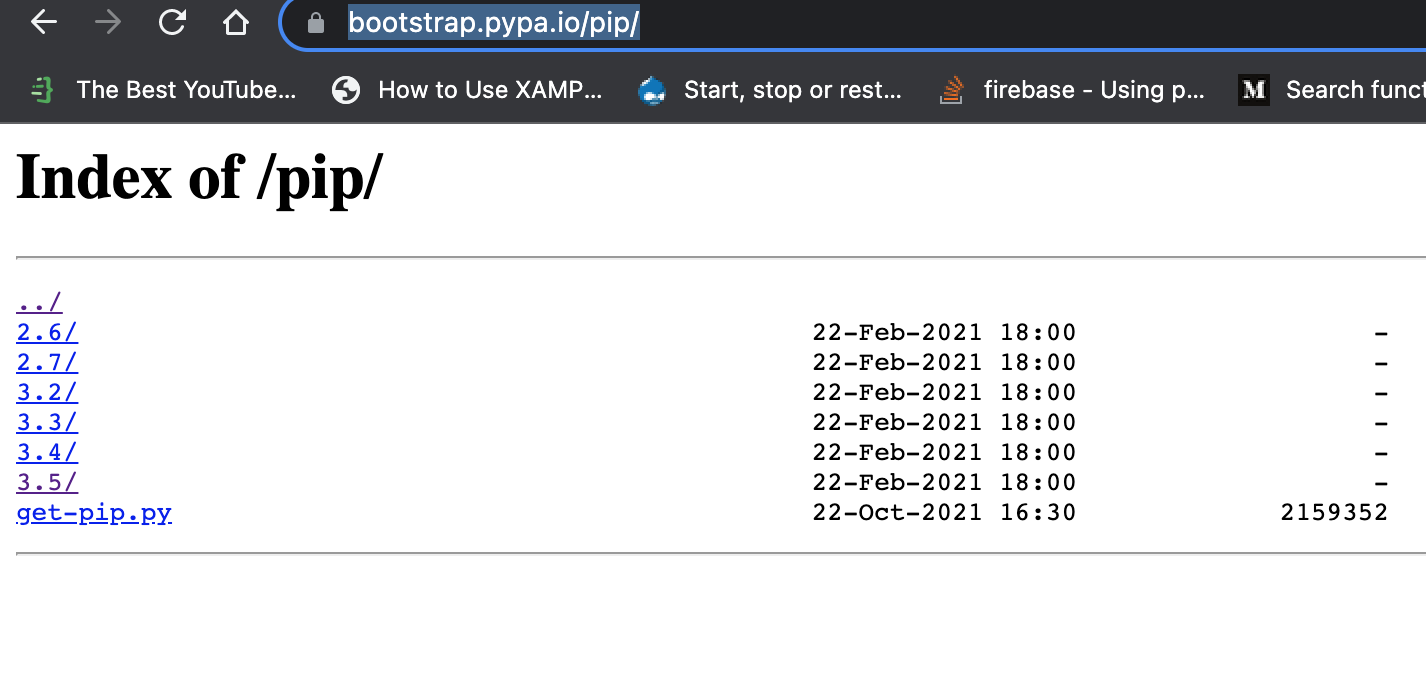
Then select getpip.py link to get the file and save it into your directory on your machine:
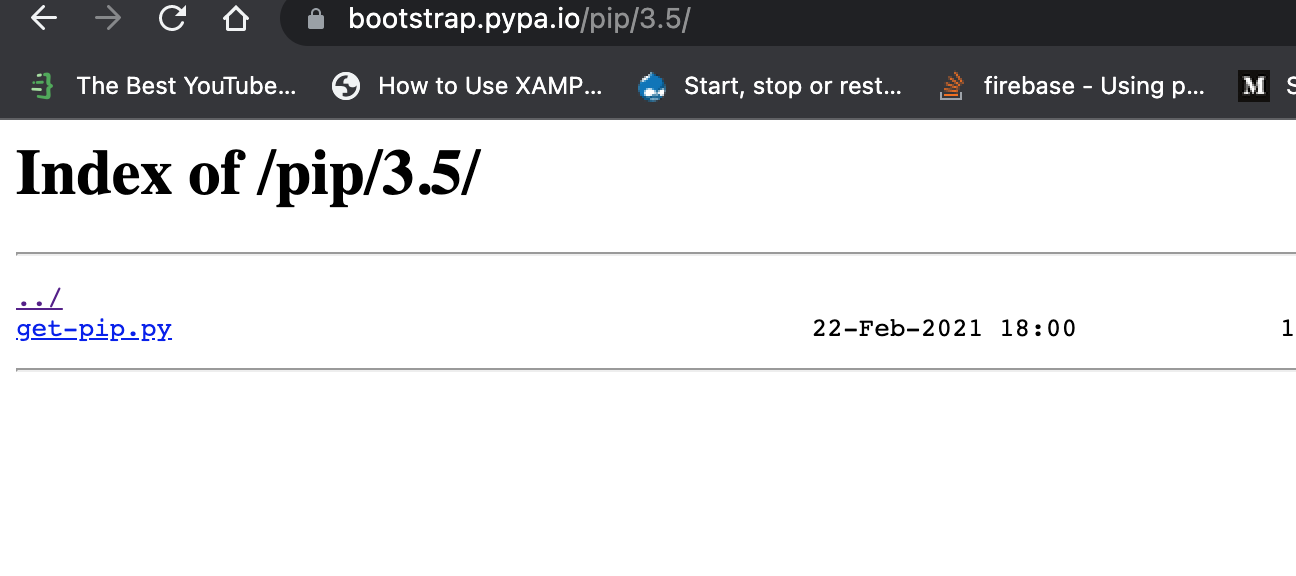
cd into the folder where you saved the newly downloaded script and execute:
Then execute:
python get-pip.py

Pip installed successfully:

Method 4
For me python 3.5 on aws ec2 below worked
curl -O https://bootstrap.pypa.io/pip/3.5/get-pip.py
Then
sudo python3.5 get-pip.pyenter image description here
Method 5
I have also tried all thing but my solution was download old get-pip version and install.
- download:
curl -O https://bootstrap.pypa.io/2.7/get-pip.pythe fileget-pip.py - install:
python get-pip.pyorpython2 get-pip.py - enjoy
This is worked on Debian systems.
Edit: A better solution is always to install a Python version that is long supported. If at all you need to work with an older version – only then must one resort to the above workaround.
All methods was sourced from stackoverflow.com or stackexchange.com, is licensed under cc by-sa 2.5, cc by-sa 3.0 and cc by-sa 4.0