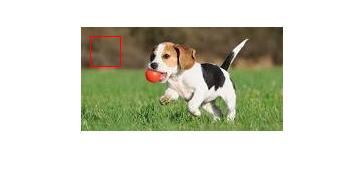
How to draw a rectangle on an image, like this:
import matplotlib.pyplot as plt
from PIL import Image
import numpy as np
im = np.array(Image.open('dog.png'), dtype=np.uint8)
plt.imshow(im)
I don’t know how to proceed.
Answers:
Thank you for visiting the Q&A section on Magenaut. Please note that all the answers may not help you solve the issue immediately. So please treat them as advisements. If you found the post helpful (or not), leave a comment & I’ll get back to you as soon as possible.
Method 1
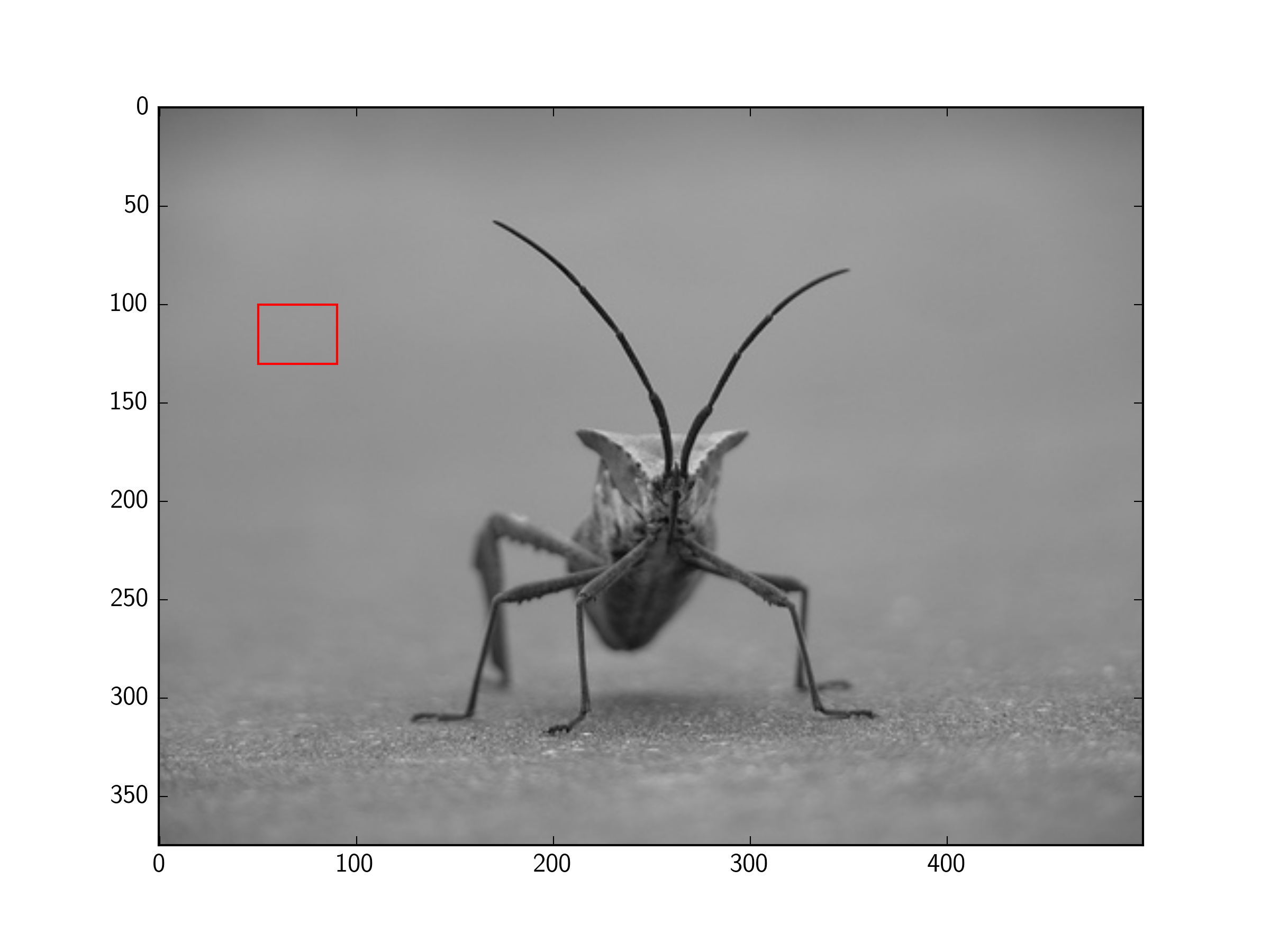
You can add a Rectangle patch to the matplotlib Axes.
For example (using the image from the tutorial here):
import matplotlib.pyplot as plt
import matplotlib.patches as patches
from PIL import Image

im = Image.open('stinkbug.png')

# Create figure and axes
fig, ax = plt.subplots()

# Display the image
ax.imshow(im)

# Create a Rectangle patch
rect = patches.Rectangle((50, 100), 40, 30, linewidth=1, edgecolor='r', facecolor='none')

# Add the patch to the Axes
ax.add_patch(rect)

plt.show()
Method 2
There is no need for subplots, and pyplot can display PIL images, so this can be simplified further:
import matplotlib.pyplot as plt
from matplotlib.patches import Rectangle
from PIL import Image

im = Image.open('stinkbug.png')

# Display the image
plt.imshow(im)

# Get the current reference
ax = plt.gca()

# Create a Rectangle patch
rect = Rectangle((50,100),40,30,linewidth=1,edgecolor='r',facecolor='none')

# Add the patch to the Axes
ax.add_patch(rect)
Or, the short version:
import matplotlib.pyplot as plt
from matplotlib.patches import Rectangle
from PIL import Image

# Display the image
plt.imshow(Image.open('stinkbug.png'))

# Add the patch to the Axes
plt.gca().add_patch(Rectangle((50,100),40,30,linewidth=1,edgecolor='r',facecolor='none'))
Method 3
You need use patches.
import matplotlib.pyplot as plt
import matplotlib.patches as patches

fig2 = plt.figure()
ax2 = fig2.add_subplot(111, aspect='equal')

ax2.add_patch(
     patches.Rectangle(
        (0.1, 0.1),
        0.5,
        0.5,
        fill=False      # remove background
     ) )
fig2.savefig('rect2.png', dpi=90, bbox_inches='tight')
Method 4
From my understanding matplotlib is a plotting library.
If you want to change the image data (e.g. draw a rectangle on an image), you could use PIL’s ImageDraw, OpenCV, or something similar.
Here is PIL’s ImageDraw method to draw a rectangle.
Here is one of OpenCV’s methods for drawing a rectangle.
Your question asked about Matplotlib, but probably should have just asked about drawing a rectangle on an image.
Here is another question which addresses what I think you wanted to know:
Draw a rectangle and a text in it using PIL
Method 5
If you have a set of coordinates of ordered points you can also use the plot function and plot them directly without using the Rect patch. Here I recreate the example proposed by @tmdavison using that:
import matplotlib.pyplot as plt
import matplotlib.patches as patches
from PIL import Image

im = Image.open('/content/stinkbug.png')

# Create figure and axes
fig, ax = plt.subplots()

# Display the image
ax.imshow(im)

# Coordinates of rectangle vertices
# in clockwise order
xs = [50, 90, 90, 50, 50]
ys = [100, 100, 130, 130, 100]
ax.plot(xs, ys, color="red")

plt.show()
All methods was sourced from stackoverflow.com or stackexchange.com, is licensed under cc by-sa 2.5, cc by-sa 3.0 and cc by-sa 4.0