I want to read a list of images into Python/Matplotlib and then plot this images instead of other markers (like points) in a graph. I have tried with imshow but I didn’t succeed, because I cannot shift the image to another position and scale it appropriately. Maybe somebody has a good idea : )
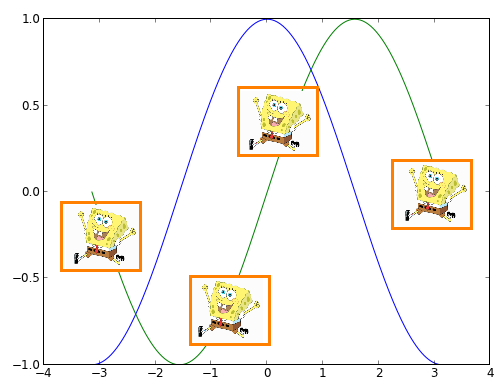
Answers:
Thank you for visiting the Q&A section on Magenaut. Please note that all the answers may not help you solve the issue immediately. So please treat them as advisements. If you found the post helpful (or not), leave a comment & I’ll get back to you as soon as possible.
Method 1
There are two ways to do this.
- Plot the image using
imshowwith theextentkwarg set based on the location you want the image at. - Use an
OffsetImageinside anAnnotationBbox.
The first way is the easiest to understand, but the second has a large advantage. The annotation box approach will allow the image to stay at a constant size as you zoom in. Using imshow will tie the size of the image to the data coordinates of the plot.
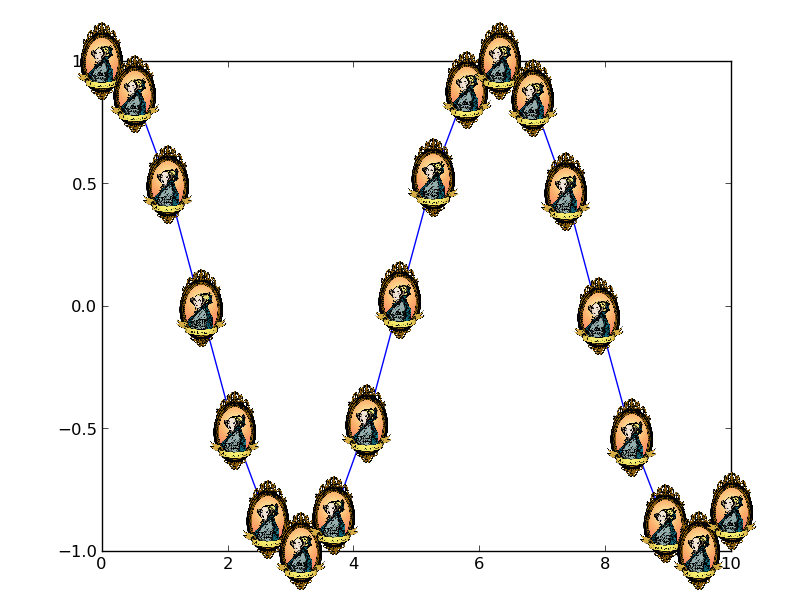
Here’s an example of the second option:
import numpy as np
import matplotlib.pyplot as plt
from matplotlib.offsetbox import OffsetImage, AnnotationBbox
from matplotlib.cbook import get_sample_data

def main():
    x = np.linspace(0, 10, 20)
    y = np.cos(x)
    image_path = get_sample_data('ada.png')
    fig, ax = plt.subplots()
    imscatter(x, y, image_path, zoom=0.1, ax=ax)
    ax.plot(x, y)
    plt.show()

def imscatter(x, y, image, ax=None, zoom=1):
    if ax is None:
        ax = plt.gca()
    try:
        image = plt.imread(image)
    except TypeError:
        # Likely already an array...
        pass
    im = OffsetImage(image, zoom=zoom)
    x, y = np.atleast_1d(x, y)
    artists = []
    for x0, y0 in zip(x, y):
        ab = AnnotationBbox(im, (x0, y0), xycoords='data', frameon=False)
        artists.append(ax.add_artist(ab))
    ax.update_datalim(np.column_stack([x, y]))
    ax.autoscale()
    return artists

main()
Method 2
If you want different images:
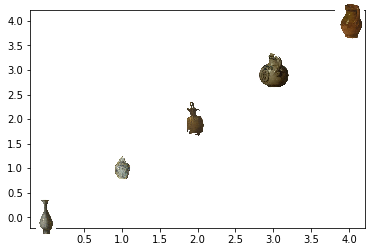
This is now the first reply when googling “matplotlib scatter with images”. If you’re like me and actually need to plot different images on each image, try this minimalied example instead. Just be sure to input your own images.
import matplotlib.pyplot as plt
from matplotlib.offsetbox import OffsetImage, AnnotationBbox

def getImage(path, zoom=1):
    return OffsetImage(plt.imread(path), zoom=zoom)

paths = [
    'a.jpg',
    'b.jpg',
    'c.jpg',
    'd.jpg',
    'e.jpg']

x = [0,1,2,3,4]
y = [0,1,2,3,4]

fig, ax = plt.subplots()
ax.scatter(x, y)

for x0, y0, path in zip(x, y,paths):
    ab = AnnotationBbox(getImage(path), (x0, y0), frameon=False)
    ax.add_artist(ab)
All methods was sourced from stackoverflow.com or stackexchange.com, is licensed under cc by-sa 2.5, cc by-sa 3.0 and cc by-sa 4.0