I write a custom IdentityUser which is AuthUser.
public class AuthUser : IdentityUser
    {
        public int StudentsId { get; set; }
        public virtual Students StudentProfile { get; set; }

        public int InstructorId { get; set; }
        public virtual Instructor InstructorProfile { get; set; }

        public bool IsStudent { get; set; }
        public bool IsInstructor { get; set; }
    }
The context is okay as you can see
 public class LmsContext : IdentityDbContext<AuthUser> //DbContext
    {
}
The startup.cs is all setup
services.AddDbContext<LmsContext>(options =>
                options.UseSqlServer(
                Configuration.GetConnectionString("UCIPrimarySchool"))
                );
            services.AddDefaultIdentity<AuthUser>(options => options.SignIn.RequireConfirmedAccount = true)
                .AddEntityFrameworkStores<LmsContext>();

            services.AddControllersWithViews();
            services.AddRazorPages();
But when I try to login I get the following error.
An unhandled exception occurred while processing the request.
SqlException: Invalid object name 'AspNetUsers'.

Microsoft.Data.SqlClient.SqlCommand+<>c.<ExecuteDbDataReaderAsync>b__169_0(Task<SqlDataReader> result)
Why is is not querying the extended AuthUser but instead goes for the none existing table AspNetUsers?
Answers:
Thank you for visiting the Q&A section on Magenaut. Please note that all the answers may not help you solve the issue immediately. So please treat them as advisements. If you found the post helpful (or not), leave a comment & I’ll get back to you as soon as possible.
Method 1
First, you should clarify your relationship and then migrations and updated the database correctly.
Change your AuthUser like this:
public class AuthUser : IdentityUser
{
    public virtual Students StudentProfile { get; set; }

    public virtual Instructor InstructorProfile { get; set; }

    public bool IsStudent { get; set; }
    public bool IsInstructor { get; set; }
}
In your Context:
  public DbSet<Students>  Students { get; set; }
  public DbSet<Instructor> Instructor { get; set; }
Migration and update:
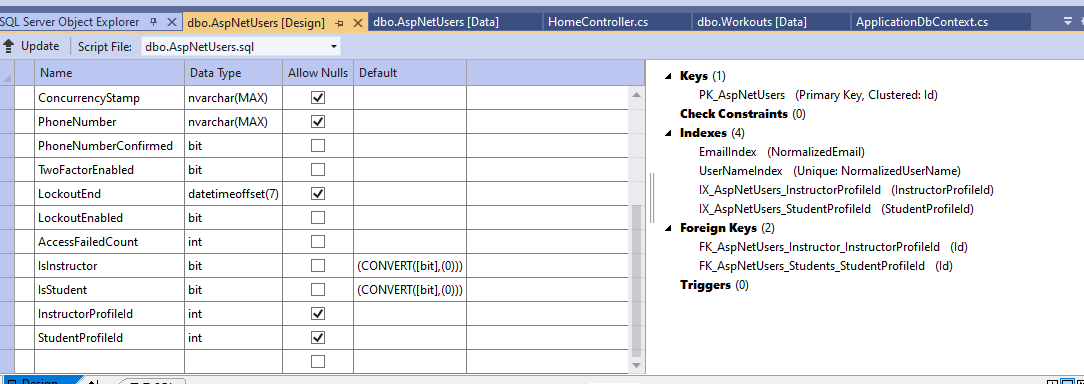
After successfully updating the database, you need to change your View/Shared/_LoginPartial code:
@inject SignInManager<IdentityUser> SignInManager
@inject UserManager<IdentityUser> UserManager
to
@inject SignInManager<AuthUser> SignInManager
@inject UserManager<AuthUser> UserManager
Then
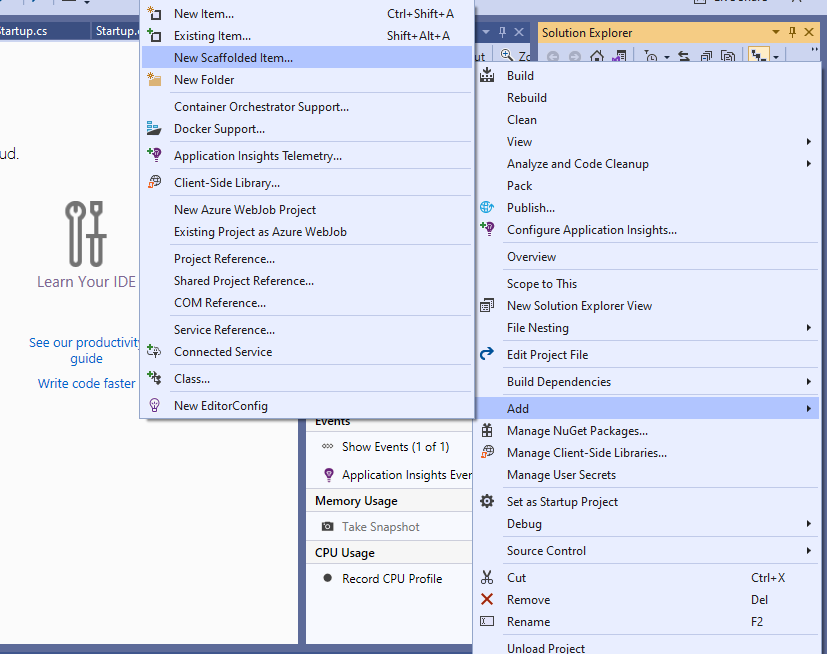
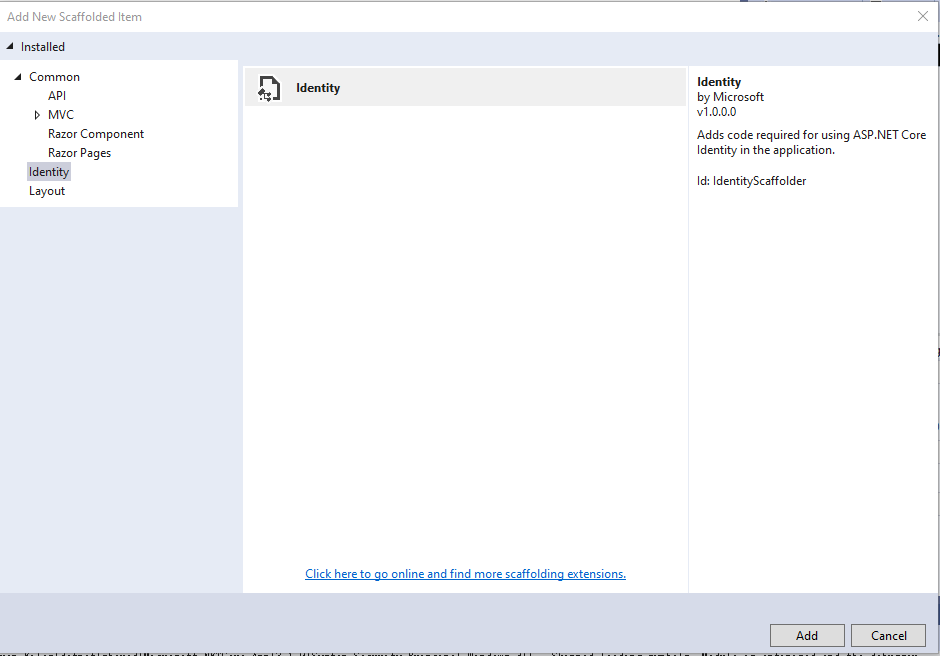
Select your LmsContext Add
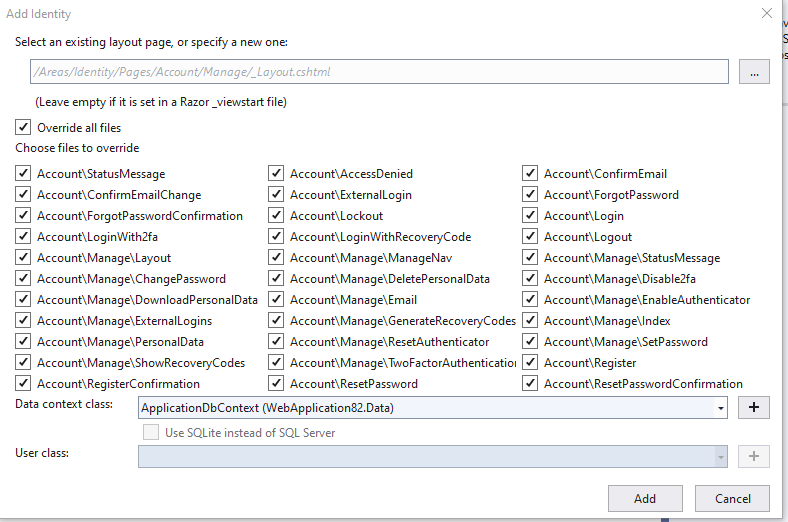
Then start your app,and login.
All methods was sourced from stackoverflow.com or stackexchange.com, is licensed under cc by-sa 2.5, cc by-sa 3.0 and cc by-sa 4.0