I want to make a script in pygame where two balls fly towards each other and when they collide they should bounce off from each other but I don’t know how to do this so can you help me?
Answers:
Thank you for visiting the Q&A section on Magenaut. Please note that all the answers may not help you solve the issue immediately. So please treat them as advisements. If you found the post helpful (or not), leave a comment & I’ll get back to you as soon as possible.
Method 1
To detect if 2 circles (respectively balls) are colliding, you’ve to test, if the Euclidean distance between the circles center points is less than the sum of the radii. I recommend to use pygame.math.Vector2 / distance_to() for the computation.
In the following the 1 circle is defined by the center point (x1, y1) and the radius r1. The 2nd circle is defined by (x2, y2) and r2:
v1 = pygame.math.Vector2(x1, y1)
v2 = pygame.math.Vector2(x2, y2)
if v1.distance_to(v2) < r1 + r2:
    print("hit")
If you want to make the circles bounce, you have to reflect the motion vector of the circle at the normal vector of the intersection like a billiard ball. Use pygame.math.Vector2 / reflect_ip() or reflect() to compute the new direction of the circle.
The movements of the circles are given by (mx1, my1) and (mx2, my2):
nv = v2 - v1
m1 = pygame.math.Vector2(mx1, my1).reflect(nv)
m2 = pygame.math.Vector2(mx2, my2).reflect(nv)
mx1, my1 = m1.x, m1.y
mx2, my2 = m2.x, m2.y
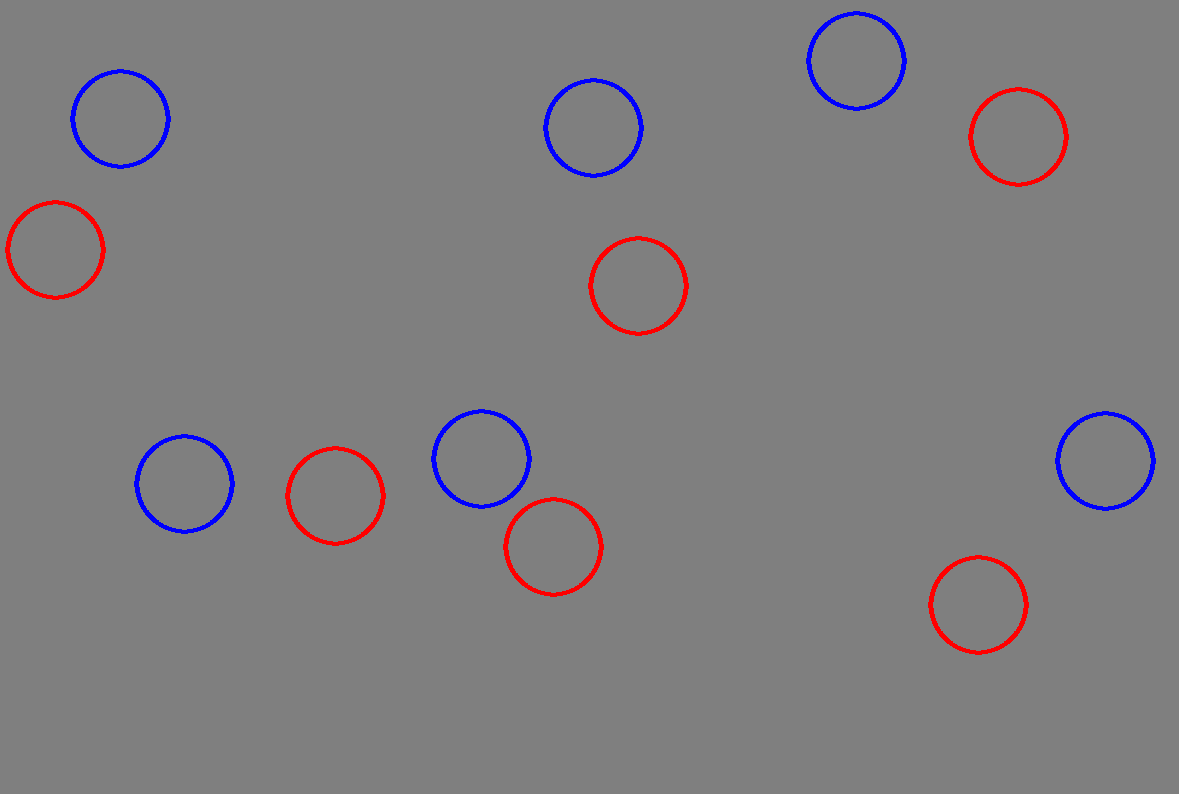
Minimal example:  repl.it/@Rabbid76/PyGame-CirclesBounceOff
import pygame

pygame.init()

width, height = 400, 400
window = pygame.display.set_mode((width, height))
clock = pygame.time.Clock()

x1, y1, r1, mx1, my1 = 200, 200, 50, 2, 0.5
x2, y2, r2, mx2, my2 = 300, 200, 50, -1, -1.5

def move(c, v, r, m):
    c += v
    if c < r: c, v = r, -v
    if c > m-r: c, v = m-r, -v
    return c, v

hit_count = 0
run = True
while run:
    clock.tick(60)
    for event in pygame.event.get():
        if event.type == pygame.QUIT:
            run = False

    x1, mx1 = move(x1, mx1, r1, width)
    y1, my1 = move(y1, my1, r1, height)
    x2, mx2 = move(x2, mx2, r2, width)
    y2, my2 = move(y2, my2, r2, height)

    v1 = pygame.math.Vector2(x1, y1)
    v2 = pygame.math.Vector2(x2, y2)
    if v1.distance_to(v2) < r1 + r2 - 2:
        hit_count += 1
        print("hit:", hit_count)

        nv = v2 - v1
        m1 = pygame.math.Vector2(mx1, my1).reflect(nv)
        m2 = pygame.math.Vector2(mx2, my2).reflect(nv)
        mx1, my1 = m1.x, m1.y
        mx2, my2 = m2.x, m2.y

    window.fill((127, 127, 127))
    pygame.draw.circle(window, (255, 0, 0), (round(x1), round(y1)), r1, 4)
    pygame.draw.circle(window, (0, 0, 255), (round(x2), round(y2)), r2, 4)
    pygame.display.flip()
Method 2
Its pretty easy you just check if the x coordinate is in the same spot as the other x coordinate. For example if you had one of the x coordinated called x, and another one called i(there are 2 x coordinates for both of the balls) then you could just say if oh and before I say anything esle this example is fi your pygame window is a 500,500. You could say if x == 250: x -= 15. And the other way around for i. If i == 250: i += 15. Ther you go!. Obviously there are a few changes you have to do, but this is the basic code, and I think you would understand this
All methods was sourced from stackoverflow.com or stackexchange.com, is licensed under cc by-sa 2.5, cc by-sa 3.0 and cc by-sa 4.0