I have a QListWidget containing one item, I want the item’s texts to be partially bold, so I created a QItemWidget for it. I use a QLabel in it to display the partially bold texts, the code is as follows:
ItemWidget.py
from PyQt5 import QtWidgets
from PyQt5.QtWidgets import QHBoxLayout, QLayout, QLabel


class ItemWidget(QtWidgets.QWidget):

    def __init__(self):
        super(ItemWidget, self).__init__()
        self.setLayout(self.__get_layout())

    def __get_layout(self) -> QHBoxLayout:
        label = QLabel("<b>bold</b> texts")
        widget_layout = QHBoxLayout()
        widget_layout.addWidget(label)
        widget_layout.setSizeConstraint(QLayout.SetFixedSize)
        widget_layout.setContentsMargins(0, 0, 0, 0)
        return widget_layout
Main.py
from PyQt5.QtWidgets import QListWidget, QWidget, QVBoxLayout, QApplication, QListWidgetItem

from ItemWidget import ItemWidget


class Window(QWidget):

    def __init__(self):
        super().__init__()

        list_widget = QListWidget()
        list_widget.itemClicked.connect(self.on_item_clicked)
        vbox = QVBoxLayout()
        vbox.addWidget(list_widget)

        item_widget = ItemWidget()
        item = QListWidgetItem()
        list_widget.addItem(item)
        list_widget.setItemWidget(item, item_widget)

        self.setLayout(vbox)

    def on_item_clicked(self):
        print("Item clicked")


app = QApplication([])
window = Window()
window.show()
app.exec_()
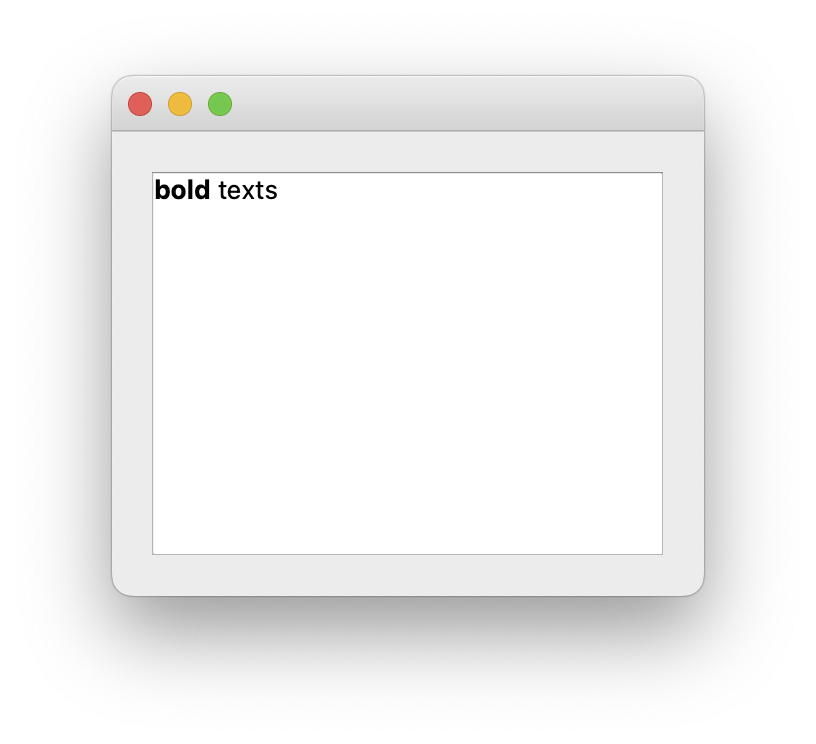
This is the UI:
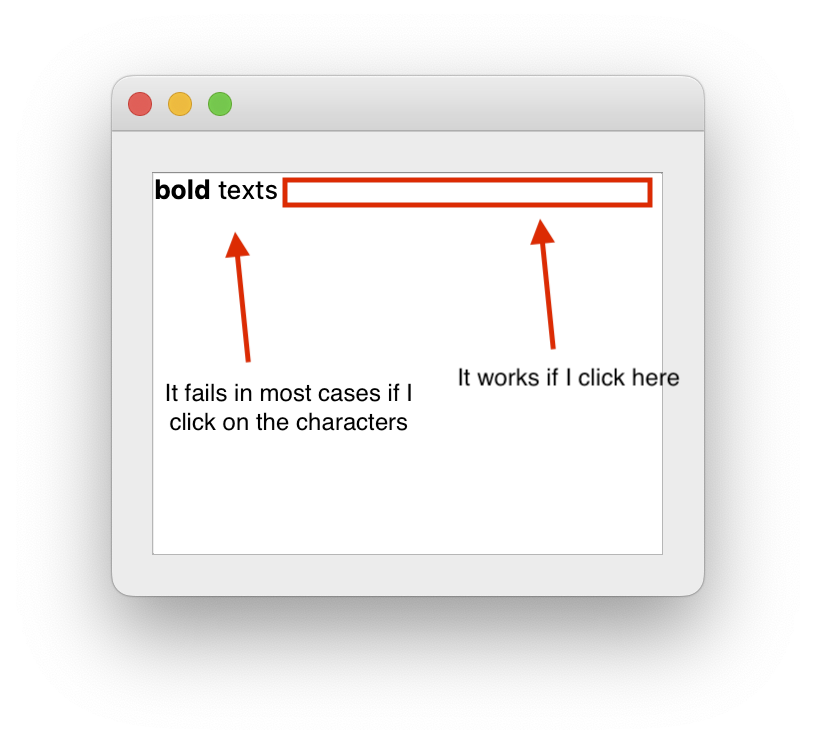
When I click on the item in the list, Item clicked should be printed to the output console. But the problem is, it only works if I don’t click on the text:
The problem seems to disappear if I give a plain text to the QLabel in ItemWidget, such as label = QLabel("text"), why? What’s the problem here?
Answers:
Thank you for visiting the Q&A section on Magenaut. Please note that all the answers may not help you solve the issue immediately. So please treat them as advisements. If you found the post helpful (or not), leave a comment & I’ll get back to you as soon as possible.
Method 1
Setting rich text content causes the mouse button release event to be always accepted (I suppose it’s due to the fact that rich text can contain links).
The view must receive a mouse release event in order to call its mouseReleaseEvent() and eventually emit the clicked signal, but since the event was already accepted by the label, this won’t happen.
If you don’t need links in that text, just reset the text interaction flags:
label.setTextInteractionFlags(Qt.NoTextInteraction)
All methods was sourced from stackoverflow.com or stackexchange.com, is licensed under cc by-sa 2.5, cc by-sa 3.0 and cc by-sa 4.0