I wrote some code in Asp .net Core
At the bottom line I have a button that when clicked on it is directed to the Action Method by JQuery
<button onclick="Go('d6c00401-b95c-443b-8e30-769e6b5f8e03')">Click</button>
//J query
function Go(Id){
 $.get("/Users/Test/"+Id)
}
// Action Method
public IActionResult Test(string Id){return View();}
But when I click the button, I get this error
//In the FireFox
Uncaught SyntaxError: identifier starts immediately after numeric literal
// In the Google Chrome
Uncaught SyntaxError: Invalid or unexpected token
Answers:
Thank you for visiting the Q&A section on Magenaut. Please note that all the answers may not help you solve the issue immediately. So please treat them as advisements. If you found the post helpful (or not), leave a comment & I’ll get back to you as soon as possible.
Method 1
For how to redirect to page by using Jquery,here is a working demo:
View:
<button onclick="Go('d6c00401-b95c-443b-8e30-769e6b5f8e03')">Click</button>
@section Scripts
{
<script>
    function Go(Id) {
        $.get("/Users/Test/" + Id, function () {
            window.location.href = "Users/Test";
        })
    }
</script>
}
Controller:
[HttpGet]
public IActionResult Test(string Id) {
    return View();
}
Startup.cs:
public void Configure(IApplicationBuilder app, IWebHostEnvironment env)
{
    //...
    app.UseRouting();
    app.UseEndpoints(endpoints =>
    {
        endpoints.MapControllerRoute(
                name: "default",
                pattern: "{controller=Home}/{action=Index}/{id?}");
    });
}
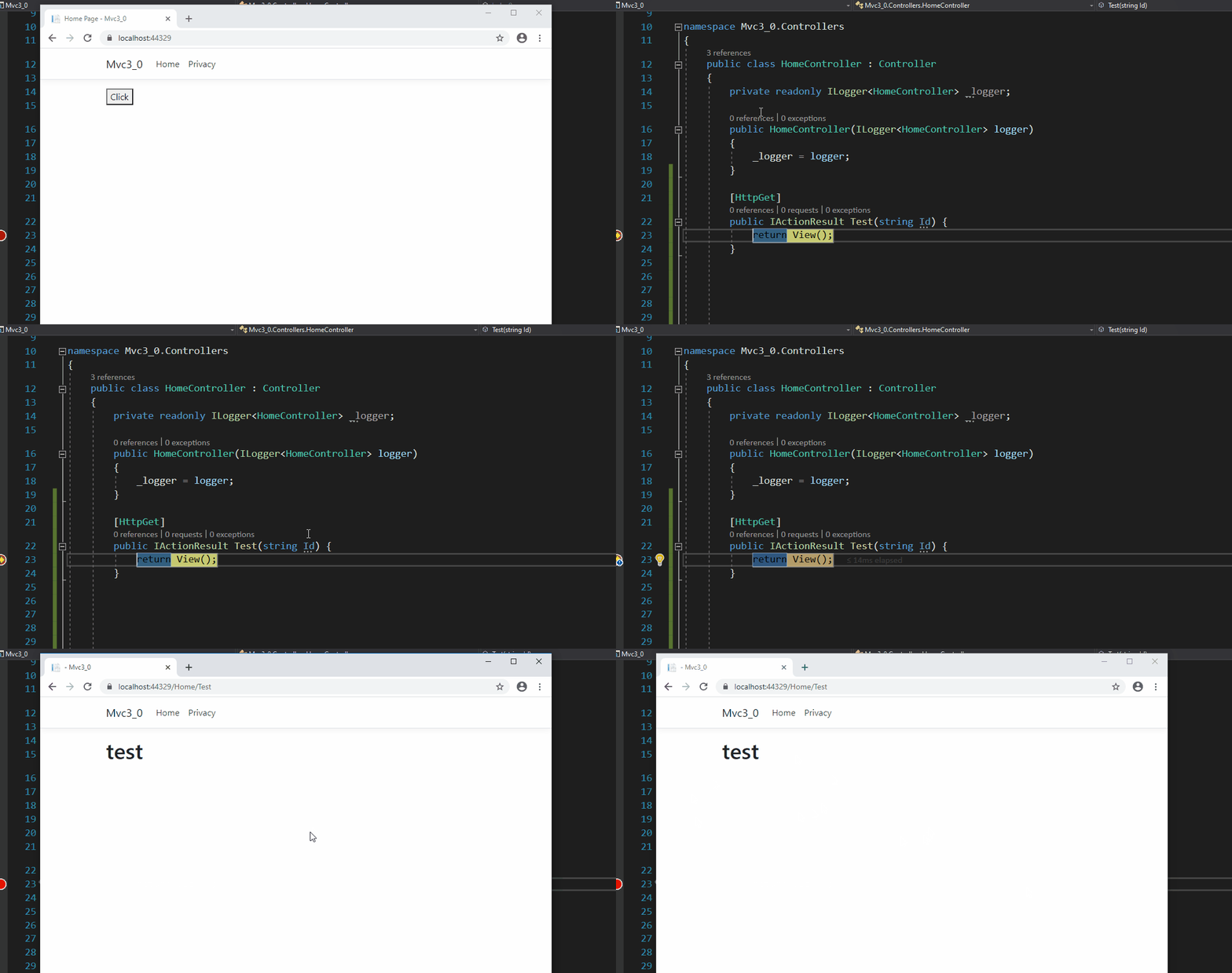
Result:
All methods was sourced from stackoverflow.com or stackexchange.com, is licensed under cc by-sa 2.5, cc by-sa 3.0 and cc by-sa 4.0