Using the following code I can remove horizontal lines in images. See result below.
import cv2
from matplotlib import pyplot as plt

img = cv2.imread('image.png',0)

laplacian = cv2.Laplacian(img,cv2.CV_64F)
sobelx = cv2.Sobel(img,cv2.CV_64F,1,0,ksize=5)

plt.subplot(2,2,1),plt.imshow(img,cmap = 'gray')
plt.title('Original'), plt.xticks([]), plt.yticks([])
plt.subplot(2,2,2),plt.imshow(laplacian,cmap = 'gray')
plt.title('Laplacian'), plt.xticks([]), plt.yticks([])
plt.subplot(2,2,3),plt.imshow(sobelx,cmap = 'gray')
plt.title('Sobel X'), plt.xticks([]), plt.yticks([])

plt.show()
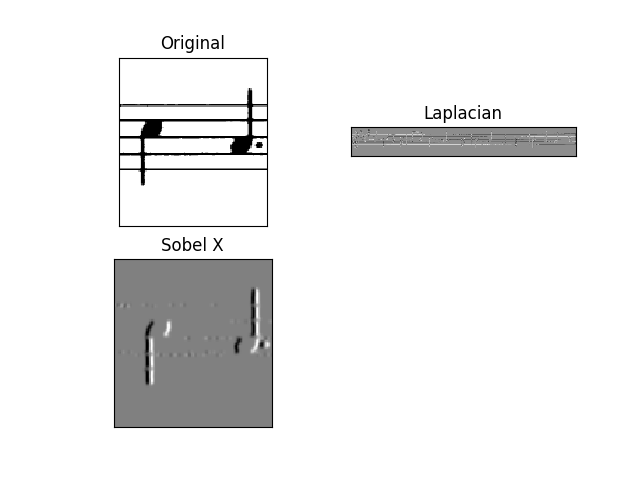
The result is pretty good, not perfect but good. What I want to achieve is the one showed here.
I am using this code.
Source image..

One of my questions is: how to save the Sobel X without that grey effect applied ? As original but processed..
Also, is there a better way to do it ?
EDIT
Using the following code for the source image is good. Works pretty well.
import cv2
import numpy as np

img = cv2.imread("image.png")
img=cv2.cvtColor(img,cv2.COLOR_BGR2GRAY)

img = cv2.bitwise_not(img)
th2 = cv2.adaptiveThreshold(img,255, cv2.ADAPTIVE_THRESH_MEAN_C,cv2.THRESH_BINARY,15,-2)
cv2.imshow("th2", th2)
cv2.imwrite("th2.jpg", th2)
cv2.waitKey(0)
cv2.destroyAllWindows()

horizontal = th2
vertical = th2
rows,cols = horizontal.shape

#inverse the image, so that lines are black for masking
horizontal_inv = cv2.bitwise_not(horizontal)
#perform bitwise_and to mask the lines with provided mask
masked_img = cv2.bitwise_and(img, img, mask=horizontal_inv)
#reverse the image back to normal
masked_img_inv = cv2.bitwise_not(masked_img)
cv2.imshow("masked img", masked_img_inv)
cv2.imwrite("result2.jpg", masked_img_inv)
cv2.waitKey(0)
cv2.destroyAllWindows()

horizontalsize = int(cols / 30)
horizontalStructure = cv2.getStructuringElement(cv2.MORPH_RECT, (horizontalsize,1))
horizontal = cv2.erode(horizontal, horizontalStructure, (-1, -1))
horizontal = cv2.dilate(horizontal, horizontalStructure, (-1, -1))
cv2.imshow("horizontal", horizontal)
cv2.imwrite("horizontal.jpg", horizontal)
cv2.waitKey(0)
cv2.destroyAllWindows()

verticalsize = int(rows / 30)
verticalStructure = cv2.getStructuringElement(cv2.MORPH_RECT, (1, verticalsize))
vertical = cv2.erode(vertical, verticalStructure, (-1, -1))
vertical = cv2.dilate(vertical, verticalStructure, (-1, -1))
cv2.imshow("vertical", vertical)
cv2.imwrite("vertical.jpg", vertical)
cv2.waitKey(0)
cv2.destroyAllWindows()

vertical = cv2.bitwise_not(vertical)
cv2.imshow("vertical_bitwise_not", vertical)
cv2.imwrite("vertical_bitwise_not.jpg", vertical)
cv2.waitKey(0)
cv2.destroyAllWindows()

#step1
edges = cv2.adaptiveThreshold(vertical,255, cv2.ADAPTIVE_THRESH_MEAN_C,cv2.THRESH_BINARY,3,-2)
cv2.imshow("edges", edges)
cv2.imwrite("edges.jpg", edges)
cv2.waitKey(0)
cv2.destroyAllWindows()

#step2
kernel = np.ones((2, 2), dtype = "uint8")
dilated = cv2.dilate(edges, kernel)
cv2.imshow("dilated", dilated)
cv2.imwrite("dilated.jpg", dilated)
cv2.waitKey(0)
cv2.destroyAllWindows()

# step3
smooth = vertical.copy()

#step 4
smooth = cv2.blur(smooth, (4,4))
cv2.imshow("smooth", smooth)
cv2.imwrite("smooth.jpg", smooth)
cv2.waitKey(0)
cv2.destroyAllWindows()

#step 5
(rows, cols) = np.where(img == 0)
vertical[rows, cols] = smooth[rows, cols]

cv2.imshow("vertical_final", vertical)
cv2.imwrite("vertical_final.jpg", vertical)
cv2.waitKey(0)
cv2.destroyAllWindows()

But if I have this image ?
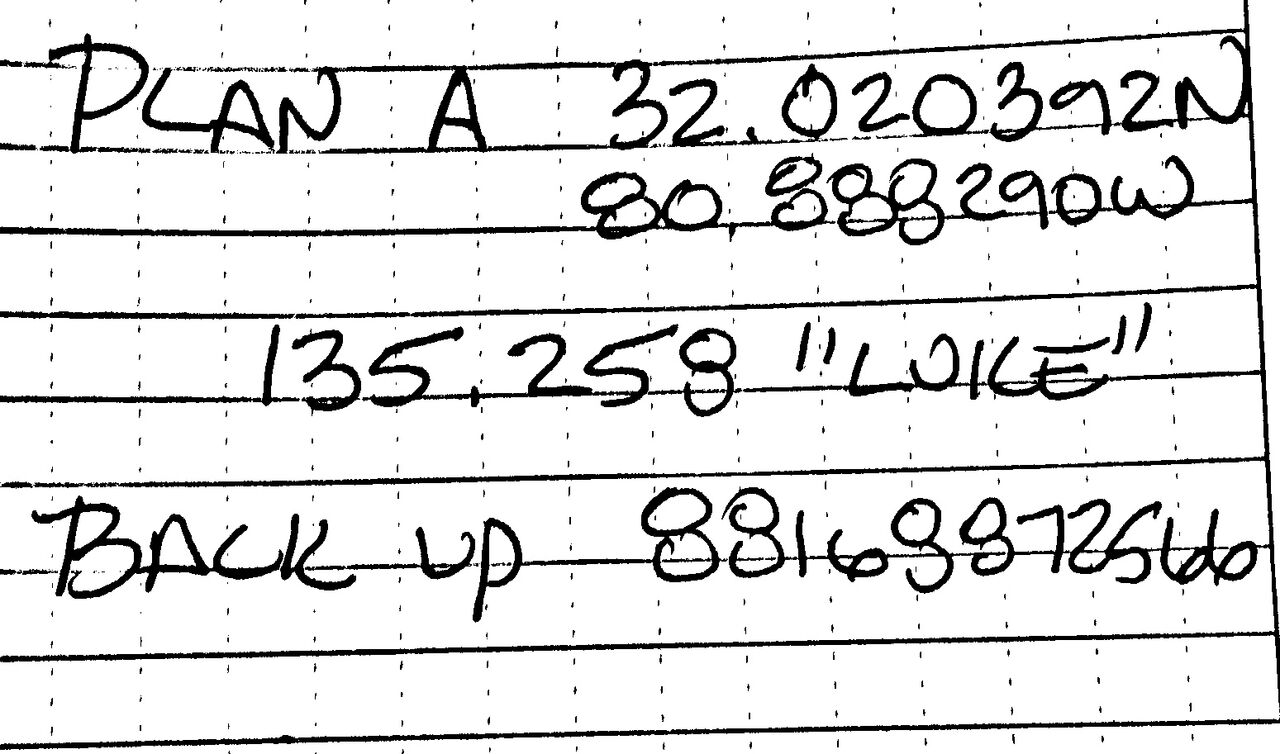
I tried to execute the code above and the result is really poor…
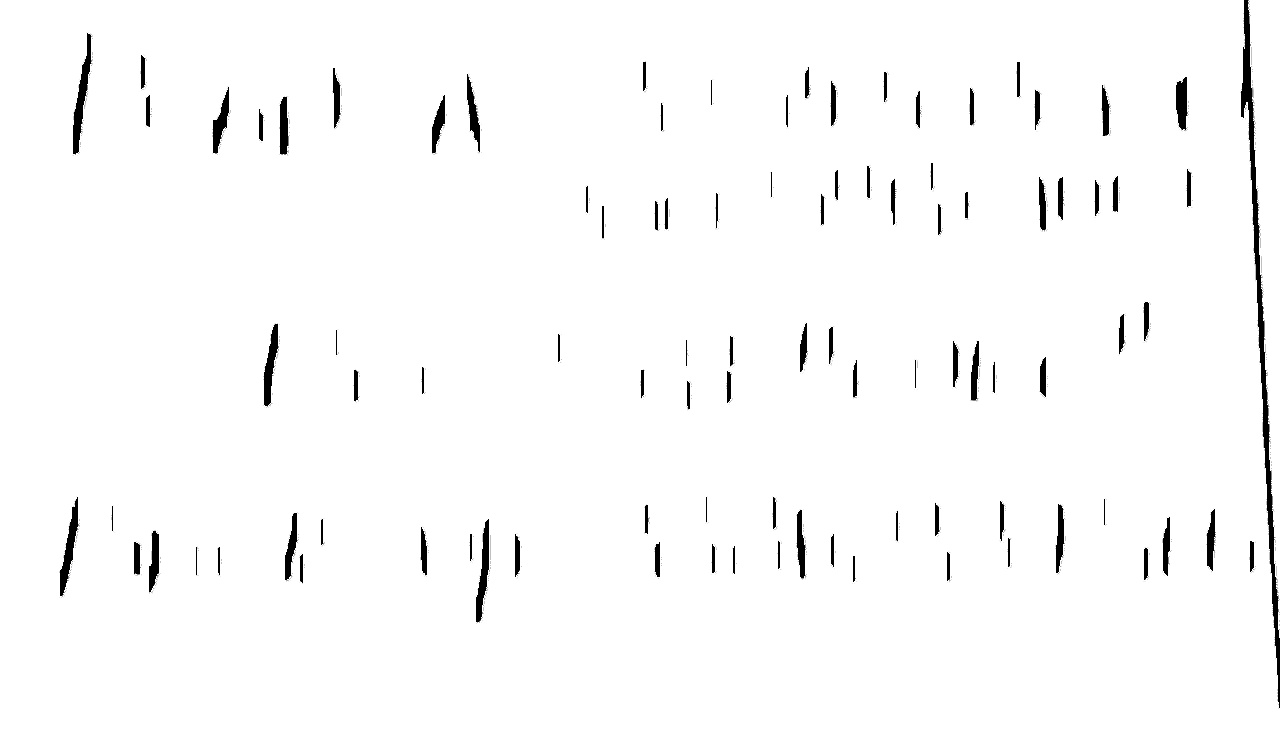
Other images which I am working on are these…



Answers:
Thank you for visiting the Q&A section on Magenaut. Please note that all the answers may not help you solve the issue immediately. So please treat them as advisements. If you found the post helpful (or not), leave a comment & I’ll get back to you as soon as possible.
Method 1
- Obtain binary image. Load the image, convert to grayscale, then Otsu’s threshold to obtain a binary black/white image.
-
Detect and remove horizontal lines. To detect horizontal lines, we create a special horizontal kernel and morph open to detect horizontal contours. From here we find contours on the mask and “fill in”
the detected horizontal contours with white to effectively remove the lines - Repair image. At this point the image may have gaps if the horizontal lines intersected through characters. To repair the text, we create a vertical kernel and morph close to reverse the damage
After converting to grayscale, we Otsu’s threshold to obtain a binary image

image = cv2.imread('1.png')
gray = cv2.cvtColor(image,cv2.COLOR_BGR2GRAY)
thresh = cv2.threshold(gray, 0, 255, cv2.THRESH_BINARY_INV + cv2.THRESH_OTSU)[1]
Next we create a special horizontal kernel to detect horizontal lines. We draw these lines onto a mask and then find contours on the mask. To remove the lines, we fill in the contours with white
Detected lines

Mask

Filled in contours

# Remove horizontal
horizontal_kernel = cv2.getStructuringElement(cv2.MORPH_RECT, (25,1))
detected_lines = cv2.morphologyEx(thresh, cv2.MORPH_OPEN, horizontal_kernel, iterations=2)
cnts = cv2.findContours(detected_lines, cv2.RETR_EXTERNAL, cv2.CHAIN_APPROX_SIMPLE)
cnts = cnts[0] if len(cnts) == 2 else cnts[1]
for c in cnts:
    cv2.drawContours(image, [c], -1, (255,255,255), 2)
The image currently has gaps. To fix this, we construct a vertical kernel to repair the image

# Repair image
repair_kernel = cv2.getStructuringElement(cv2.MORPH_RECT, (1,6))
result = 255 - cv2.morphologyEx(255 - image, cv2.MORPH_CLOSE, repair_kernel, iterations=1)
Note depending on the image, the size of the kernel will change. You can think of the kernel as
(horizontal, vertical). For instance, to detect longer lines, we could use a(50,1)kernel instead. If we wanted thicker lines, we could increase the 2nd parameter to say(50,2).
Here’s the results with the other images
Detected lines
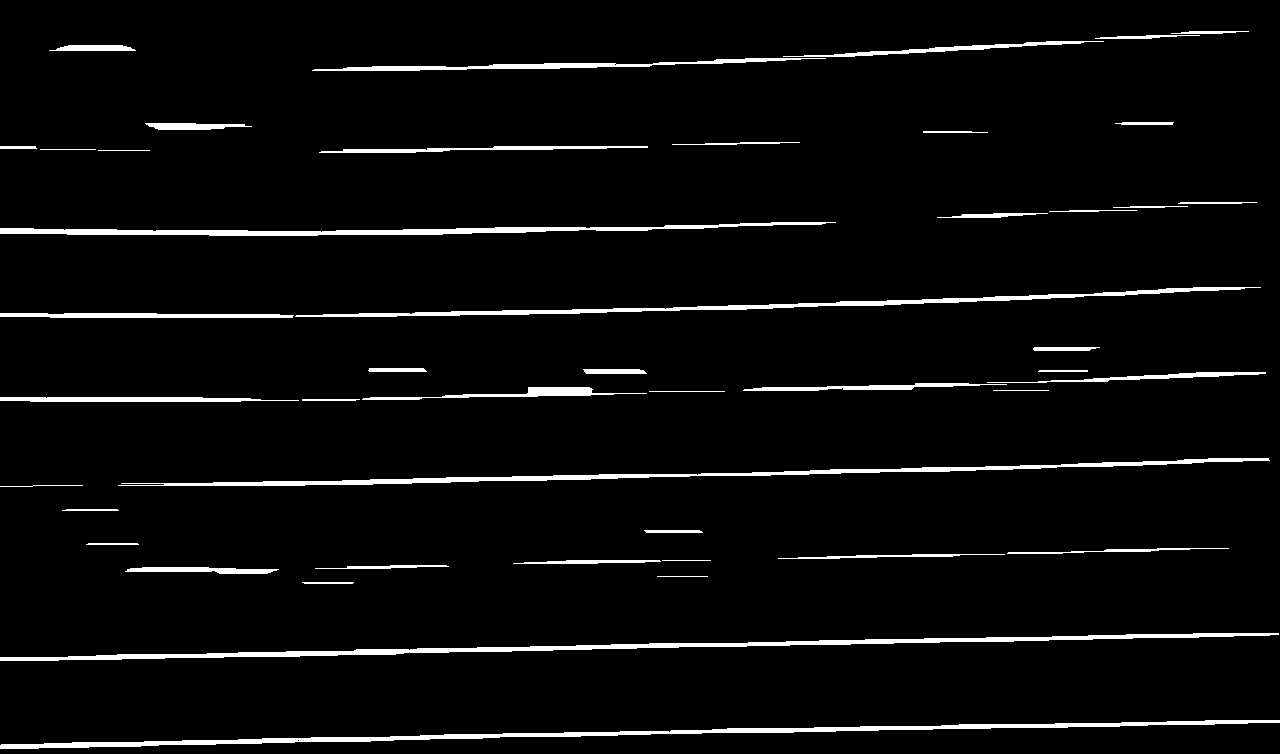
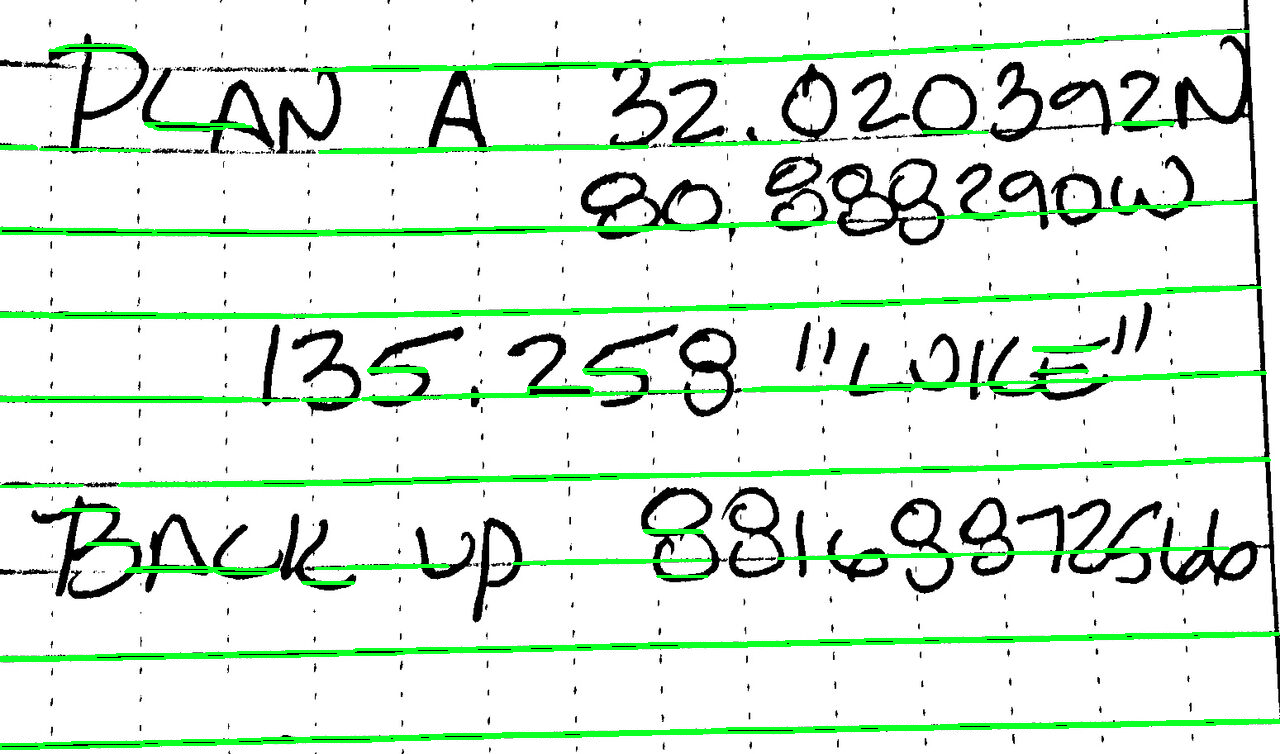
Original -> Removed
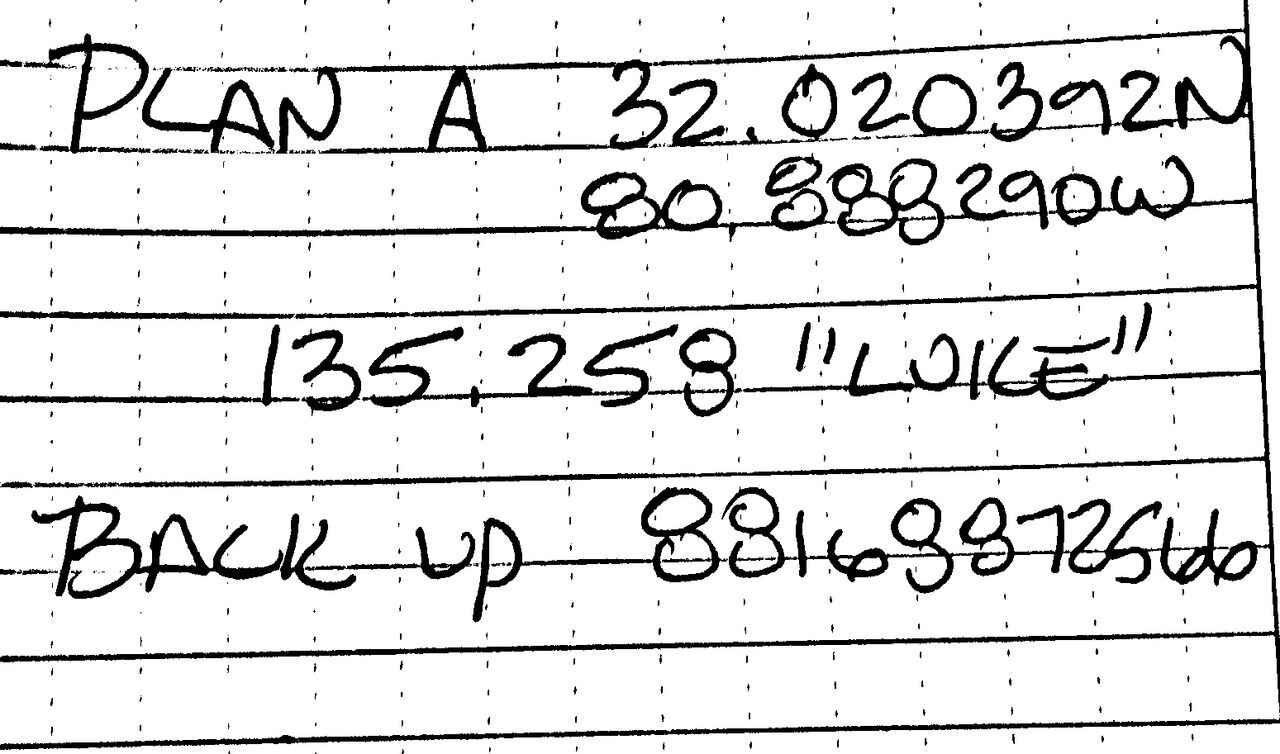
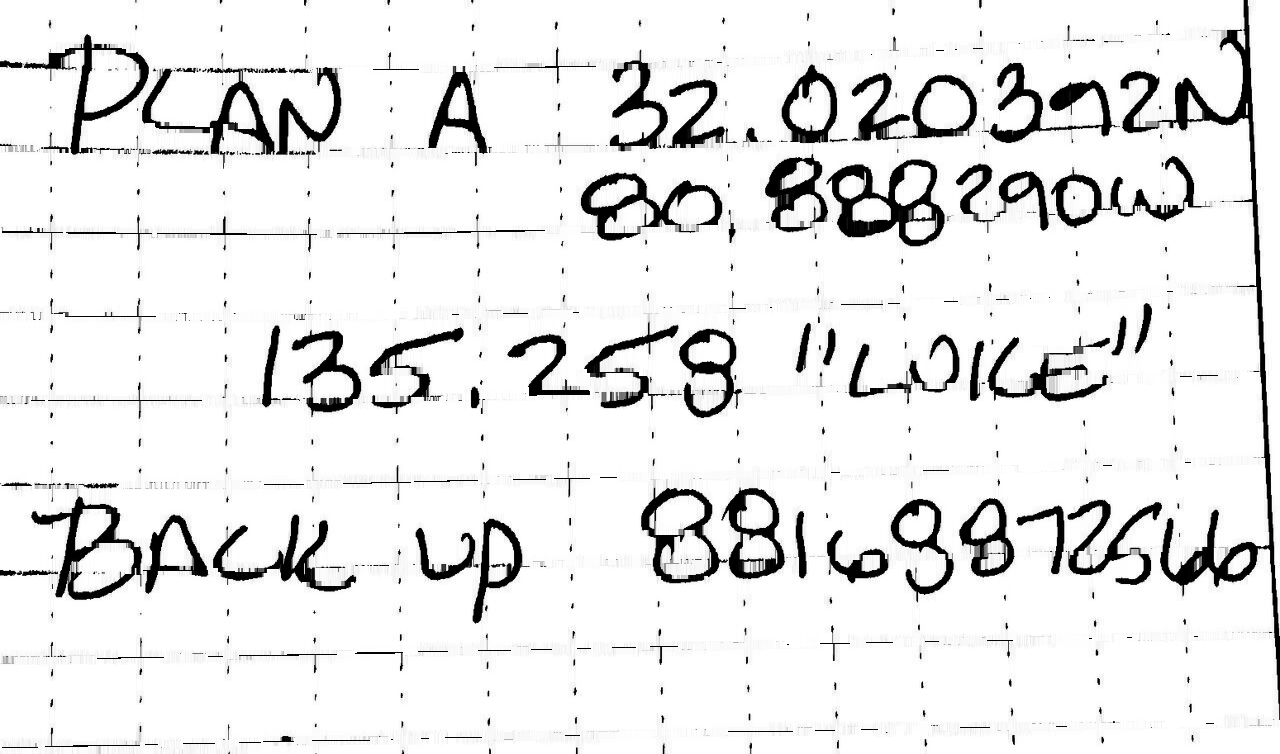
Detected lines


Original -> Removed


Full code
import cv2

image = cv2.imread('1.png')
gray = cv2.cvtColor(image,cv2.COLOR_BGR2GRAY)
thresh = cv2.threshold(gray, 0, 255, cv2.THRESH_BINARY_INV + cv2.THRESH_OTSU)[1]

# Remove horizontal
horizontal_kernel = cv2.getStructuringElement(cv2.MORPH_RECT, (25,1))
detected_lines = cv2.morphologyEx(thresh, cv2.MORPH_OPEN, horizontal_kernel, iterations=2)
cnts = cv2.findContours(detected_lines, cv2.RETR_EXTERNAL, cv2.CHAIN_APPROX_SIMPLE)
cnts = cnts[0] if len(cnts) == 2 else cnts[1]
for c in cnts:
    cv2.drawContours(image, [c], -1, (255,255,255), 2)

# Repair image
repair_kernel = cv2.getStructuringElement(cv2.MORPH_RECT, (1,6))
result = 255 - cv2.morphologyEx(255 - image, cv2.MORPH_CLOSE, repair_kernel, iterations=1)

cv2.imshow('thresh', thresh)
cv2.imshow('detected_lines', detected_lines)
cv2.imshow('image', image)
cv2.imshow('result', result)
cv2.waitKey()
All methods was sourced from stackoverflow.com or stackexchange.com, is licensed under cc by-sa 2.5, cc by-sa 3.0 and cc by-sa 4.0