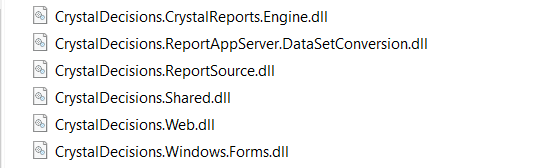
The current version of Crystal Reports dll is 13.0.20
1  private void LandingPermitVesselReceipt(string[] VesselDetail, Boolean IsBulkVessel)
2   {
3        ReportDocument Rpt = null;
4
5        try
6        {
7           Rpt = new ReportDocument();
8
9           Vessel DAL_REPORT = new Vessel();
At 7 line I’m getting an error.
When I try to View Crystal Reports, getting this error
Could not load file or assembly 'CrystalDecisions.ReportAppServer.CommLayer, Version=13.0.2000.0, Culture=neutral, PublicKeyToken=692fbea5521e1304' or one of its dependencies. The system cannot find the file specified.
After I added the CrystalDecisions.ReportAppServer.CommLayer.dll, getting this error:
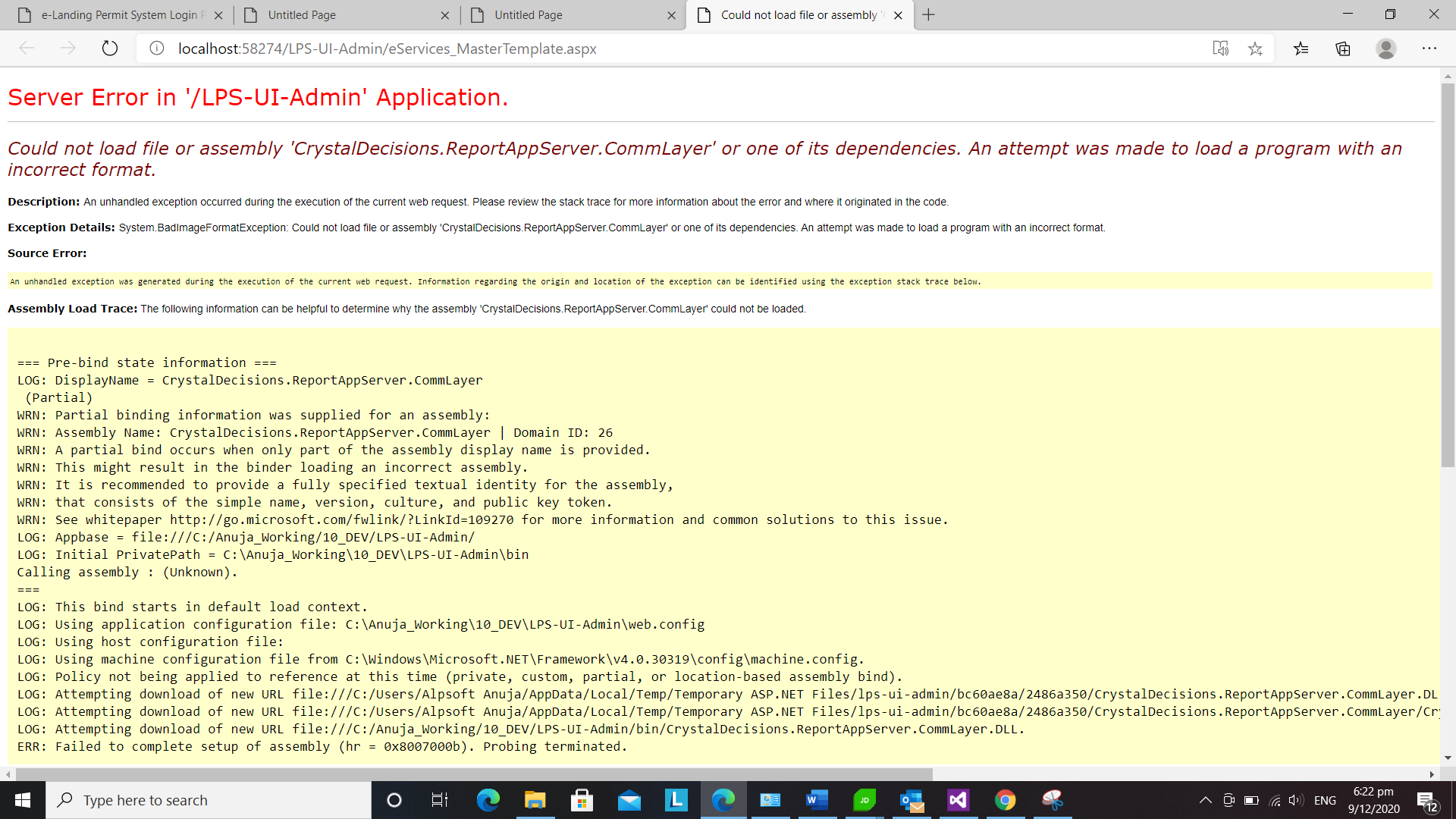
Could not load file or assembly 'CrystalDecisions.ReportAppServer.CommLayer' or one of its dependencies. An attempt was made to load a program with an incorrect format.
Let me know if anyone face this issue.
Answers:
Thank you for visiting the Q&A section on Magenaut. Please note that all the answers may not help you solve the issue immediately. So please treat them as advisements. If you found the post helpful (or not), leave a comment & I’ll get back to you as soon as possible.
Method 1
For this error I added comm layer.dll but it still threw same for other dll error on start page.
Justdecompile software you can also see the build and version of dll.
My Crystal Report.Engine dll had AnyCPU configuration build where as commlayer.dll had x64 build.
Hence was getting error on Incorrect format error.
After I added Anycpu build type Commlayer.dll this issue was resolved.
All methods was sourced from stackoverflow.com or stackexchange.com, is licensed under cc by-sa 2.5, cc by-sa 3.0 and cc by-sa 4.0