At the moment, I have created a code that retrieves data from the database and displays it. However, for some reason, I cannot see the files I want to retrieve on my page. My goal is that the data gets retrieved from the database, and is displayed on the webpage. I do not need to make a connection with the database since WordPress does that automatically.
My code:
<?php

global $wpdb;
// this adds the prefix which is set by the user upon instillation of wordpress
$table_name = $wpdb->prefix . "wpex_programma";
// this will get the data from your table
$retrieve_data = $wpdb->get_results( "SELECT * FROM wpex_programma; " );
print_r($retrieve_data);
?>
<ul>
<?php foreach ($retrieve_data as $retrieved_data){ ?>
<li><?php echo $retrieved_data->column_name;?></li>
<li><?php echo $retrieved_data->another_column_name;?></li>
<li><?php echo $retrieved_data->as_many_columns_as_you_have;?></li>
<?php
}
?>
</ul>
My question: the data is not shown and I believe it is not retrieved. How can I fix that? The table name is correct, and I have data in my database tabel. The print_r($retrieve_data)returns the following:
Array ( [0] => stdClass Object ( [id] => 35 [naam] => /public_html/wp/wp-content/plugins/AbonneerProgrammas/FilesUpload/Country Kickin 1.mp3 ) )
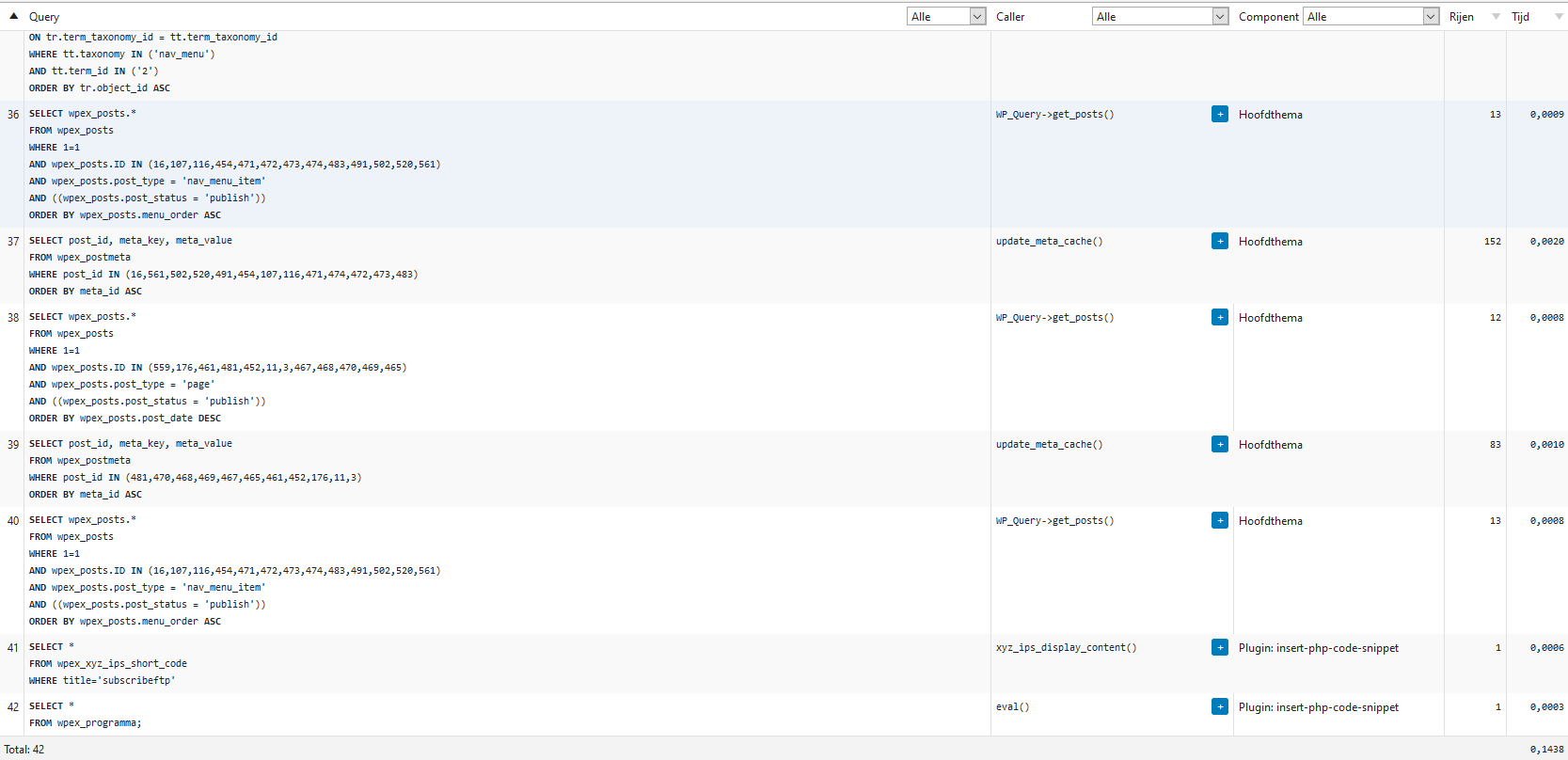
My query log:
My database structure:

New:
<?php

global $wpdb;
// this adds the prefix which is set by the user upon instillation of wordpress
$table_name = $wpdb->prefix . "wpex_programma";
// this will get the data from your table
$retrieve_data = $wpdb->get_results( "SELECT * FROM wpex_programma; " );
print_r($retrieve_data);
?>
<ul>
<?php foreach ($retrieve_data as $retrieved_data){ ?>
<li><?php echo $retrieved_data->id;?></li>
<li><?php echo $retrieved_data->naam;?></li>
<?php
}
?>
</ul>

Answers:
Thank you for visiting the Q&A section on Magenaut. Please note that all the answers may not help you solve the issue immediately. So please treat them as advisements. If you found the post helpful (or not), leave a comment & I’ll get back to you as soon as possible.
Method 1
You have this:
<li><?php echo $retrieved_data->column_name;?></li>
<li><?php echo $retrieved_data->another_column_name;?></li>
<li><?php echo $retrieved_data->as_many_columns_as_you_have;?></li>
Here, the code tries to output the data in the column_name column, but there is no column in the table by that name.
Likewise, there is no another_column_name or as_many_columns_as_you_have columns in your table.
We know that the query pulls in the data, because when you used print_r we could see the data. We also know that when we did that we didn’t see fields named column_name, we saw fields named id and naam.
After a little digging, it looks like you took a generic example from here:
https://wordpress.stackexchange.com/a/54641/736
But didn’t make any modifications to match your table. The example wasn’t a copy paste work anywhere code block, such a thing does not exist for what you want.
Your table has id and naam columns, these are what the code should be using, not another_column_name or as_many_columns_as_you_have
All methods was sourced from stackoverflow.com or stackexchange.com, is licensed under cc by-sa 2.5, cc by-sa 3.0 and cc by-sa 4.0