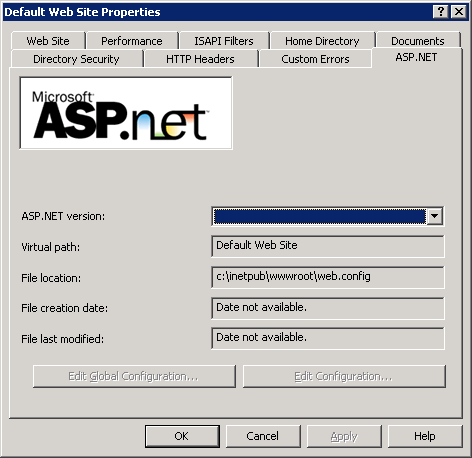
How to set ASP.NET version to 3.5 in the IIS 6 Default Web site properties (ASP.NET tab)? From what I can see was version 2 (even though I have install version .NET 3.5)
Answers:
Thank you for visiting the Q&A section on Magenaut. Please note that all the answers may not help you solve the issue immediately. So please treat them as advisements. If you found the post helpful (or not), leave a comment & I’ll get back to you as soon as possible.
Method 1
You cannot specify this in IIS. For websites earlier than Framework 4.0 and greater than 2.0 you need to specify version 2.0 in IIS.
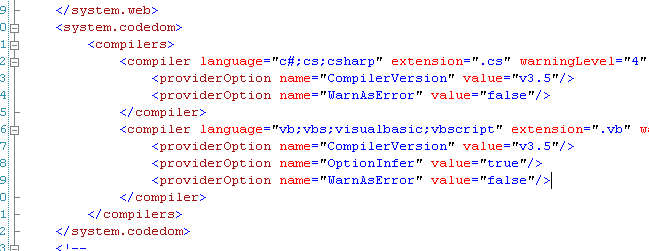
However there are configurations in web.config to restrict a website to run or compile under framework version 3.5. Visual Studio by default make these setting in web.config
To be sure here are some parts of the web.config

Method 2
There isn’t a true “ASP.NET 3.5”. “ASP.NET 3.5” is really “ASP.NET 2.0” plus some extra assemblies.
All methods was sourced from stackoverflow.com or stackexchange.com, is licensed under cc by-sa 2.5, cc by-sa 3.0 and cc by-sa 4.0