When editing a text I cannot start the line with “-” because it is converted to list automatically. Sometimes, yes, this is what I need. But, when I want to keep the text as paragraph how can I use the editor to have the line starting with “-“?
Answers:
Thank you for visiting the Q&A section on Magenaut. Please note that all the answers may not help you solve the issue immediately. So please treat them as advisements. If you found the post helpful (or not), leave a comment & I’ll get back to you as soon as possible.
Method 1
Start typing out the way you described and it’ll covert to a list.
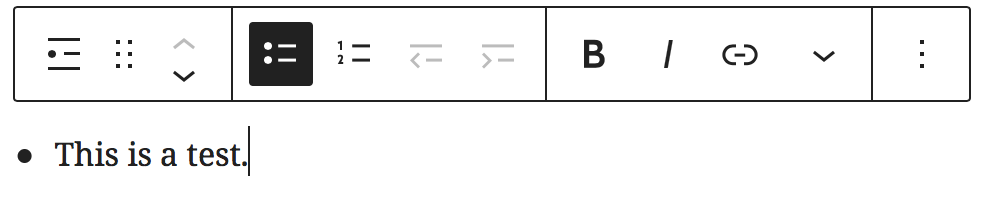
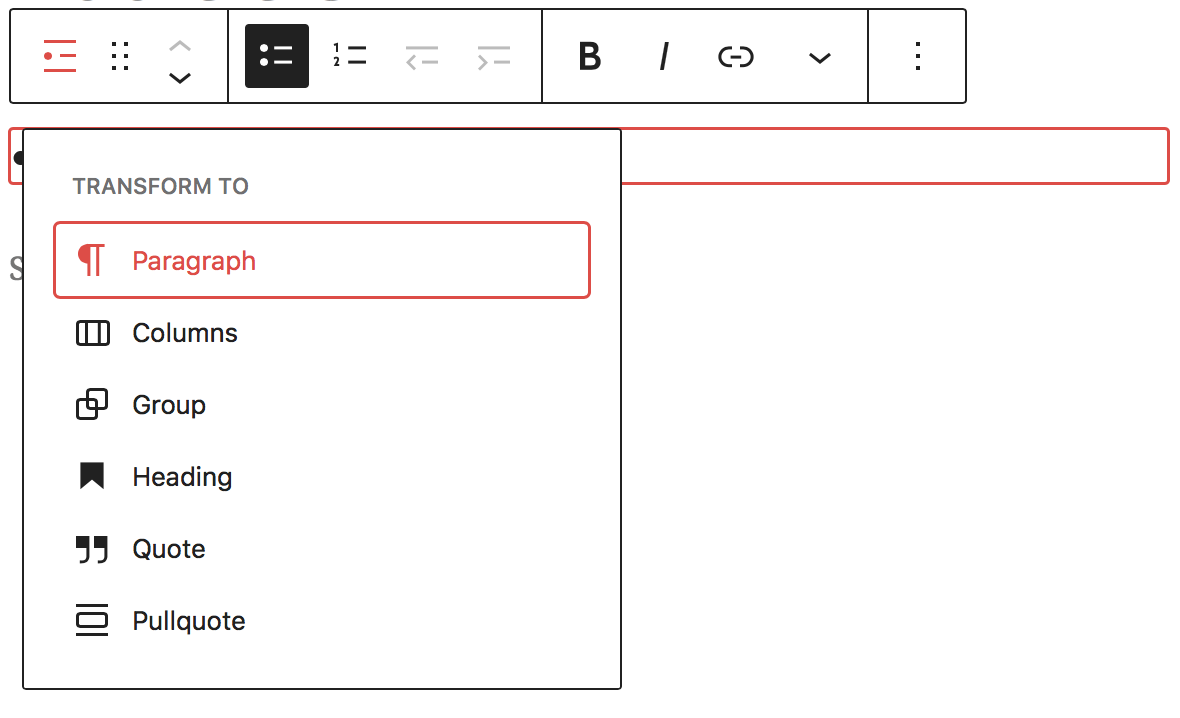
Click on the “Change Block Type” button.

Select Paragraph.
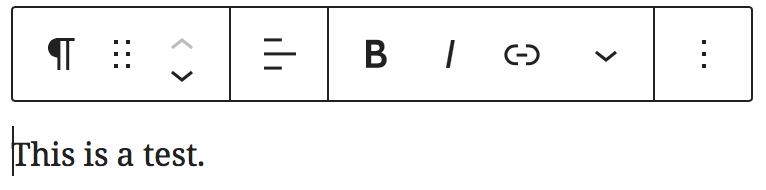
You’re all done.
All methods was sourced from stackoverflow.com or stackexchange.com, is licensed under cc by-sa 2.5, cc by-sa 3.0 and cc by-sa 4.0