This is my first WCF service, so please be understanding. 🙂
- I have an existing ASP.Net web site that has been running OK so far.
- Using VS 2017 I added a new WCF Ajax enabled service.
- VS created the .svc and .cs files and it also made cahnges to the web.config.
- I made sure that HTTP activation is enabled in server roles.
When navigating to the service url via browser, the service page loads. OK.
When I try to add “/DoWork” to access the method that was created as the default, i get a 404 error.
I have been going CRAZY trying different tutorial suggestions. NOTHING WORKS.
I must be missing something simple. Something maybe is not enabled at server level?
I would think that the WCF code that was added by VS would work as it, right?
WHY 404?????
What am I missing????
Thank you for any help and best regards,
Udar
Answers:
Thank you for visiting the Q&A section on Magenaut. Please note that all the answers may not help you solve the issue immediately. So please treat them as advisements. If you found the post helpful (or not), leave a comment & I’ll get back to you as soon as possible.
Method 1
If you use webhttpbinding, you need to add webHttp to the endpoint behavior:
<endpointBehaviors>
                <behavior name="ESEndPointBehavior">
                    <webHttp/>
                </behavior>
</endpointBehaviors>
This is my configuration file, and I enabled the help document:
<?xml version="1.0" encoding="utf-8" ?>
<configuration>
    <startup>
        <supportedRuntime version="v4.0" sku=".NETFramework,Version=v4.7.2" />
    </startup>

    <system.serviceModel>
        <services>

            <service name="Demo_rest_ConsoleApp.Service1" behaviorConfiguration="ServiceBehavior">
                <host>
                    <baseAddresses>
                        <add baseAddress="http://localhost:8763/TEST/"/>
                    </baseAddresses>
                </host>

                <endpoint address=""
                          binding="webHttpBinding"
                          contract="Demo_rest_ConsoleApp.IService1" behaviorConfiguration="ESEndPointBehavior"/>
            </service>
        </services>

        <behaviors>
            <endpointBehaviors>
                <behavior name="ESEndPointBehavior">
                    <webHttp helpEnabled="true"/>
                </behavior>
            </endpointBehaviors>

            <serviceBehaviors>
                <behavior name="ServiceBehavior">
                    <serviceThrottling maxConcurrentCalls="1" maxConcurrentInstances="1" maxConcurrentSessions="1"/>
                    <serviceMetadata httpGetEnabled="true"/>
                </behavior>
            </serviceBehaviors>

        </behaviors>

    </system.serviceModel>

</configuration>
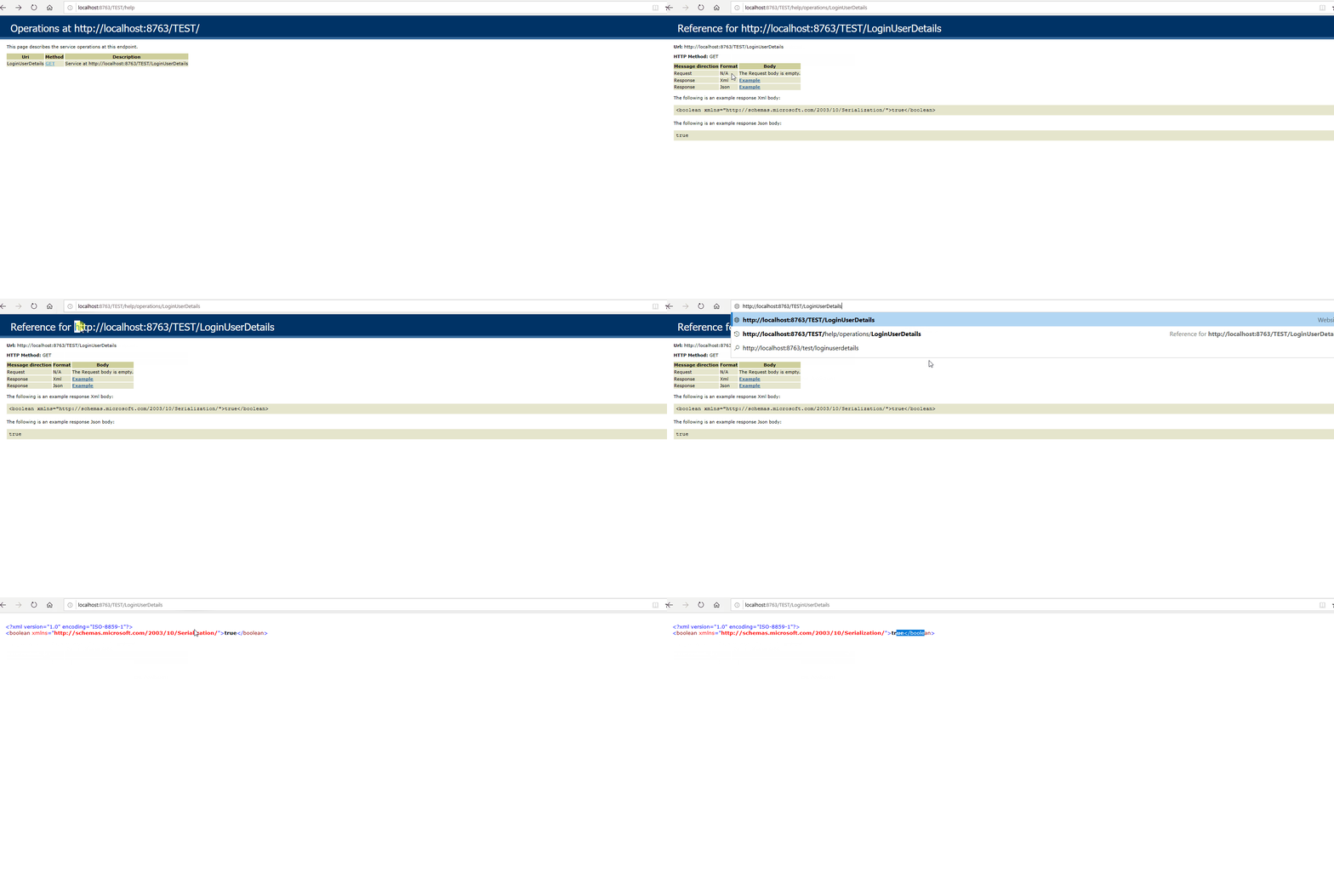
Feel free to let me know if the problem persists.
Method 2
Here is the relevant section of web.config
  <system.serviceModel>
    <behaviors>
      <endpointBehaviors>
        <behavior name="NativeAppConnectorWCFAspNetAjaxBehavior">
          <enableWebScript />
        </behavior>
      </endpointBehaviors>
    </behaviors>
    <serviceHostingEnvironment aspNetCompatibilityEnabled="true"
      multipleSiteBindingsEnabled="true" />
    <services>
      <service name="NativeAppConnectorWCF">
        <endpoint address="" behaviorConfiguration="NativeAppConnectorWCFAspNetAjaxBehavior"
          binding="webHttpBinding" contract="NativeAppConnectorWCF" />
      </service>
    </services>
  </system.serviceModel>
All methods was sourced from stackoverflow.com or stackexchange.com, is licensed under cc by-sa 2.5, cc by-sa 3.0 and cc by-sa 4.0