I love the window snap feature of the Gnome 3 shell. However, it only allows you to maximize windows or to snap to the left or right half of the screen. Is there a way to snap to quarters of the screen? Maybe some shell extension I’m unaware of?
Answers:
Thank you for visiting the Q&A section on Magenaut. Please note that all the answers may not help you solve the issue immediately. So please treat them as advisements. If you found the post helpful (or not), leave a comment & I’ll get back to you as soon as possible.
Method 1
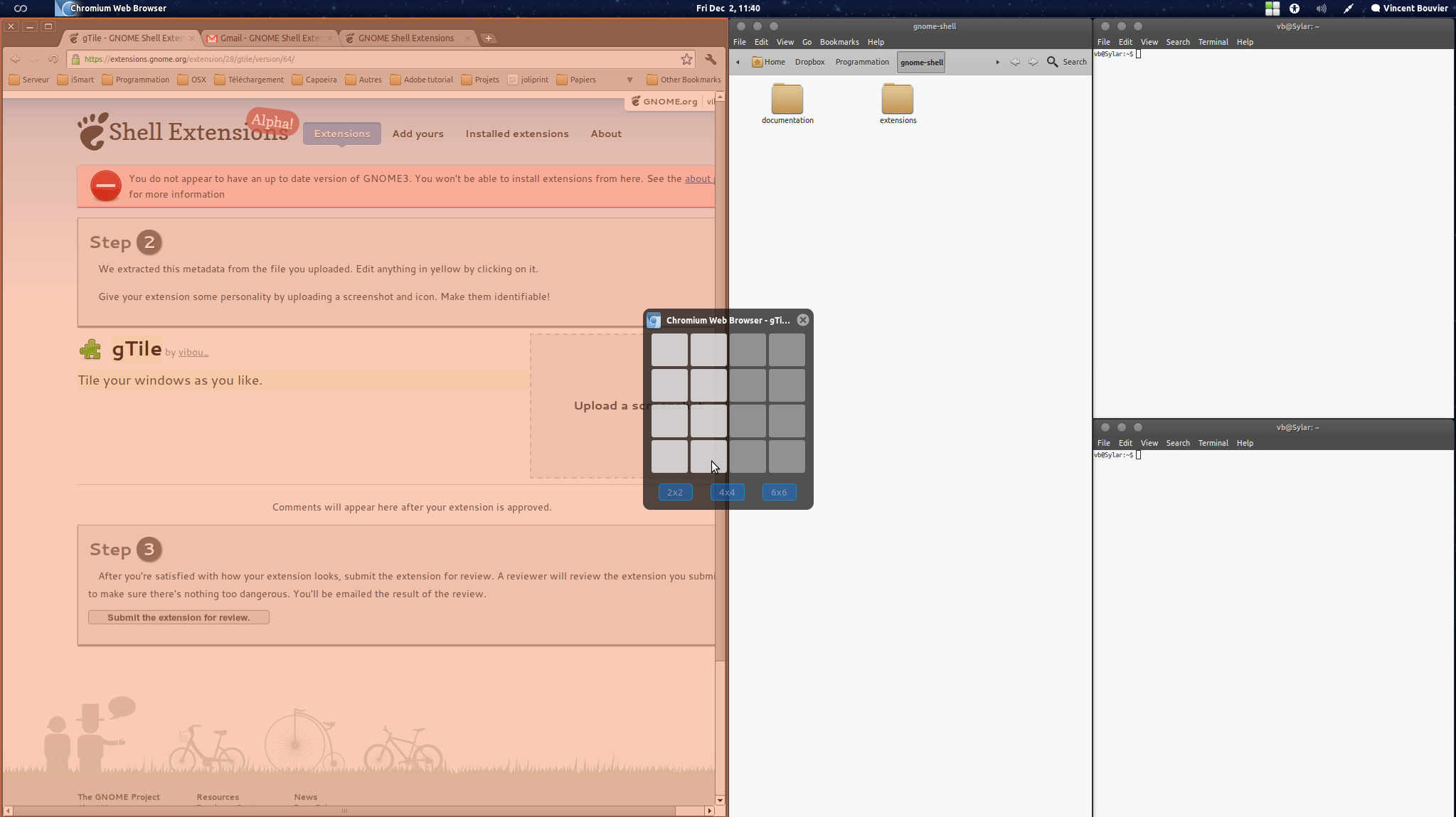
There are several extensions on the GNOME extensions site which can give you various modes of “snapping” your windows. One that works particularly well is gTile.
References
Method 2
See shelltile.
It’s a neat little extension that allows the corner snapping, as well as other very useful features.
Method 3
I suggest the extension Put Window.
It has many customization options, ability to modify hot keys, etc.. Similar to all extensions it can be installed and activated at extensions.gnome.org
All methods was sourced from stackoverflow.com or stackexchange.com, is licensed under cc by-sa 2.5, cc by-sa 3.0 and cc by-sa 4.0