In CentOS and Ubuntu, how do I find out how much free disk space I have left and other disk stats like disk usage?
Answers:
Thank you for visiting the Q&A section on Magenaut. Please note that all the answers may not help you solve the issue immediately. So please treat them as advisements. If you found the post helpful (or not), leave a comment & I’ll get back to you as soon as possible.
Method 1
Type the following command:
df -h
df: disk free-h: makes the output human-readable
Method 2
I covered this pretty extensively in a blog post titled: Command Line Tools for Analyzing Disk Usage on Fedora/CentOS/RHEL.
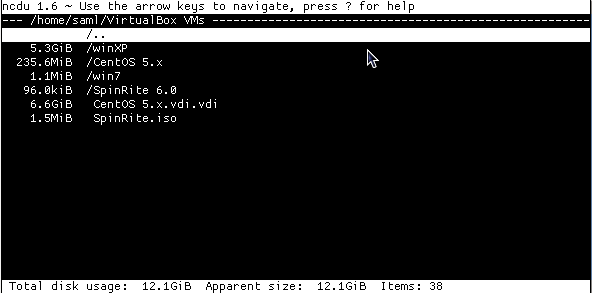
ncdu
It’s ncurses based, feature rich and has a nice clean interface and it works from within a shell.
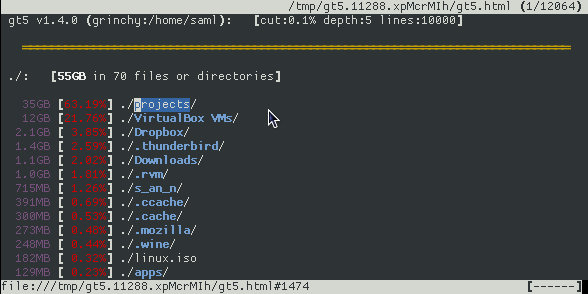
gt5
- display diskspace used by files & directories within a directory
- display what’s happened since the last ran (see screenshots below)
- optionally provides links to the files, so you can also browse them
- displays entries with their size & the percentage of their parent
- ommits small files/directories
- easy browsing using the cursor-keys
- produces html files for browsing ‘offline’ afterwards
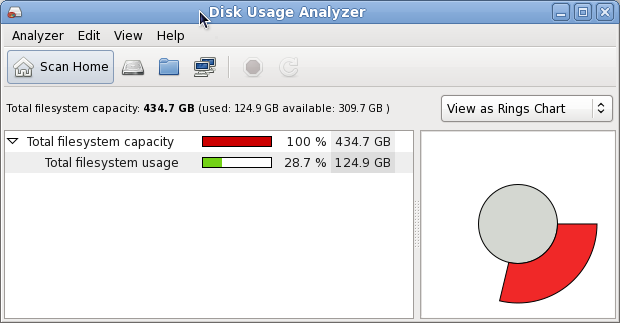
Disk Usage Analyzer (aka. Baobab)
- Single folder scan
- Remote scan
- Monitoring of Home
- Display Data in Treemaps or as Ringschart
others…
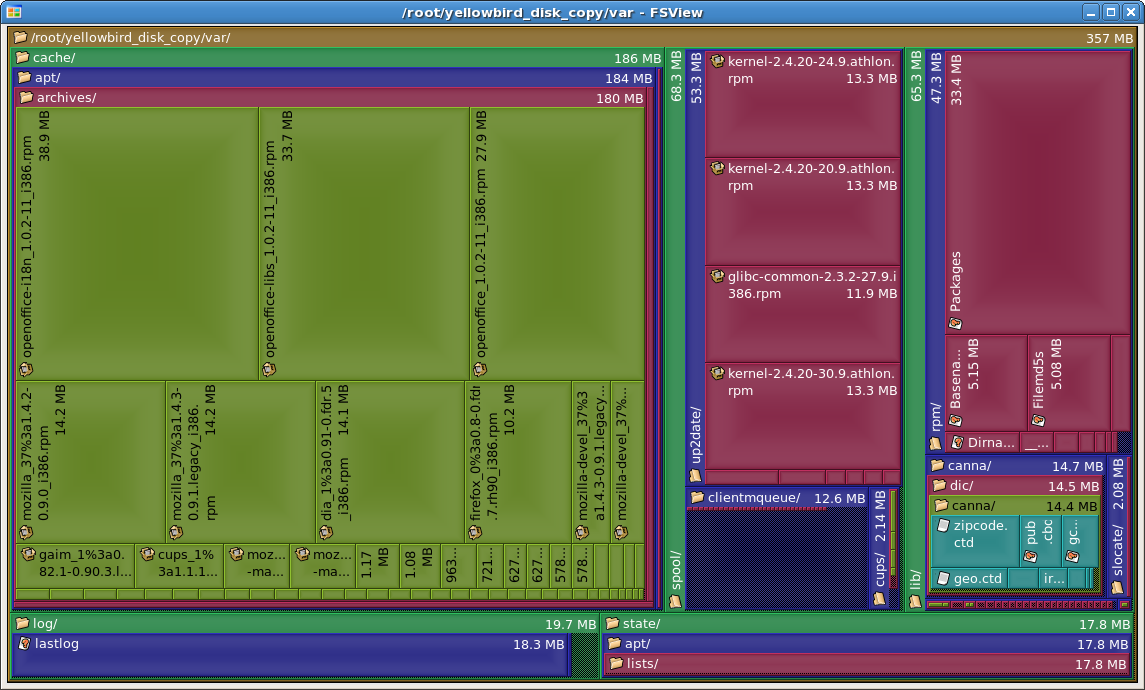
In particular fsview is a very nice GUI. I like how it organizes the disk usage visually. It’s actually a KDE application (a plugin to Konqueror) but runs just fine under GNOME. It’s typically part of a package called kdeaddons, and shows up in the Applications menu as “File System Viewer” under Accessories.
Method 3
There are a few commands you can use like df, du, and a few more. Just man a few commands to find out how to use them. If you still have a problem finding what you need after that just go to any directory and do this:
sudo du --max-depth=1 | sort -nr
You’ll get something like:
2318764 ./usr
777036  ./var
328316  ./lib
222620  ./etc
86136   ./boot
Method 4
In Ubuntu dfc shows a coloured output of your mounted devices and is available via apt:
sudo apt-get install dfc
output like this:

Unfortunately this is not available for CentOS as an rpm.
All methods was sourced from stackoverflow.com or stackexchange.com, is licensed under cc by-sa 2.5, cc by-sa 3.0 and cc by-sa 4.0