I have tried this
<head id="Head1" runat="server">
<title>Back Office</title>
<link href="~/Styles/MasterPage.css" rel="nofollow noreferrer noopener" rel="stylesheet" type="text/css" />
<link href="Styles/custom-theme/jquery-ui-1.8.12.custom.css" rel="nofollow noreferrer noopener" rel="stylesheet" type="text/css" />
<script type="text/javascript" src="<%= Page.ResolveClientUrl("~/scripts/jquery-1.5.1.min.js") %>"></script>
<asp:ContentPlaceHolder ID="HeadContent" runat="server">
</asp:ContentPlaceHolder>
</head>
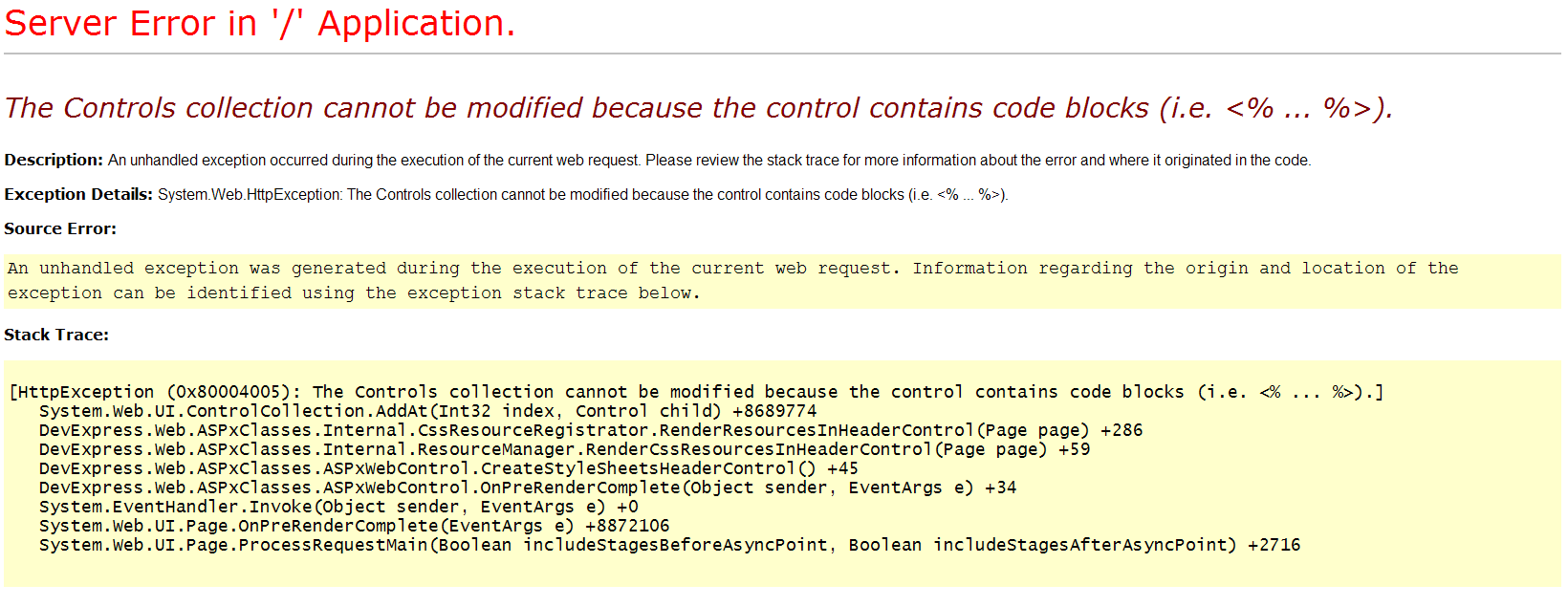
The error message is
I think too much, it is just find using this
sorry
Answers:
Thank you for visiting the Q&A section on Magenaut. Please note that all the answers may not help you solve the issue immediately. So please treat them as advisements. If you found the post helpful (or not), leave a comment & I’ll get back to you as soon as possible.
Method 1
It seems that, you are trying to add controls to page dynamically. In this case, you can use the below code
var control = new HtmlGenericControl("script") ;
control.Attributes.Add("type", "text/javascript");
control.Attributes.Add("src", Page.ResolveClientUrl("~/scripts/jquery-1.5.1.min.js"));
//CDN will be best while hosting the application
//control.Attributes.Add("src", "http://ajax.googleapis.com/ajax/libs/jquery/1.5.1/jquery.min.js");
this.Page.Header.Controls.Add(control);
Method 2
Try using DataBinding with ResolveUrl
<script src="<%# ResolveUrl("~/Scripts/jquery-1.5.1.min.js") %>"
          type="text/javascript"></script>
Then in your code behind call the Header’s Databind
    protected override void OnInit(EventArgs e)
    {
        base.OnInit(e);
        Page.Header.DataBind();
    }
If you start getting errors regarding the ViewState you may need to disable it on the header.
<head runat="server" enableviewstate="false">
All methods was sourced from stackoverflow.com or stackexchange.com, is licensed under cc by-sa 2.5, cc by-sa 3.0 and cc by-sa 4.0