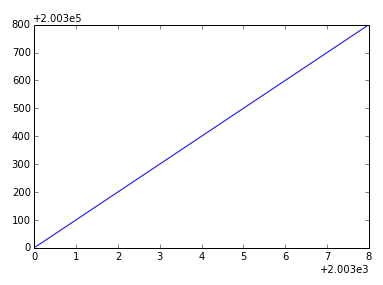
I’ve been trying to suppress scientific notation in pyplot for a few hours now. After trying multiple solutions without success, I would like some help.
plt.plot(range(2003,2012,1),range(200300,201200,100))
# several solutions from other questions have not worked, including
# plt.ticklabel_format(style='sci', axis='x', scilimits=(-1000000,1000000))
# ax.get_xaxis().get_major_formatter().set_useOffset(False)
plt.show()
Answers:
Thank you for visiting the Q&A section on Magenaut. Please note that all the answers may not help you solve the issue immediately. So please treat them as advisements. If you found the post helpful (or not), leave a comment & I’ll get back to you as soon as possible.
Method 1
In your case, you’re actually wanting to disable the offset. Using scientific notation is a separate setting from showing things in terms of an offset value.
However, ax.ticklabel_format(useOffset=False) should have worked (though you’ve listed it as one of the things that didn’t).
For example:
fig, ax = plt.subplots()
ax.plot(range(2003,2012,1),range(200300,201200,100))
ax.ticklabel_format(useOffset=False)
plt.show()
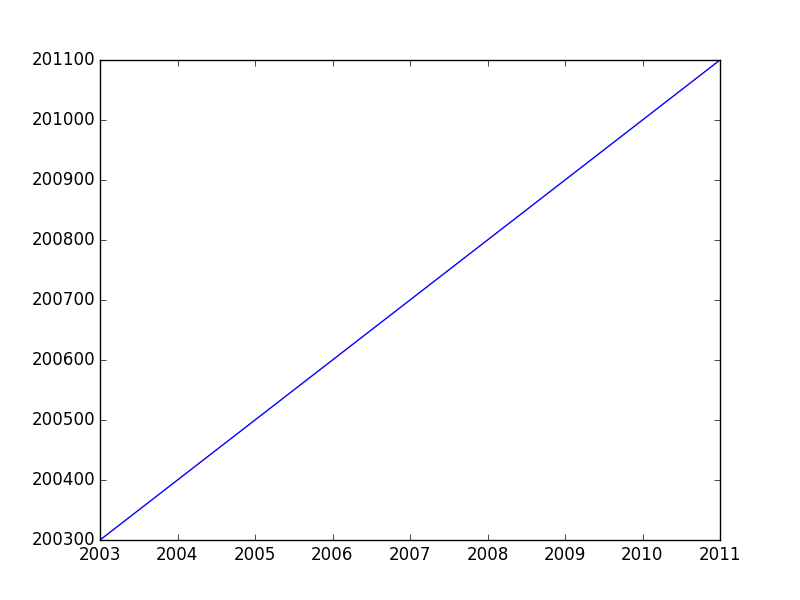
If you want to disable both the offset and scientific notaion, you’d use ax.ticklabel_format(useOffset=False, style='plain').
Difference between “offset” and “scientific notation”
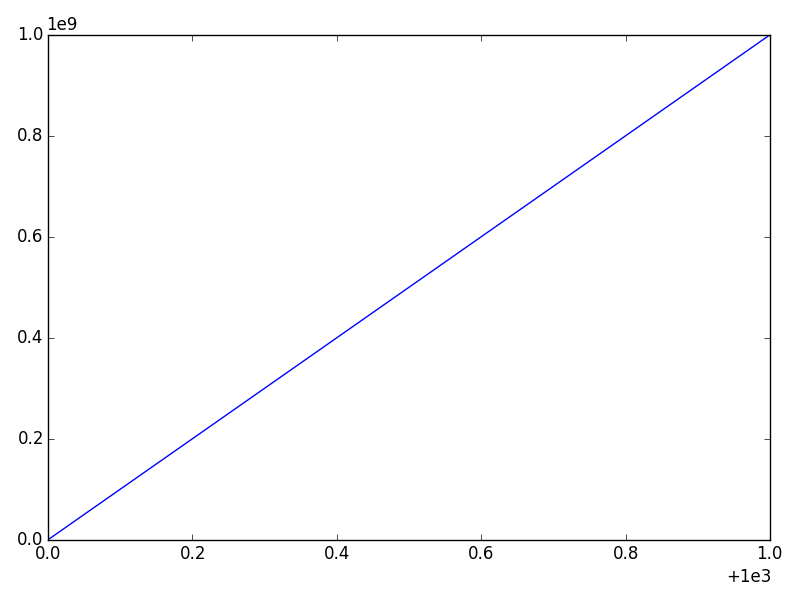
In matplotlib axis formatting, “scientific notation” refers to a multiplier for the numbers show, while the “offset” is a separate term that is added.
Consider this example:
import numpy as np
import matplotlib.pyplot as plt

x = np.linspace(1000, 1001, 100)
y = np.linspace(1e-9, 1e9, 100)

fig, ax = plt.subplots()
ax.plot(x, y)
plt.show()
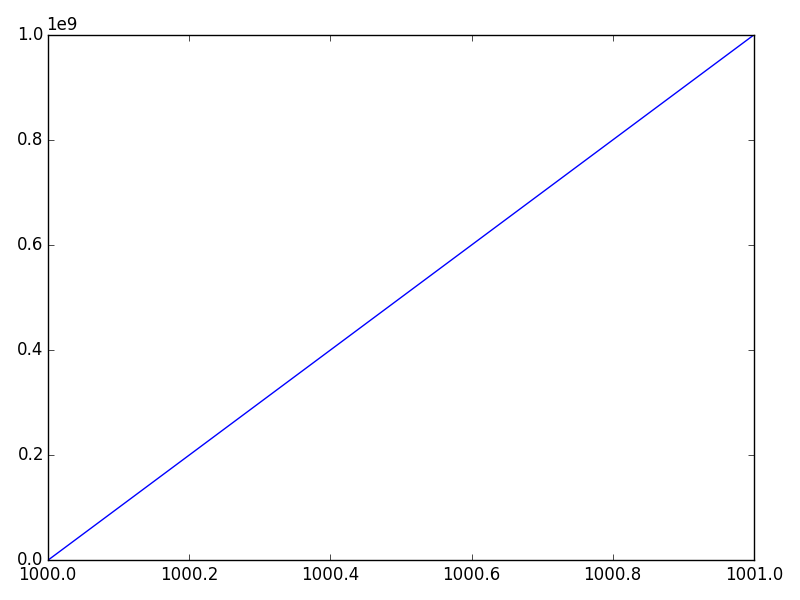
The x-axis will have an offset (note the + sign) and the y-axis will use scientific notation (as a multiplier — No plus sign).
We can disable either one separately. The most convenient way is the ax.ticklabel_format method (or plt.ticklabel_format).
For example, if we call:
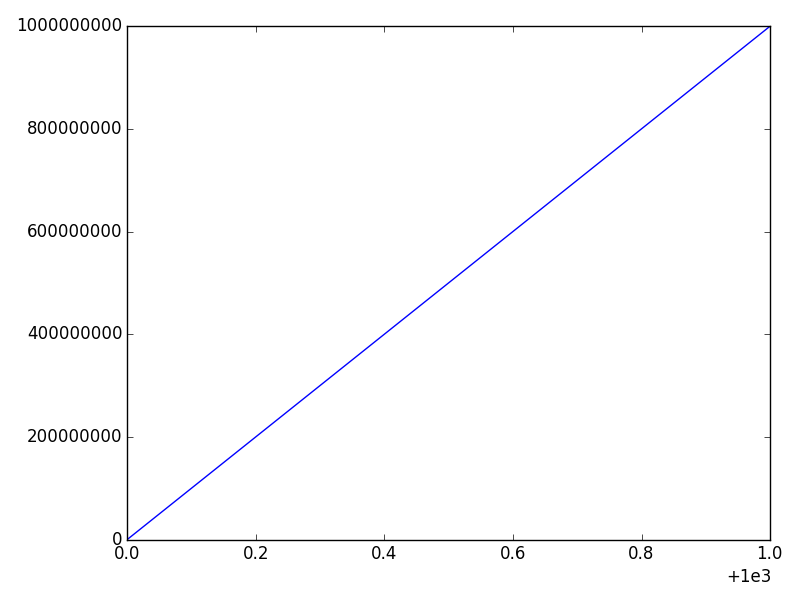
ax.ticklabel_format(style='plain')
We’ll disable the scientific notation on the y-axis:
And if we call
ax.ticklabel_format(useOffset=False)
We’ll disable the offset on the x-axis, but leave the y-axis scientific notation untouched:
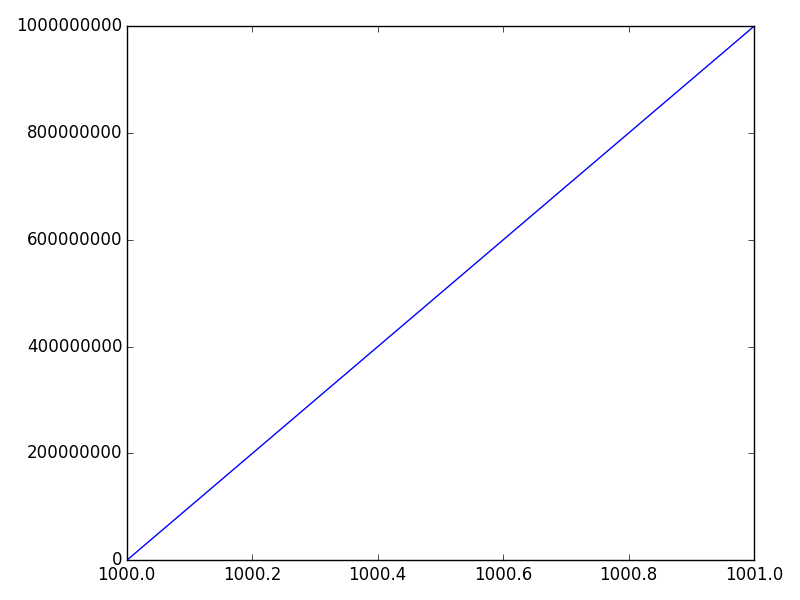
Finally, we can disable both through:
ax.ticklabel_format(useOffset=False, style='plain')
All methods was sourced from stackoverflow.com or stackexchange.com, is licensed under cc by-sa 2.5, cc by-sa 3.0 and cc by-sa 4.0