Question: Should I use fdisk when creating partitions?
Or is it advisable to use parted since it uses GPT? (by default?) And with that I can create partitions larger than 2TB.
Answers:
Thank you for visiting the Q&A section on Magenaut. Please note that all the answers may not help you solve the issue immediately. So please treat them as advisements. If you found the post helpful (or not), leave a comment & I’ll get back to you as soon as possible.
Method 1
MBR, Master Boot Record
Wikipedia excerpt; link:
A master boot record (MBR) is a special type of boot sector at the very beginning of partitioned computer mass storage devices like fixed disks or removable drives intended for use with IBM PC-compatible systems and beyond. The concept of MBRs was publicly introduced in 1983 with PC DOS 2.0.
I intentionally copy-pasted this for you to see that MBR comes all the way from 1983.
GPT, GUID Partition Table
Wikipedia excerpt; link:
GUID Partition Table (GPT) is a standard for the layout of the partition table on a physical storage device used in a desktop or server PC, such as a hard disk drive or solid-state drive, using globally unique identifiers (GUID). Although it forms a part of the Unified Extensible Firmware Interface (UEFI) standard (Unified EFI Forum proposed replacement for the PC BIOS), it is also used on some BIOS systems because of the limitations of master boot record (MBR) partition tables, which use 32 bits for storing logical block addresses (LBA) and size information on a traditionally 512 byte disk sector.
To answer your question, I advise you to use GPT partitioning where possible; in other words, if you don’t have to use MBR, use GPT instead.
GPT advantages over MBR
- it has a backup partition table
- it has no ridiculous limit for primary partitions, it allows for up to 128 partitions without having to extend
- it also stores cyclic redundancy check (CRC) values to check that its data is intact
- as you mentioned, it supports large drives, the maximum size is 8 ZiB (2^64 sectors × 2^9 bytes per sector)
The usual tools
MBR in a CLI:
fdisk(link to manual); note:fdiskfromlinux-utils2.30.2 partially understands GPT now
GPT in a CLI:
gdisk(link to manual)
For both MBR and GPT in a CLI:
parted(link to manual)
For both MBR and GPT in a GUI:
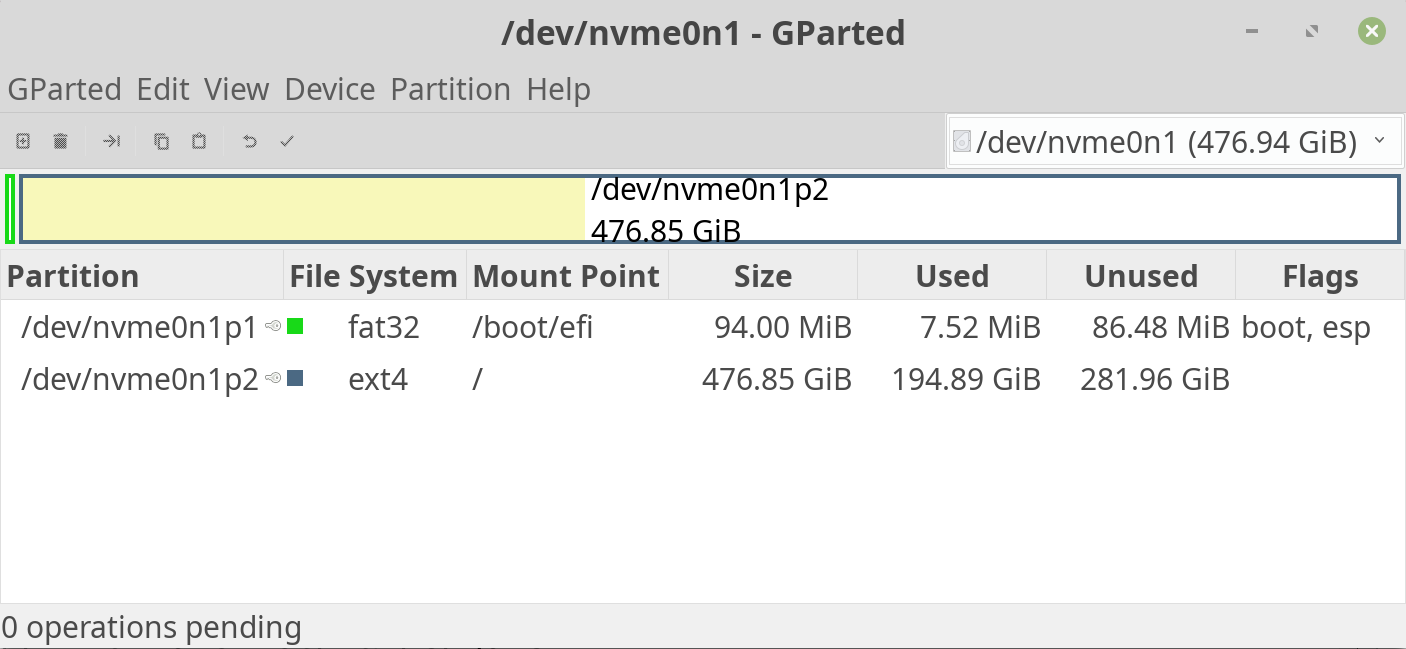
gparted(link to wiki)
Method 2
fdisk from linux-utils 2.30.2 now understands GPT tables
Method 3
To create GPT partitions, I recommend gdisk (“GPT fdisk”) instead of fdisk.
Method 4
Another option for creating gpt partition tables is sfdisk, e.g.:
sfdisk /dev/nvme0n1
> label: gpt
> ,,L
> write
This will create a GPT partition table, create one linux partition with default start offset and size, namely filling the entire disk, and then writes it to disk.
All methods was sourced from stackoverflow.com or stackexchange.com, is licensed under cc by-sa 2.5, cc by-sa 3.0 and cc by-sa 4.0